US
US


We compared the sam eight capabilities using each vendors pricing pages, product pages and help documentation, checked on 9 October 2026. A feature is market as "not listed" where we could not find it in those sources. This does not confirm that the feature is unavailable. Ask the vendor to demonstrate any requirement that remains unclear using the plan you are considering.
Magnetic publishes this guide and is included in the comparison. We have identified its plan restrictions and integration requirements on the same basis as the other tools. Our recommendations reflect the vendors documentation and the sections below explain the reasons for each recommendation.
The Digital Project Manager assesses creative agency tools against request intake, proofing, and annotation, approval workflows, version management, resource planning and workflow templates. It discusses time and budget tracking as buying considerations rather than scored criteria. In this guide, delivery and financial management receive equal attention because both affect project profitability. Prices are showing in US dollars per user per month, following each vendors published rates. We include annual and monthly billing where both are available.
The first table covers how you plan and deliver projects. The second compares estimates, billing and financial reporting, including what you can track against the agreed budget. Where the vendor specifieds a plan requirement it is included in the relevant cell.
From each vendors pricing pages and help documentation, checked on 9 October 2026. "Not listed" means we could not find it in the vendors own documentation.
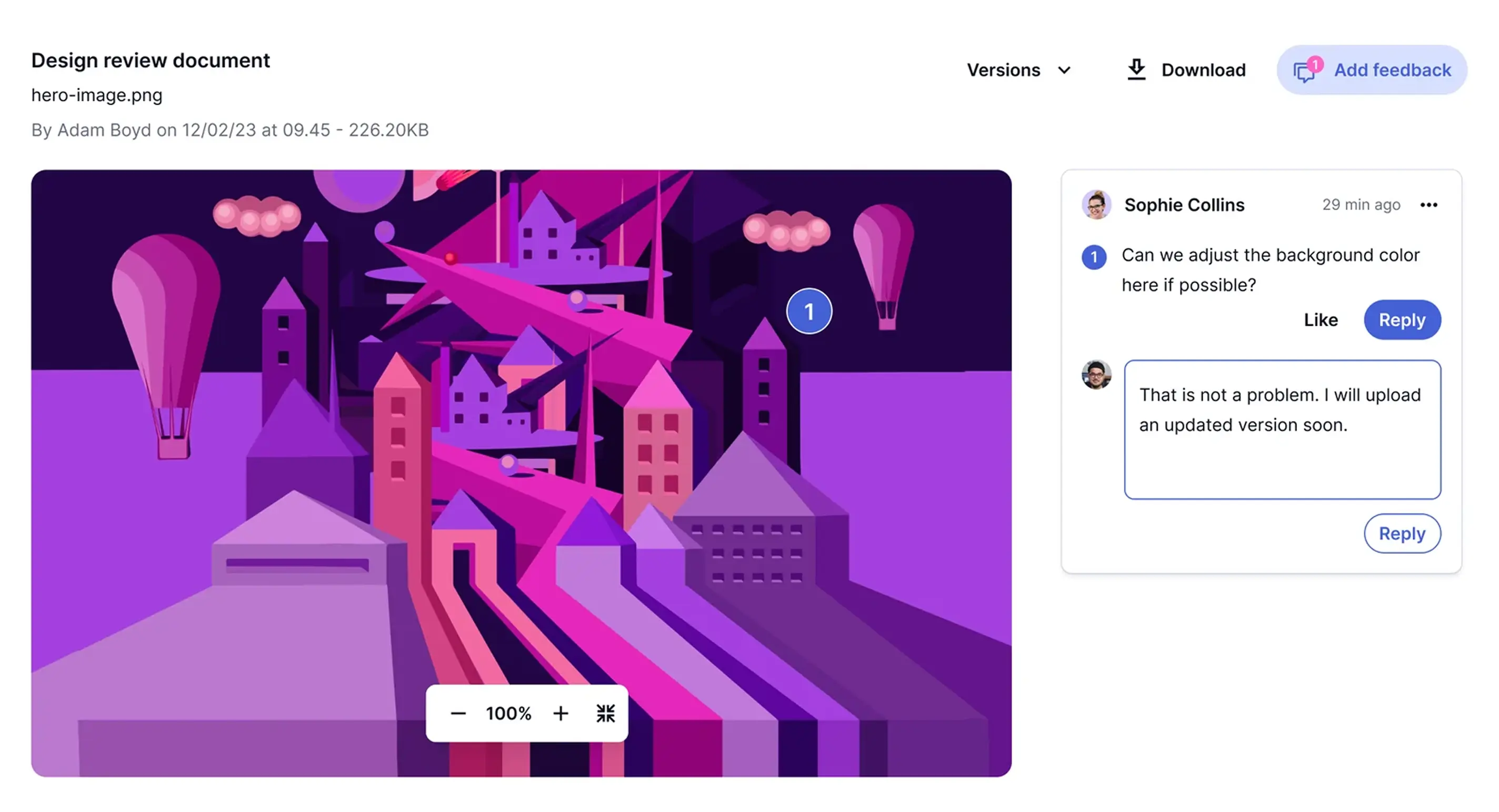
Wrike, Screendragon and ClickUp provide creative review features but list limited or no support for invoicing and retainers. Magnetic, Productive, Scoro and Kantata offer more financial functionality, without native proofing. Workamajig and Teamwork.com both include proofing and invoicing. Workamajig's published pricing starts at ten users, while Teamwork.com requires a higher plan to unlock several financial features. Check both requirements before comparing subscription costs.
Best for:
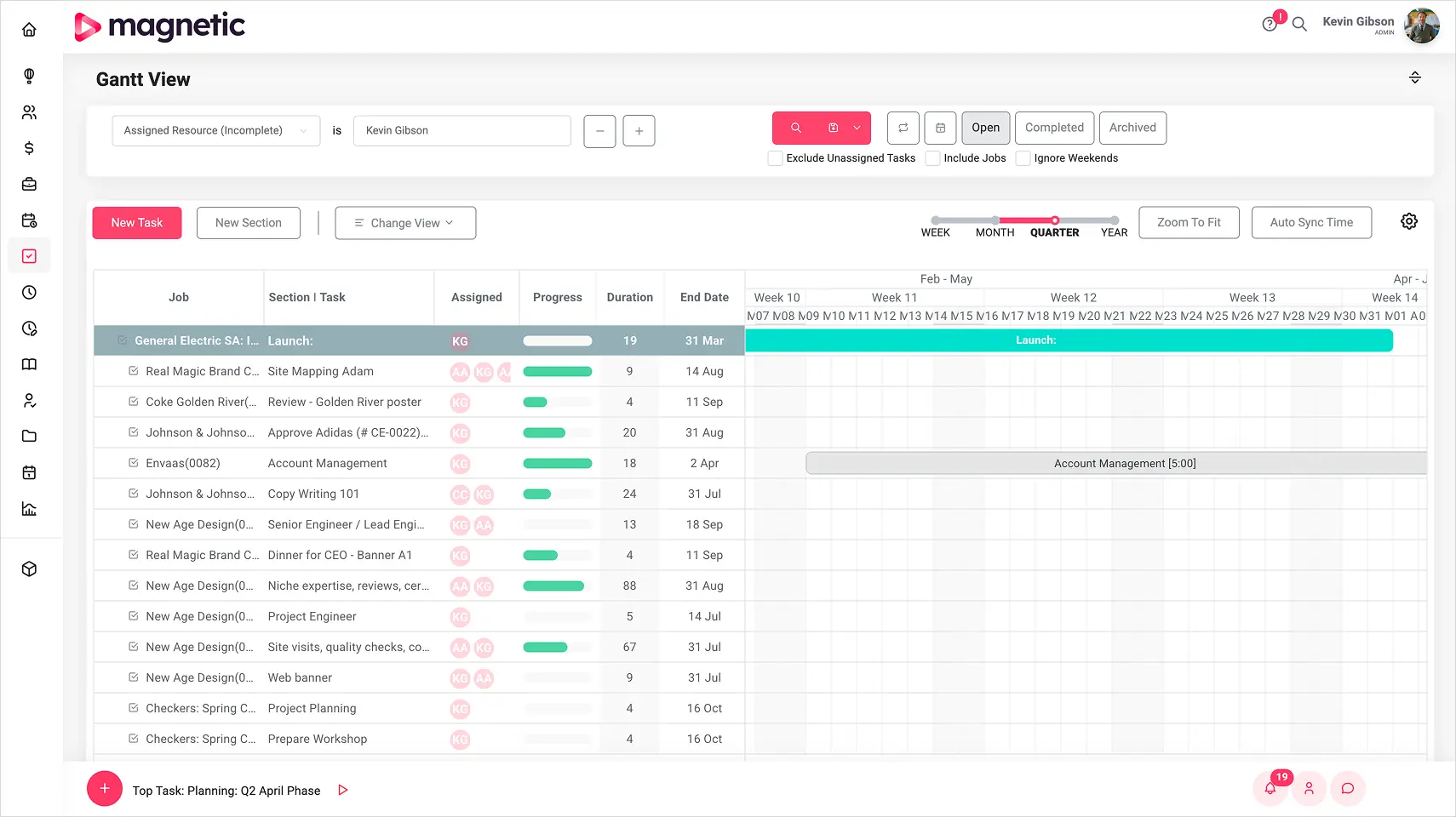
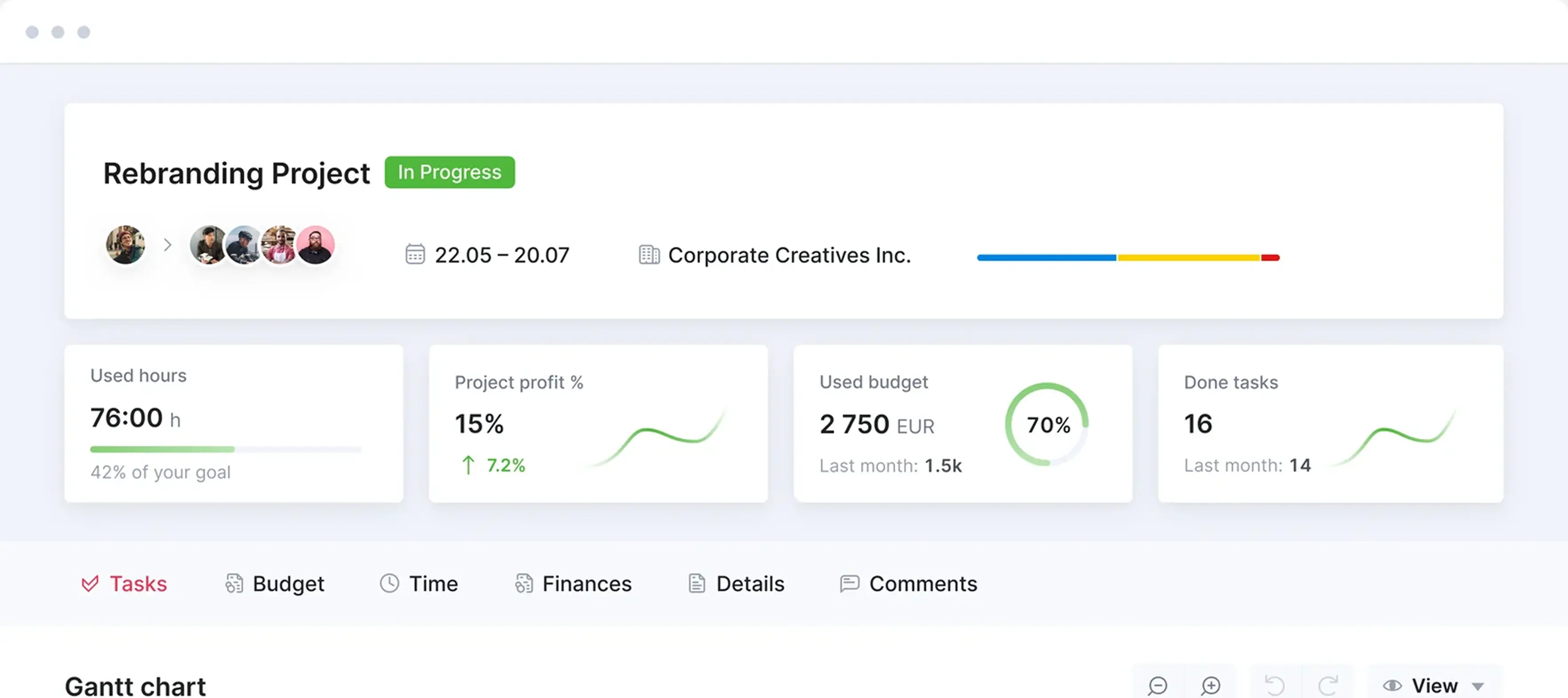
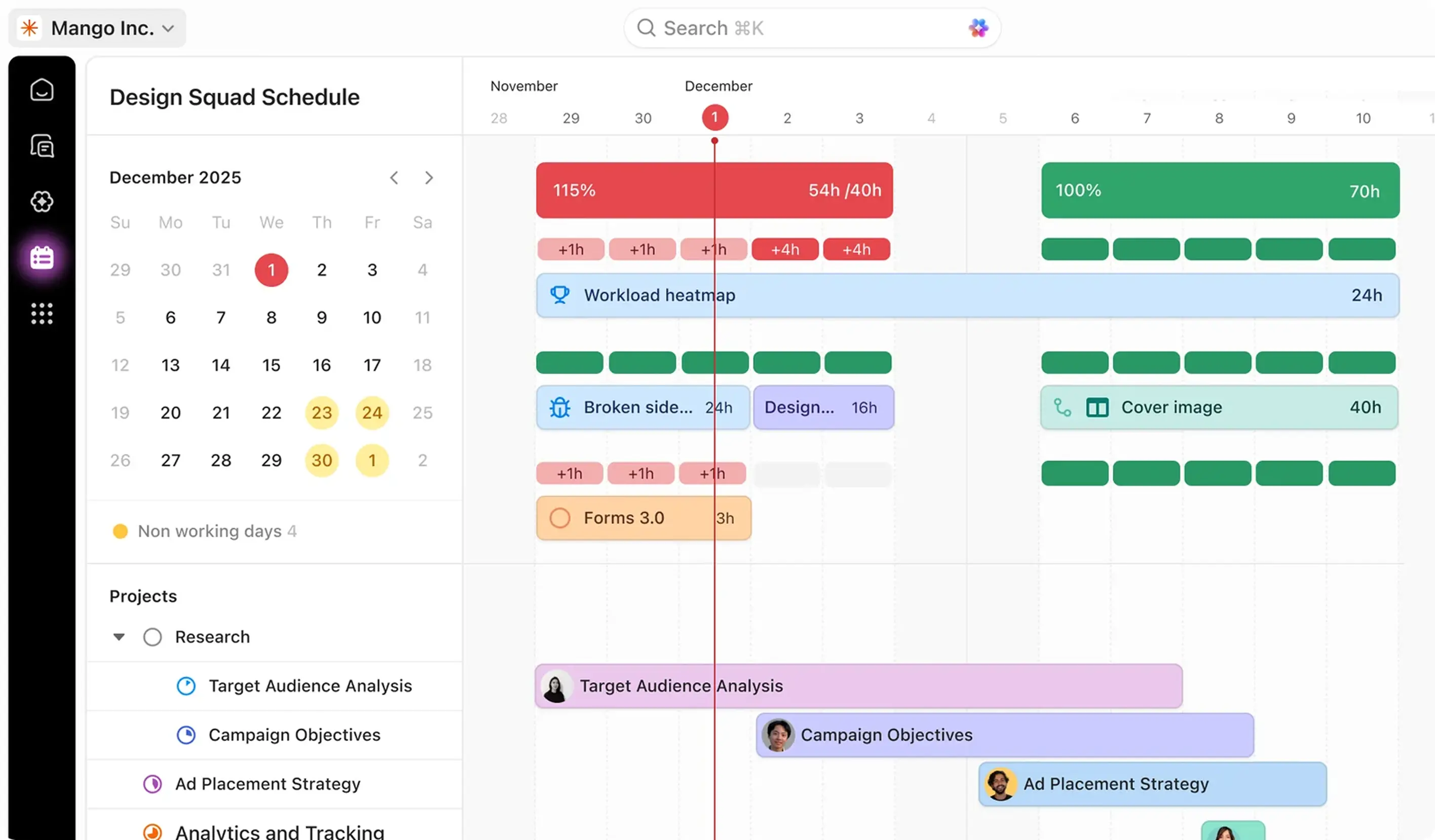
Agencies that need to manage sales, delivery and finance in one system. Magnetic connects CRM and forecasting with project planning, resourcing, timesheets and billing, so account managers, project leads and finance can work from the same project record.
What to check:
Essentials costs $10 per user per month billed annually ($13 monthly), with Pro costing $22 per user per month billed annually ($28 monthly). Paid plans have a five-user minimum and solo is free for a single user.

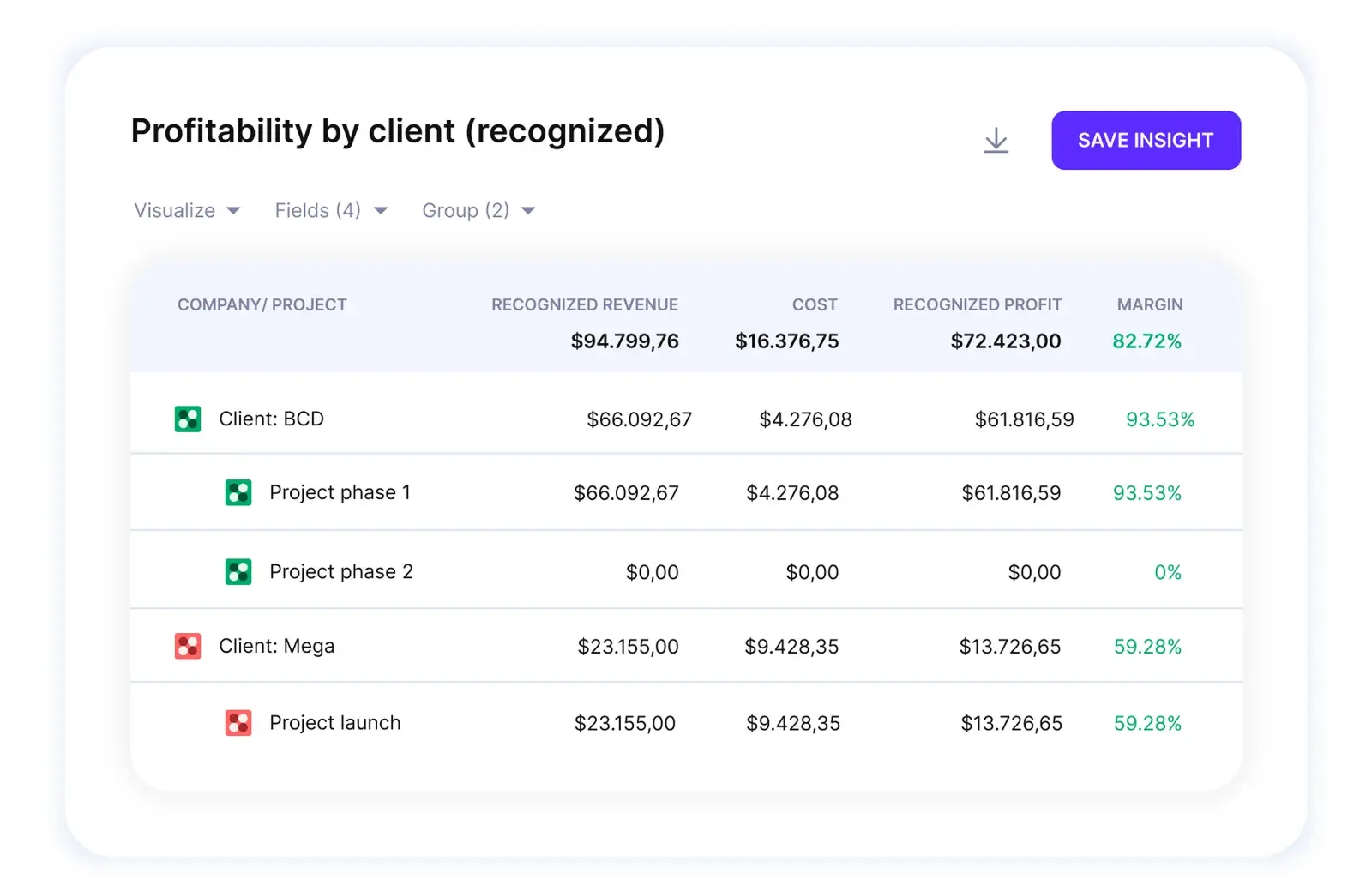
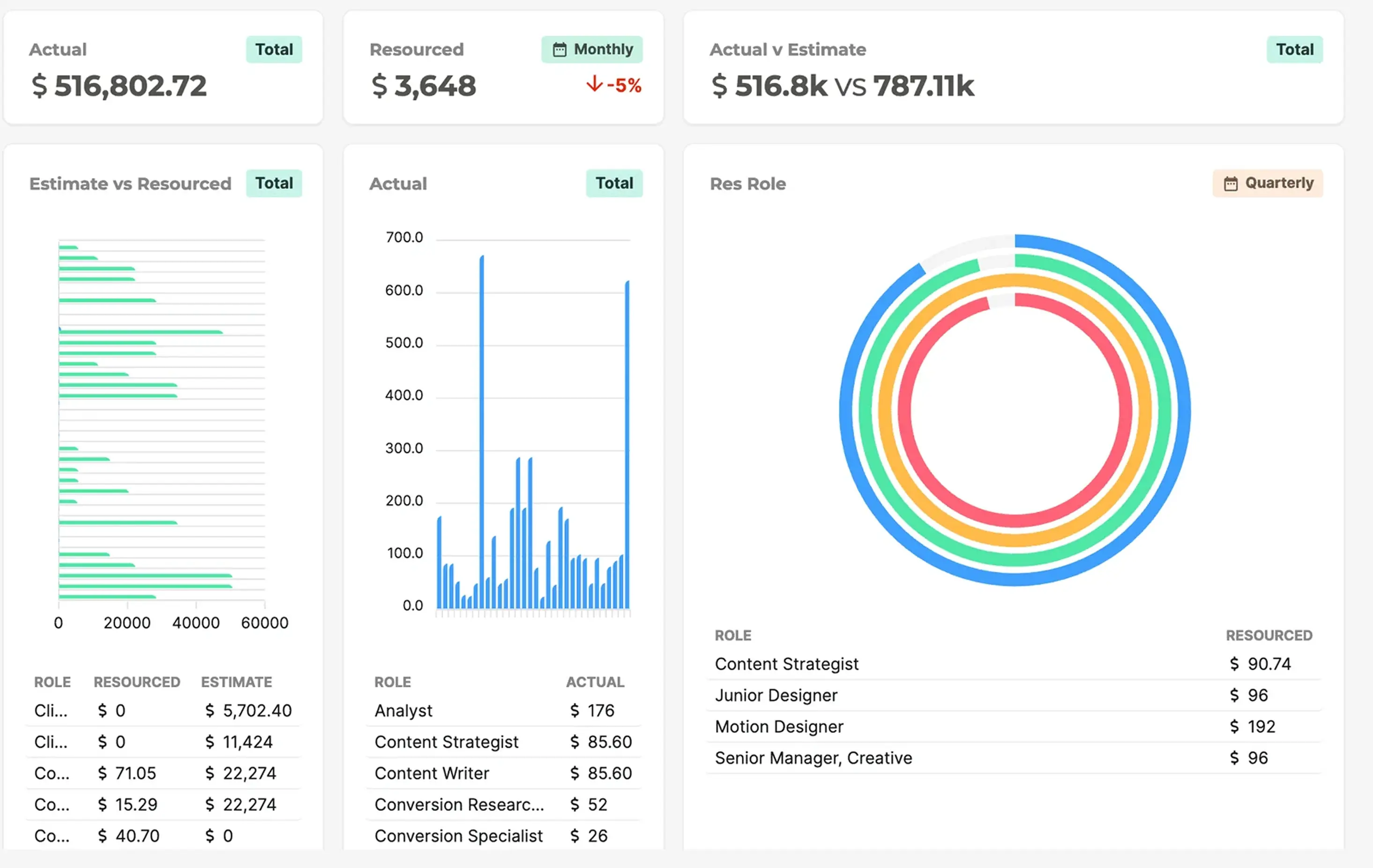
Time, resourcing and billing feed one set of live numbers. Nobody waits for month-end.
Get started for freeFree for 14 days · No credit card required
Best for:
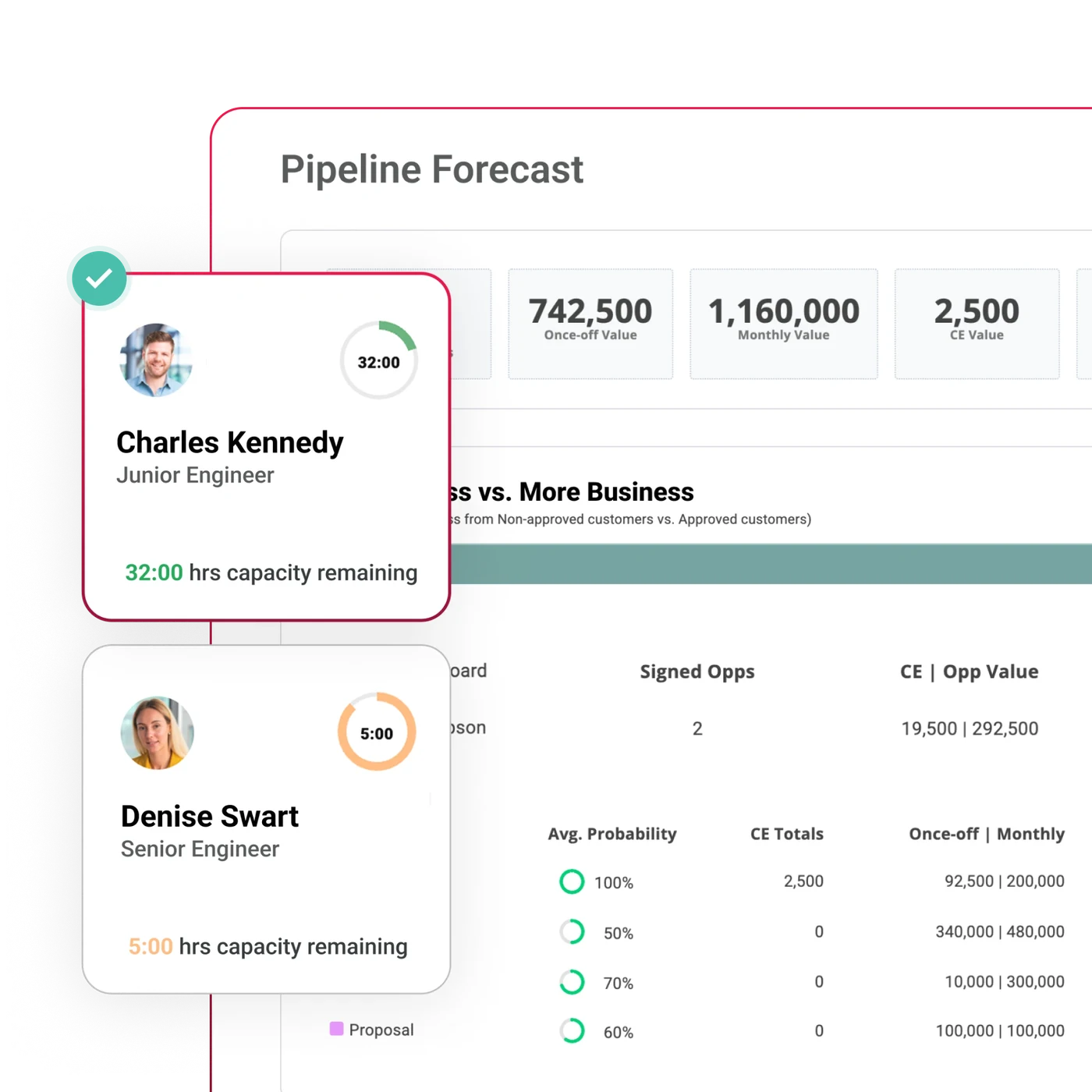
Agencies wanting budgeting and invoicing on an entry plan. Productive's Essentials Plan includes sales, projects, resource planning and time tracking, making it a useful starting point for managing delivery and finance together.
What to check:
Pricing:
Essentials costs $10 per user per month billed annually ($12 monthly) and Professional costs $25 ($29). There is a three-seat minimum, while Ultimate is priced by quote.
See our Magnetic and Productive Comparison for more detail
Best for: Agencies choosing apps around their

“Magnetic has helped us replace the noise of multiple tools with a single, reliable system that actually supports how we work.”

Billy EinkamererMD, Exonic Solutions
A 30-minute demo with our team
Start a free trial and see Magnetic with your own projects. No credit card required.
.svg)
Agencies juggle multiple clients, deadlines, and deliverables at once. Without a central system, it’s easy for communication to break down and deadlines to slip. Project management software keeps everything - tasks, timelines, and resources, visible and organised in one place.
The biggest pain points include scope creep, poor resource allocation, unclear communication, and inefficient collaboration. These issues often lead to overworked teams, missed deadlines, and unhappy clients.
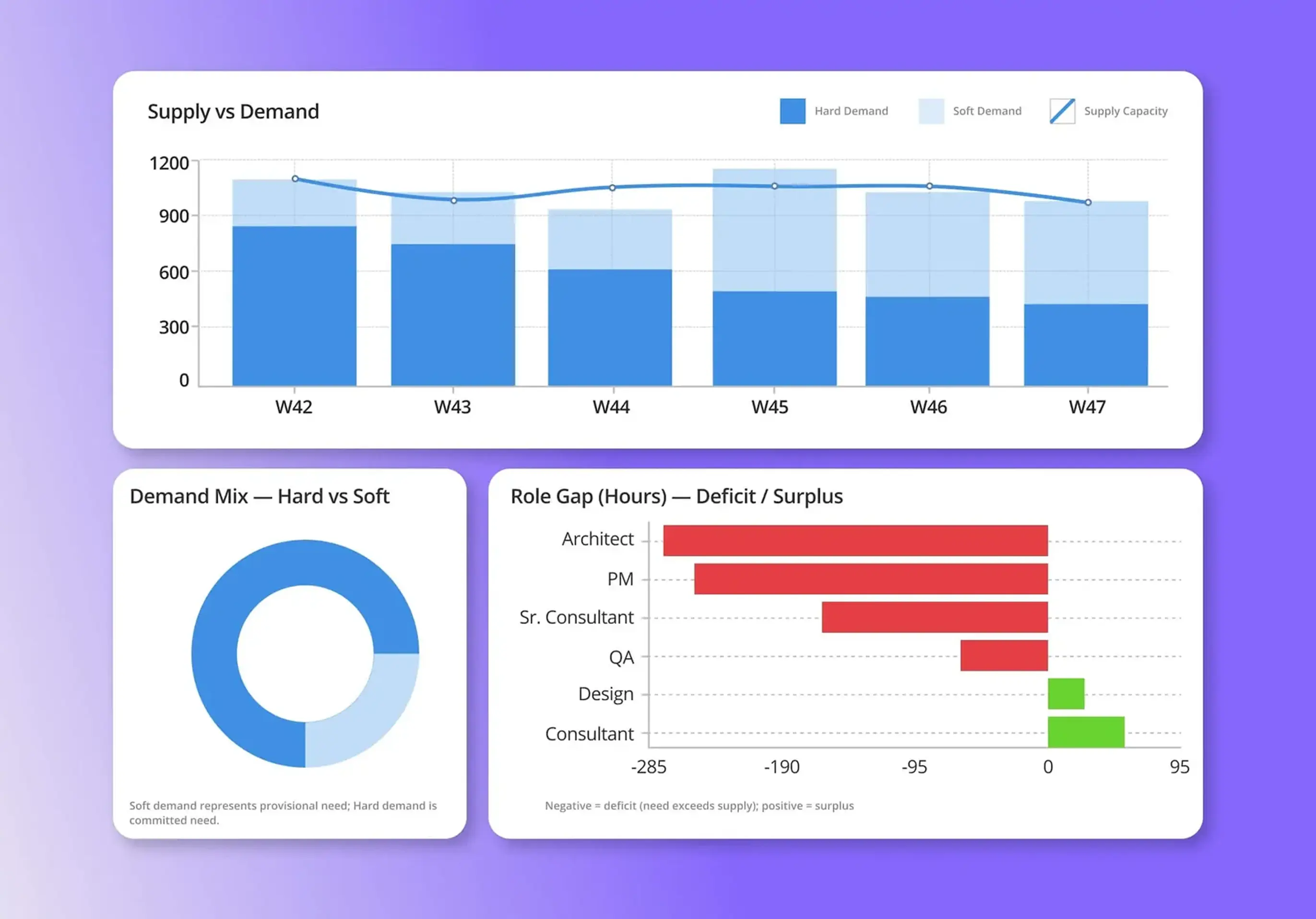
It provides clear visibility into project timelines, deliverables, and resource capacity. Features like task tracking, milestone setting, and real-time updates help project managers catch issues early and keep projects on course.
Key features include task management, time tracking, collaboration tools, file sharing, and real-time reporting. Together, they help streamline workflows, improve accountability, and give teams the clarity needed to deliver projects efficiently.
Start with a clear rollout plan: assess team needs, provide hands-on training, define processes, and introduce the tool gradually. Ongoing support, open communication, and internal champions help ensure long-term adoption and success.
Agencies typically see measurable gains in productivity, improved deadline management, and better workload balance. With Magnetic, teams also gain real-time visibility into performance and profitability, helping agencies scale smarter and deliver consistently great work.

Magnetic is an all-in-one workflow management platform designed and built for professional services firms.

.svg)