
Resource Management

Easily Manage Your Team’s Workload & Keep Projects on Track

Spend less time juggling schedules and more time getting work done. Magnetic gives you a clear view of your team's workload, so you can assign tasks smarter, prevent burnout, and keep projects moving without the chaos.

Free for 14 days
No-credit card required
+4
Join 100's of resource managers using Magnetic Scope & plan capacity
Magnetic Interface for finding a resource with filters for user skill set to Design, date range April 23 to April 30, 2025, duration of 8 days, and availability of 2 hours.
G2 IconCapterra Logo
4.5 stars on g2 & capterra
The Magnetic Difference

Take the stress out of managing your team

Know who's available instantly
No more wasted time chasing team updates. Quickly check availability and assign tasks in seconds
Keep workloads balanced
Keep workloads balanced so no one is drowning in tasks while others sit idle.
Adapt quickly when plans change
Plan ahead, adjust schedules instantly, and keep projects moving forward.
Cut admin work in hald
Automate scheduling, tracking, and task assignments so you can focus on real work.
features

Everything you Need to Keep your Team Aligned and Productive

Magnetic gives your team everything you need to manage projects from end to end, in one intuitive platform. Plan timelines, track budgets, assign resources, get approvals, and collaborate in real time without the chaos of switching between apps.

Advanced Capacity Planning
Resourcing by Role or Skill

Resource Forecasting

Time Entry Monitoring

Visual Team Scheduling

Live Project Updates

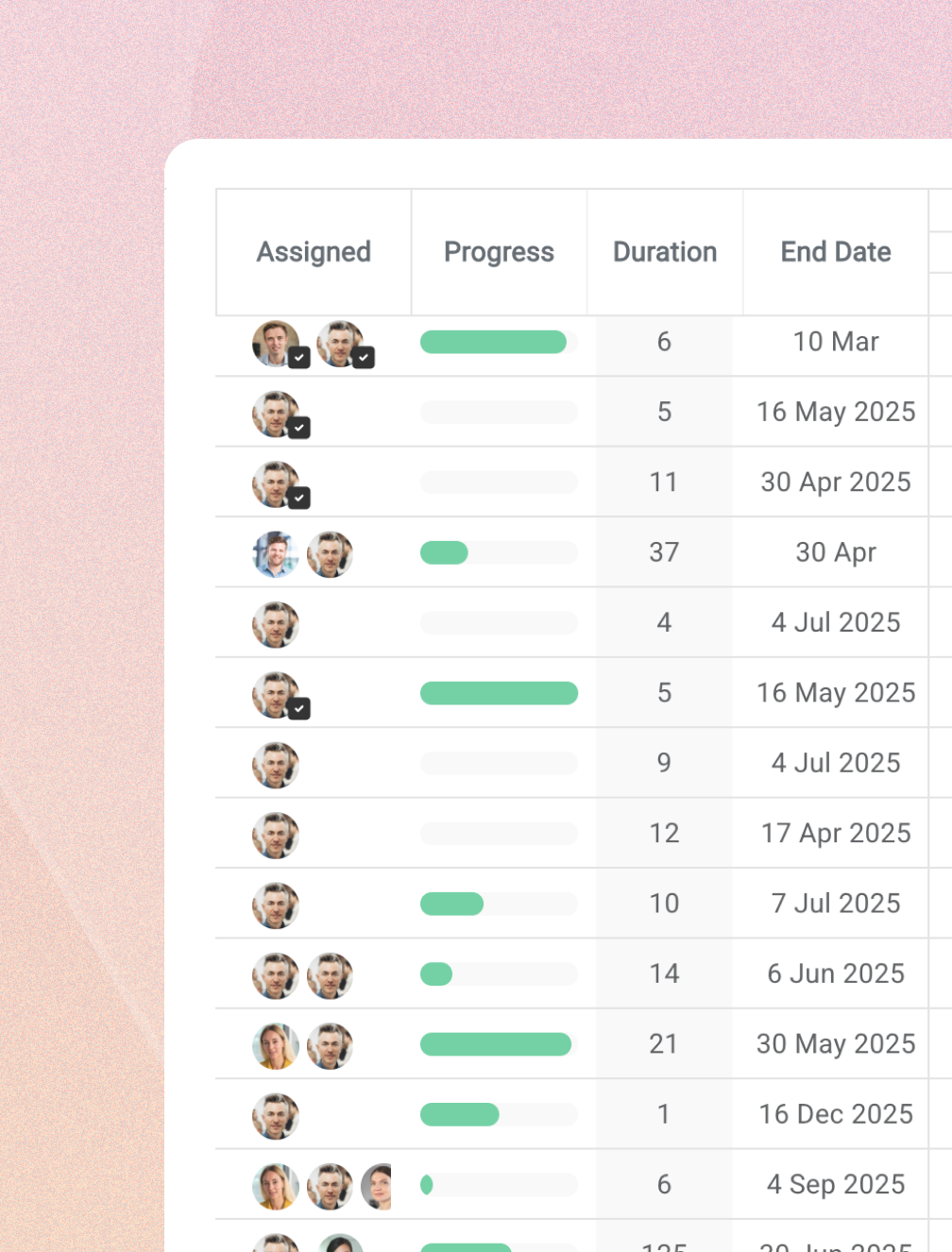
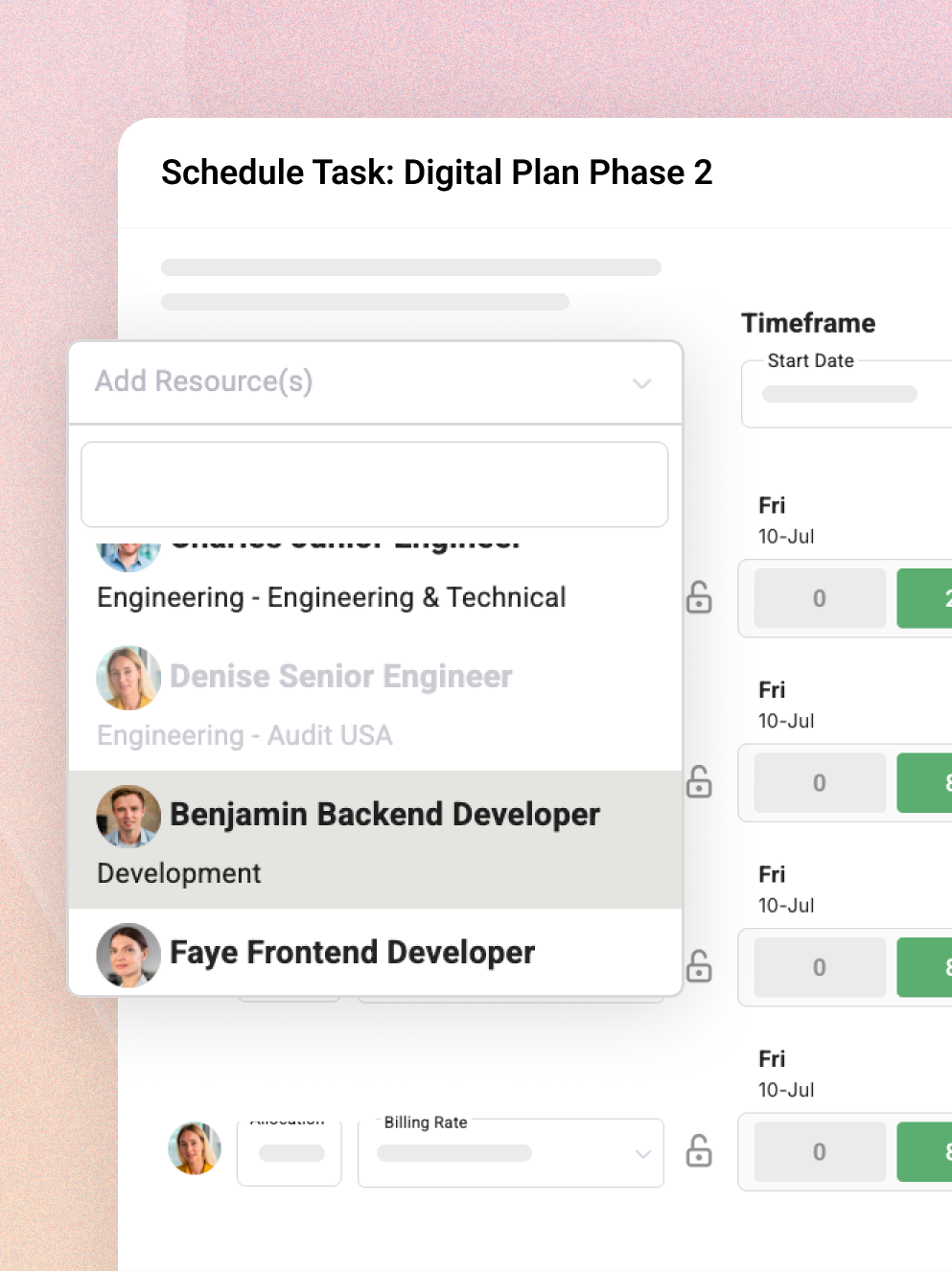
Magnetic task management interface showing time allocation, start and end dates, user assignment with hours tracked and overall task completion status for users Andrew Strauss and Kevin Gibson.
Kanban views
Gantt Charts
Scenario Planning
Leave Tracking
Project Status Views
Cross-Project Visibility
Advanced Reporting

Real-time visibility into capacity, cost and margin

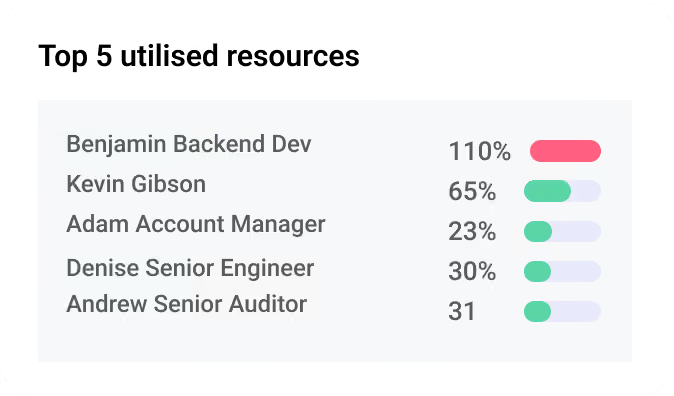
Track capacity, utilisation and profitability across projects in real time, so you can rebalance work, protect margin and plan ahead.

Magnetic Resource dashboard overlay showing top 4 utilised resources with profile photos and usage percentages: 158%, 79%, 76%, and 72%.

Get the Full Picture on Your Teams Workflow

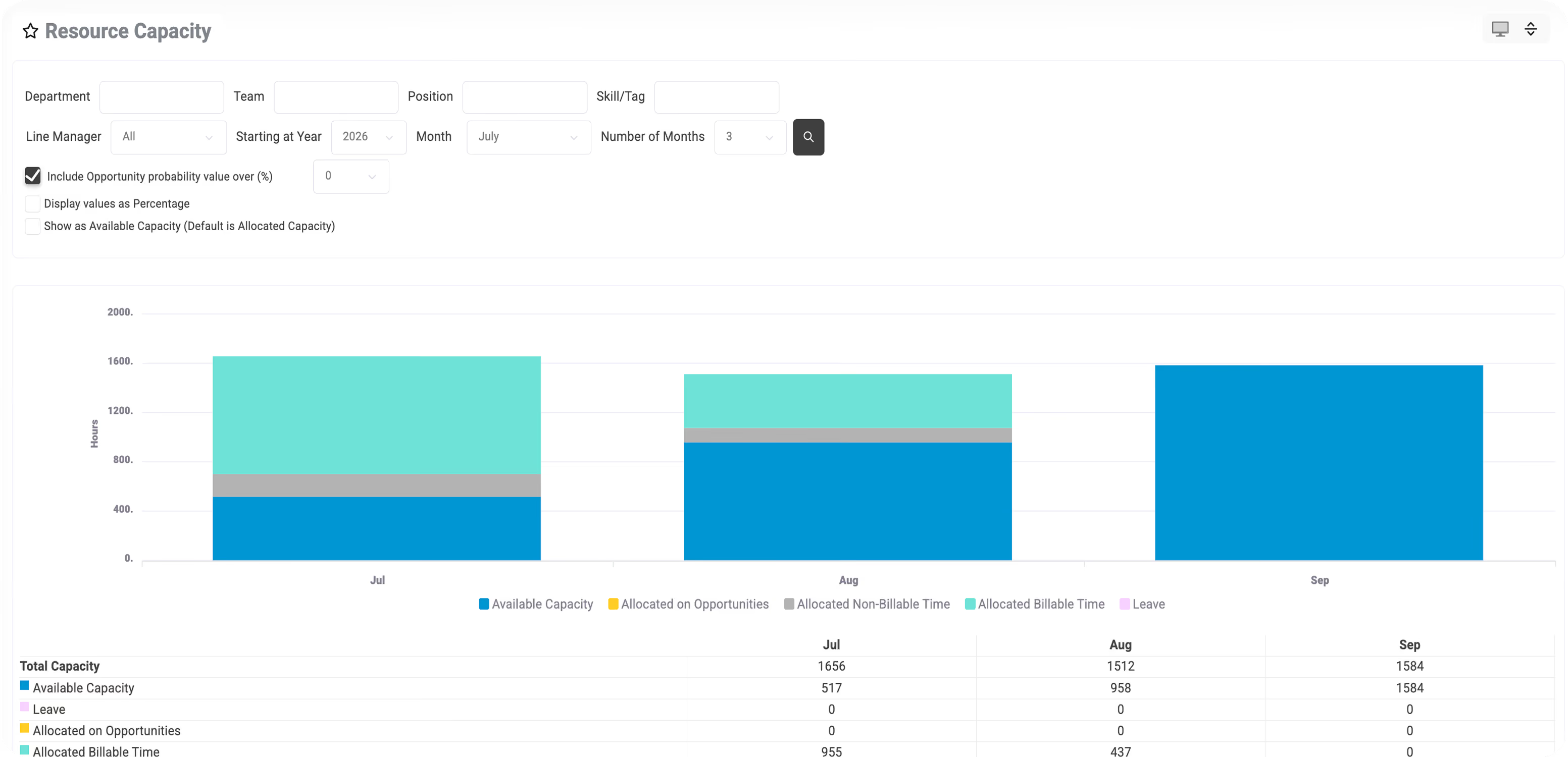
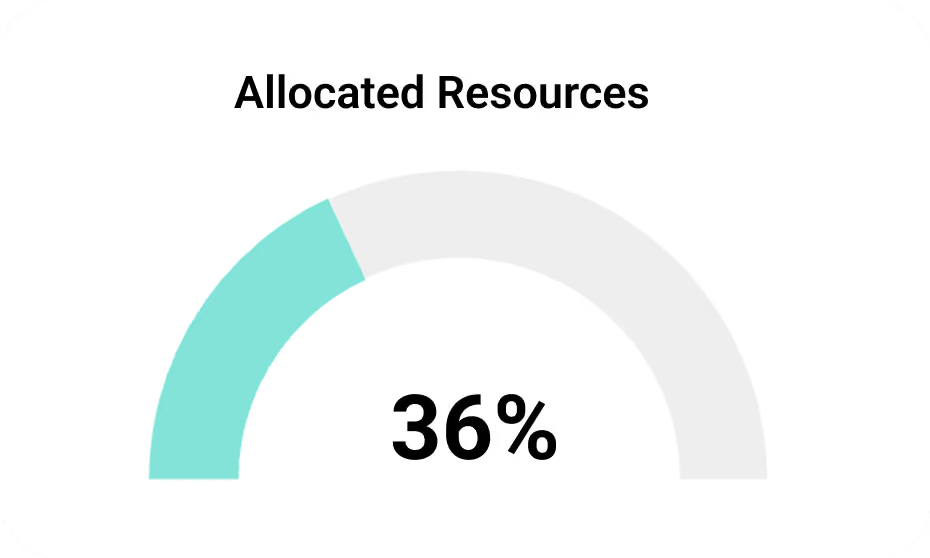
Get a real-time view of how your team’s time is divided across projects and who’s available for upcoming work, so you can optimise assignments, plan ahead, and prevent overload before it happens.

Workload distribution views
Capacity vs. demand analysis
Resource utilisation rates
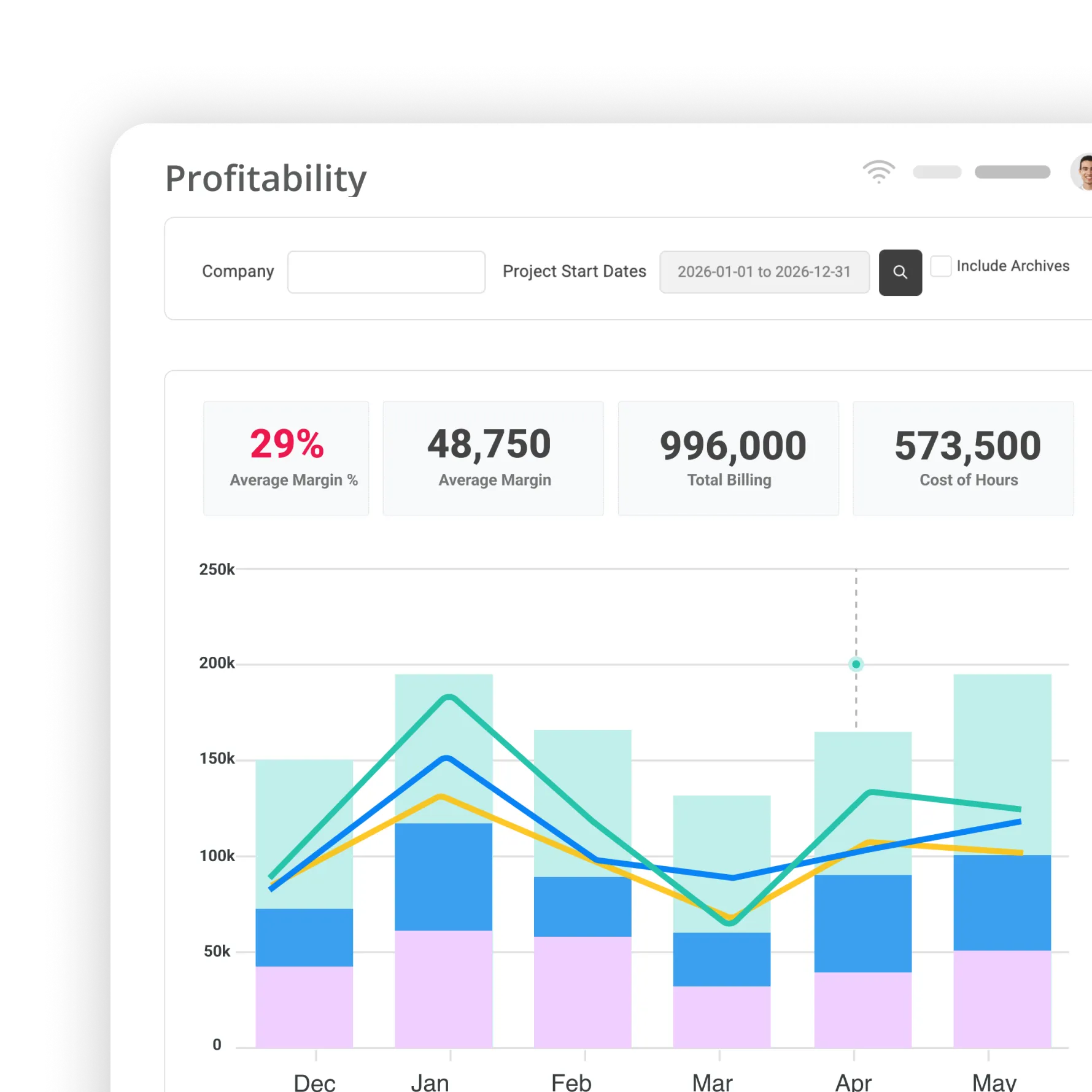
Magnetic Profitability dashboard showing 37% average margin percent, 1,499,000 average margin, 4,007,700 total billing, and a monthly bar and line graph from January to August.

Monitor Project Profitability at a Glance

See which projects are driving healthy margins and which are underperforming. Get instant visibility into profit trends across active and completed work, so you can make smarter decisions and take action early.

Profitability trends
Budget vs. actuals insights
Project ROI
Project cost and expense tracking
Magnetic Over-servicing Bar chart showing over-servicing hours for companies Nestlé, Apple, Amazon, and Johnson Co., with a highlighted average client over-servicing hours value of -161.

Track Over-Serviced Projects and Profitability Risks

Quickly spot when hours exceed estimates and identify projects at risk of profitability loss. Pinpoint where you're over-delivering and take action early to realign efforts and protect your bottom line.

See billed vs. actuals hours
Monitor scope creep
Access historical trends
Get client specific insights
Two overlapping Magnetic finance cards displaying circular progress charts labeled Over servicing at 20% and Budget Spend at 46%.
Spot resourcing conflicts before they escalate
Catch overlapping allocations, deadline clashes and overvbooked weeks before they derail delivery.
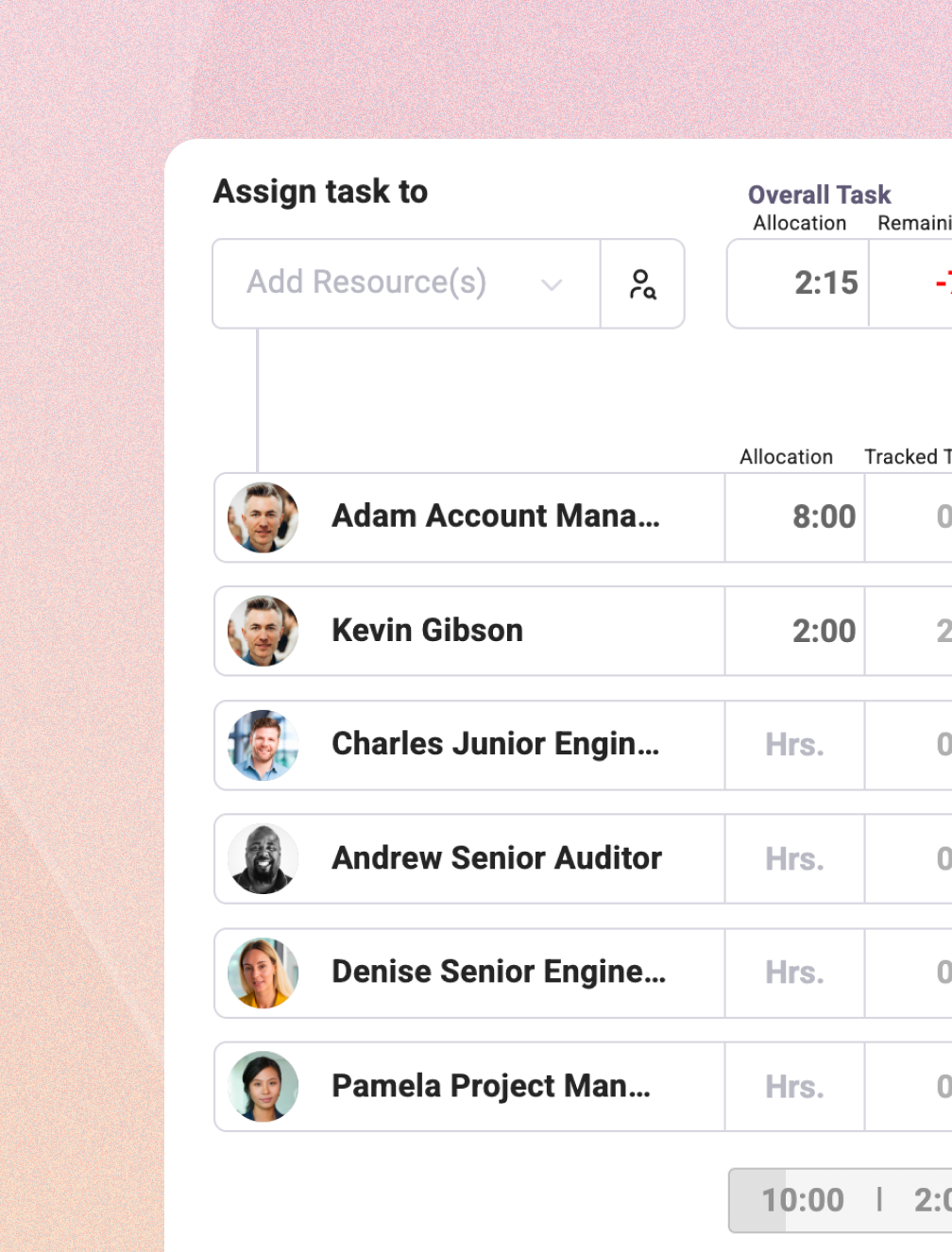
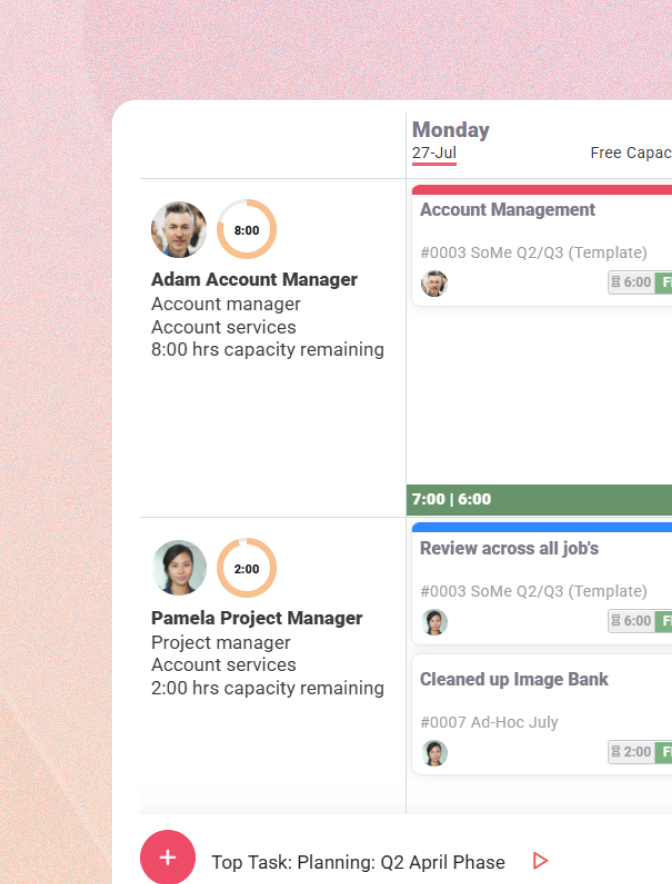
Magnetic task assignment interface showing resources Andrew Strauss and Kevin Gibson with their allocated times and capacity, highlighting a negative capacity of -200 in red.
Plan work around real availability
See leave, holidays and non-working time directly in your resourcing views so plans dont fall apart.
Two task cards labeled Strategy - February and Brand Building Revamp, each showing a profile picture, time estimate of 40 minutes with 30 minutes spent, and the day Thursday.
Re-assign work without replanning
Shift tasks between people or dates and see capacity, cost and impact update automatically in real-time.
Book a demoTry for free
Thank you! Your submission has been received!
Oops! Something went wrong while submitting the form.
Integrations

Connect Magnetic with your existing tools

Magnetic integrates with your CRM, accounting, and other core systems, so data flows smoothly and teams work in sync. Need more? Use Zapier to plug into hundreds of other tools, fast.

View all Integrations
Microsoft Outlook Icon
Magnetic vs. generic tools

How Magnetic Compares

When resource planning, scheduling, and utilisation tracking are spread across spreadsheets and siloed systems, it’s nearly impossible to stay ahead. Magnetic brings everything into one place, so you can deploy the right people at the right time, balance workloads, and make smarter resourcing decisions in real time.

Magnetic gives you

Live resourcing dashboards aligned to project phases and deadlines
Integrated time tracking that feeds directly into capacity planning
Smart scheduling tools to Balance workloads
Real-time visibolity into utilisation, availability and gaps
Forecasting tools to plan ahead for hiring or shifting resources
Clear view of overbooking, underutilisation and project demand
Free for 14 days | No credit card required

Make team management effortless with magnetic

Balance workloads, align availability, and keep every project resourced, without the chaos of spreadsheets or disconnected tools.

Resource Management FAQs

Everything you need to know about timesheets and timetracking with Magnetic
How does Magnetic ensure teams aren’t overbooked or underutilised?
With over-servicing dashboards and real-time resource tracking, Magnetic allows you to see when a project is using more resources than planned. This helps you adjust workloads, manage scope creep, and protect your margins.
How does Magnetic help with capacity vs. demand analysis?
Magnetic provides clear insights into resource demand vs. availability, helping you make informed hiring decisions, plan workloads accurately, and prevent bottlenecks before they happen.
Does Magnetic help with managing remote or hybrid teams?
Yes! With real-time updates, workload visibility, and remote-friendly tools, Magnetic makes it easy to manage distributed teams effectively—ensuring collaboration and accountability across locations.
Can resource management help improve project profitability?
Yes! Magnetic helps track billable hours, monitor project costs, and prevent over-servicing. With profitability reports and real-time financial insights, you can ensure projects remain profitable while maximising team efficiency.
Can I adjust team allocations mid-project?
Absolutely! Magnetic allows for real-time adjustments, so if priorities shift, you can reallocate resources on the fly—ensuring deadlines stay on track without overburdening your team.
How quickly can we implement Magnetic for our team?
Magnetic is designed for fast and easy onboarding. Most teams can start using it within a 2-3 weeks and our team provides personalised support and training if needed.