

Run your architecture practice profitably in one place
Plan design stages, schedule your team and invoice from approved timesheets and estimates. Compare recorded time and costs with each stage’s budget as work progresses.


Trusted by 200+ professional services firms

4.5
on G2 and Capterra





.svg)
Plan for the full workload of every design stage
Bring project budgets, time tracking, project management, and billing together in Magnetic. See what each design stage costs your practice and how it affects project profitability.

Budge for more than drawing production
Client reviews, consultant meetings and revisions need to be included in the project plan. Magnetic helps you asccount for that time in team schedules. budgets and billing

Schedule around your teams committmens
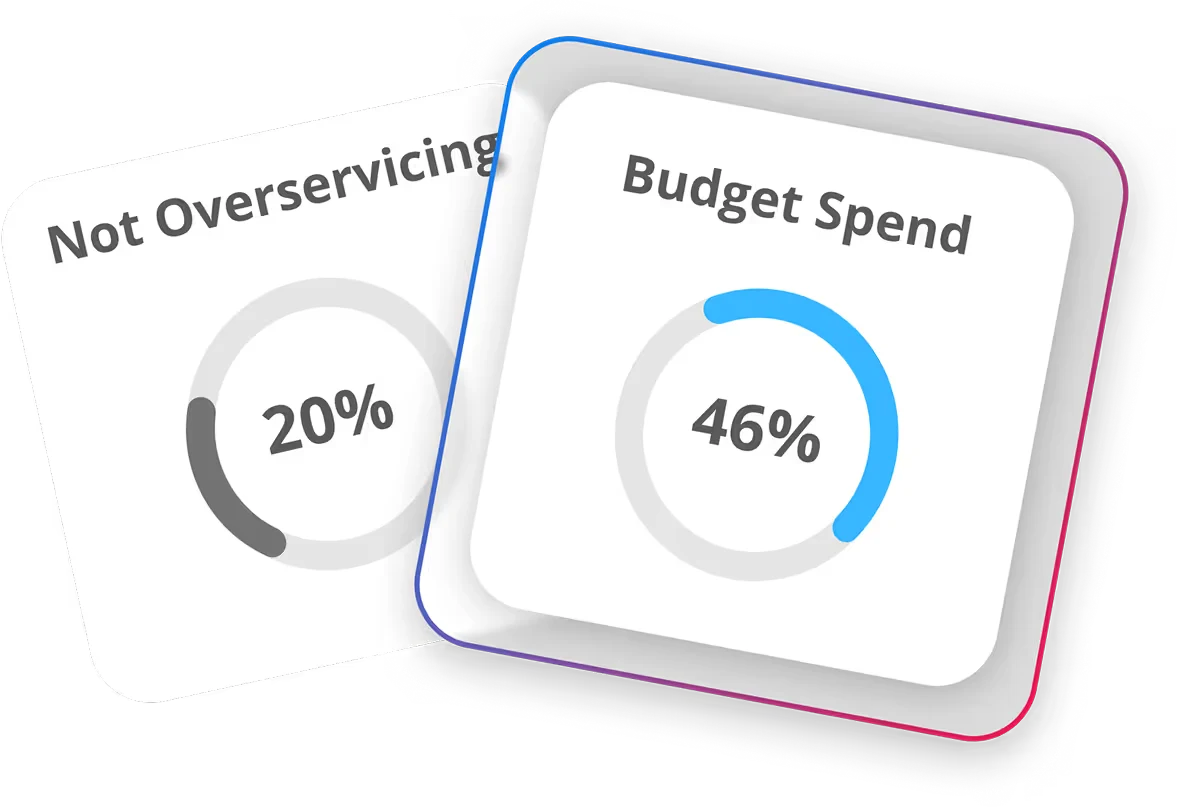
Track hours spent on drawing production, client reviews, meetings and revisions against each stage's budget.

Keep stage billing up to date
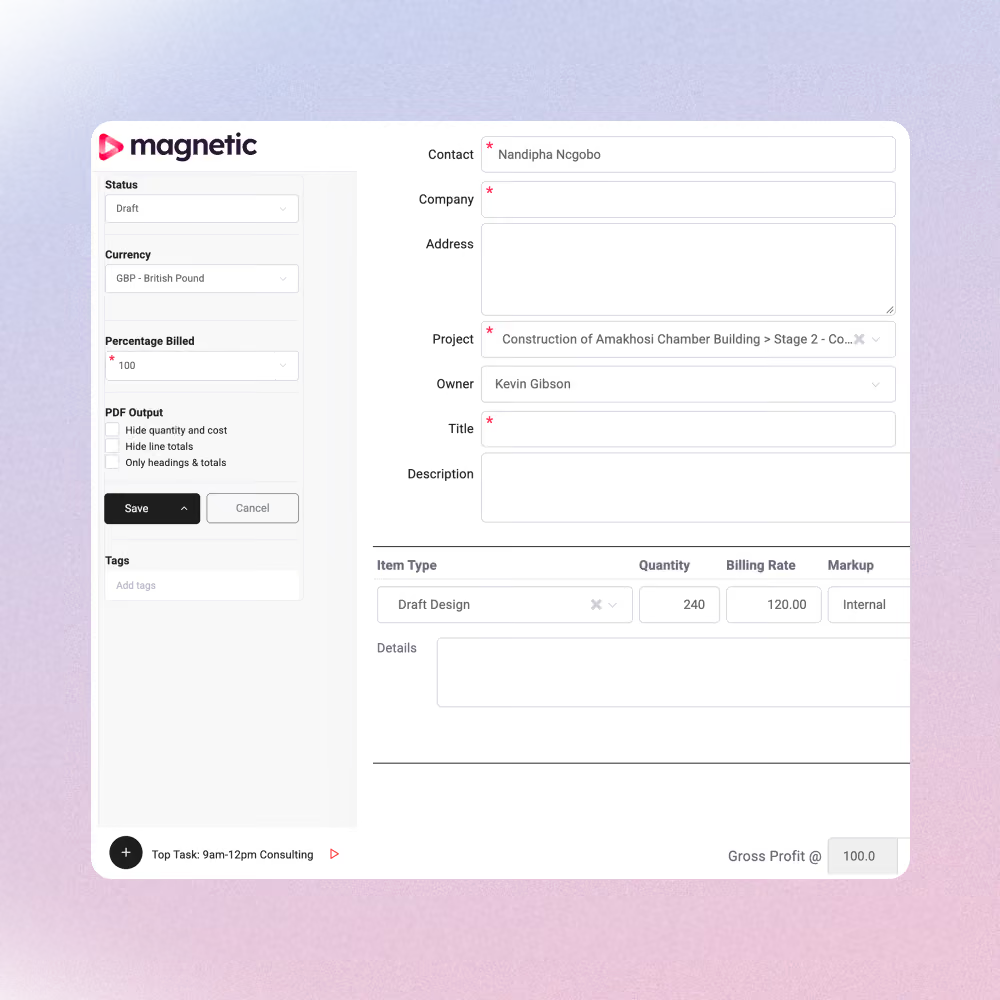
See what's already been invoiced, and what still needs to be billed. Create invoices directly from approved estimates.
Keep projects connects from proposal to final invoice
Keep information together as the work progresses. Turn an approved opportunity into a project, plan the stages and prepare invoices from the estimate, without entering the same details again.
01
CRM
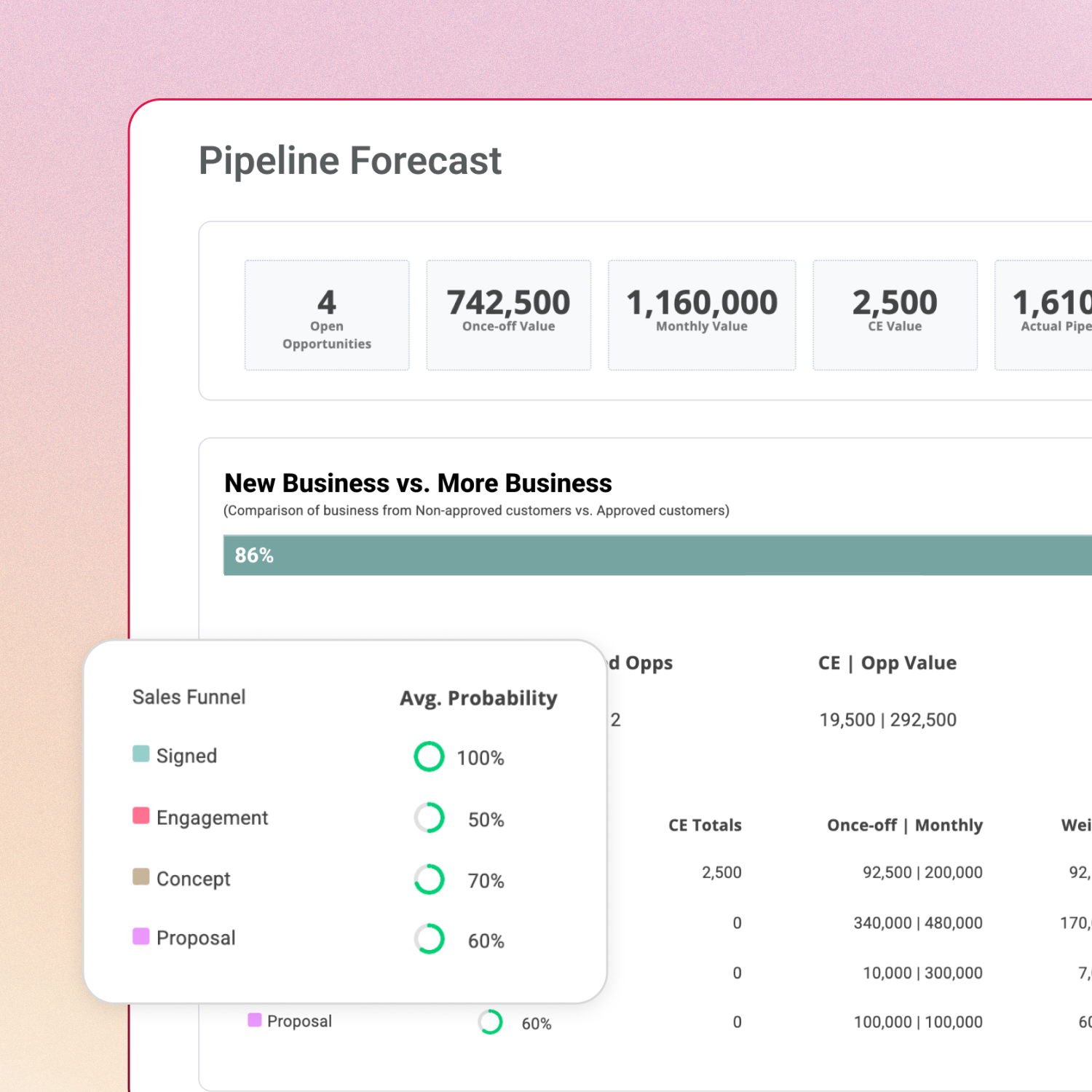
Forecast your next commissions
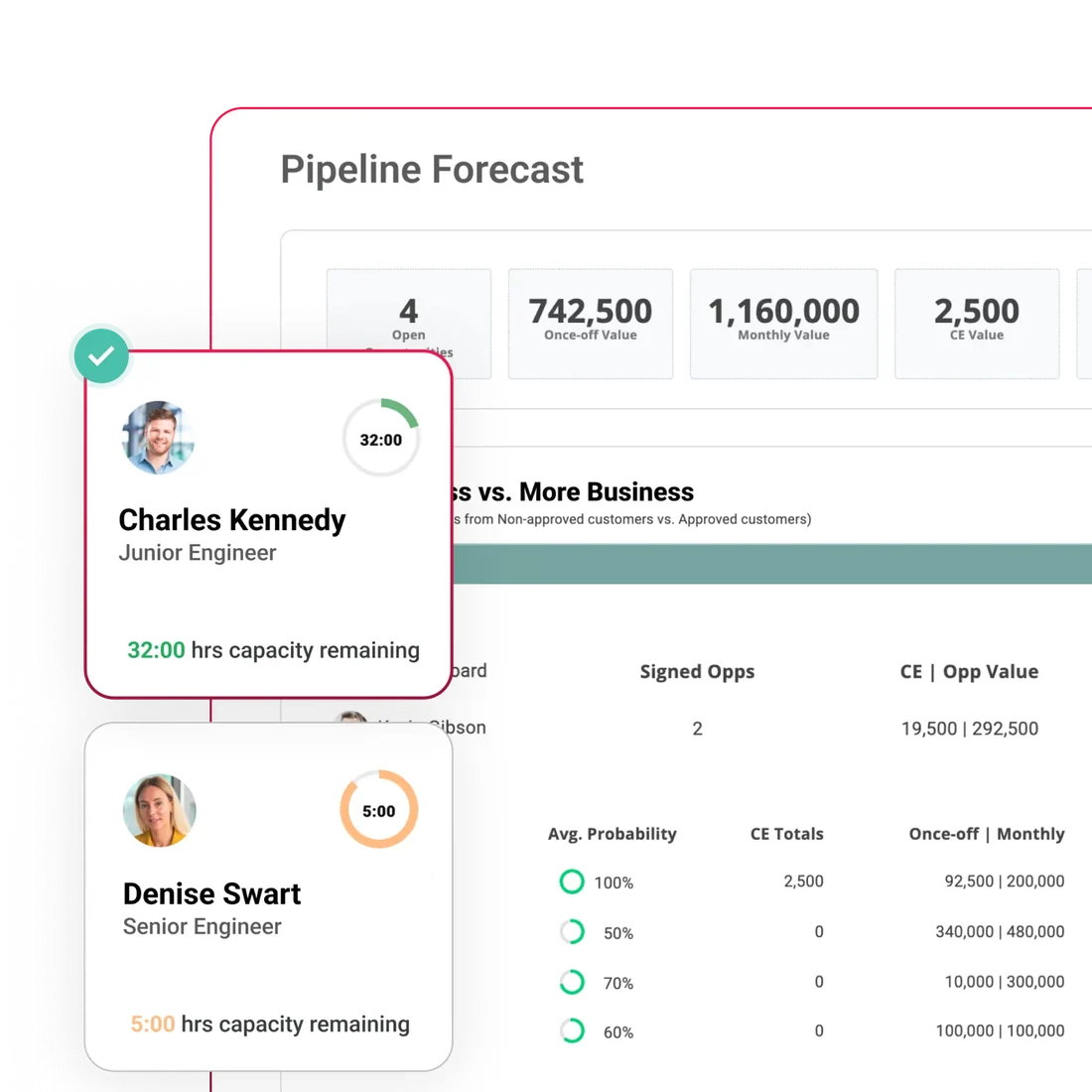
Build proposals around the scope, stages and fees for each commission. Use win probabilities and monthly forecasts to plan for potential revenue and workload.
02
Project management
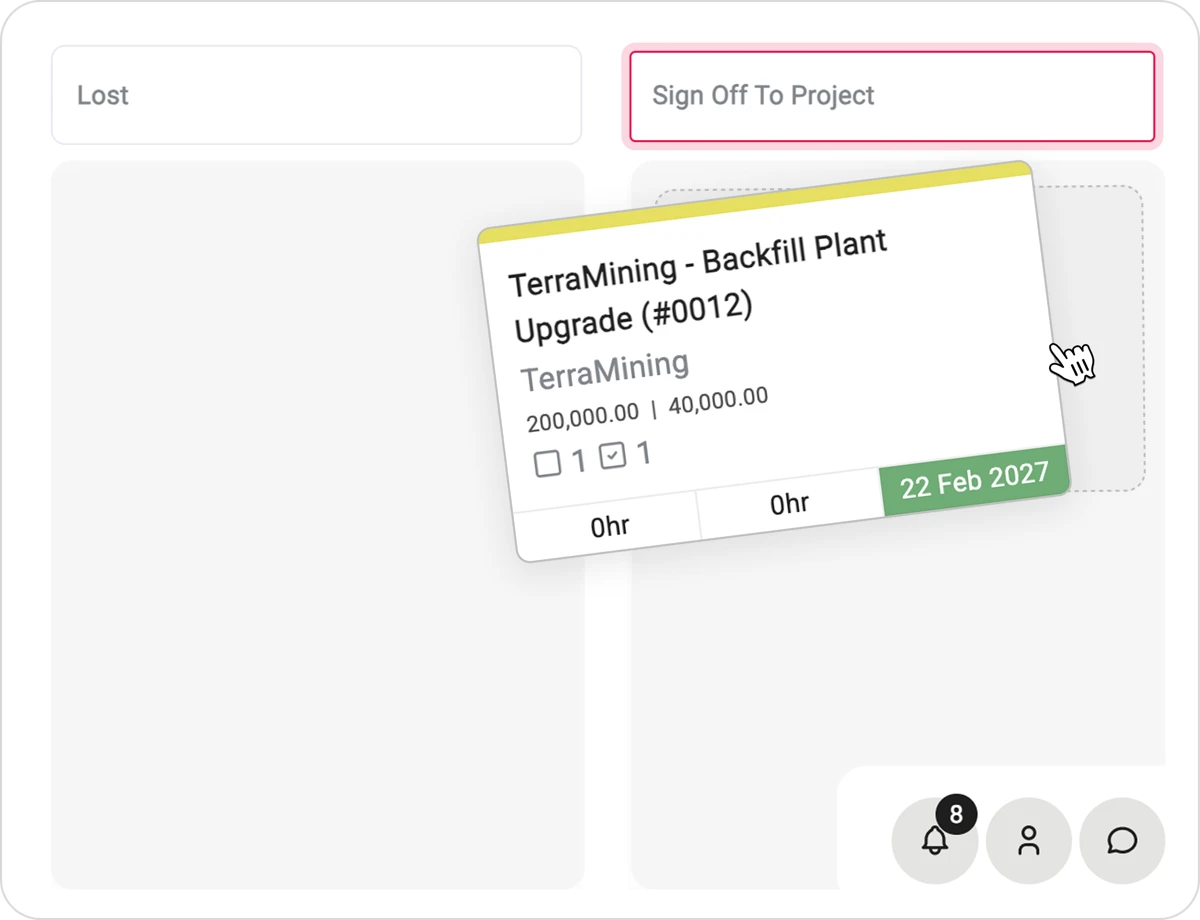
Carry the agreed scope into delivery
Signing the oppportunity turns it into a project. Organise each design stage with drawing tasks, review dates, submission milestones and its own budget.
03
Resource management
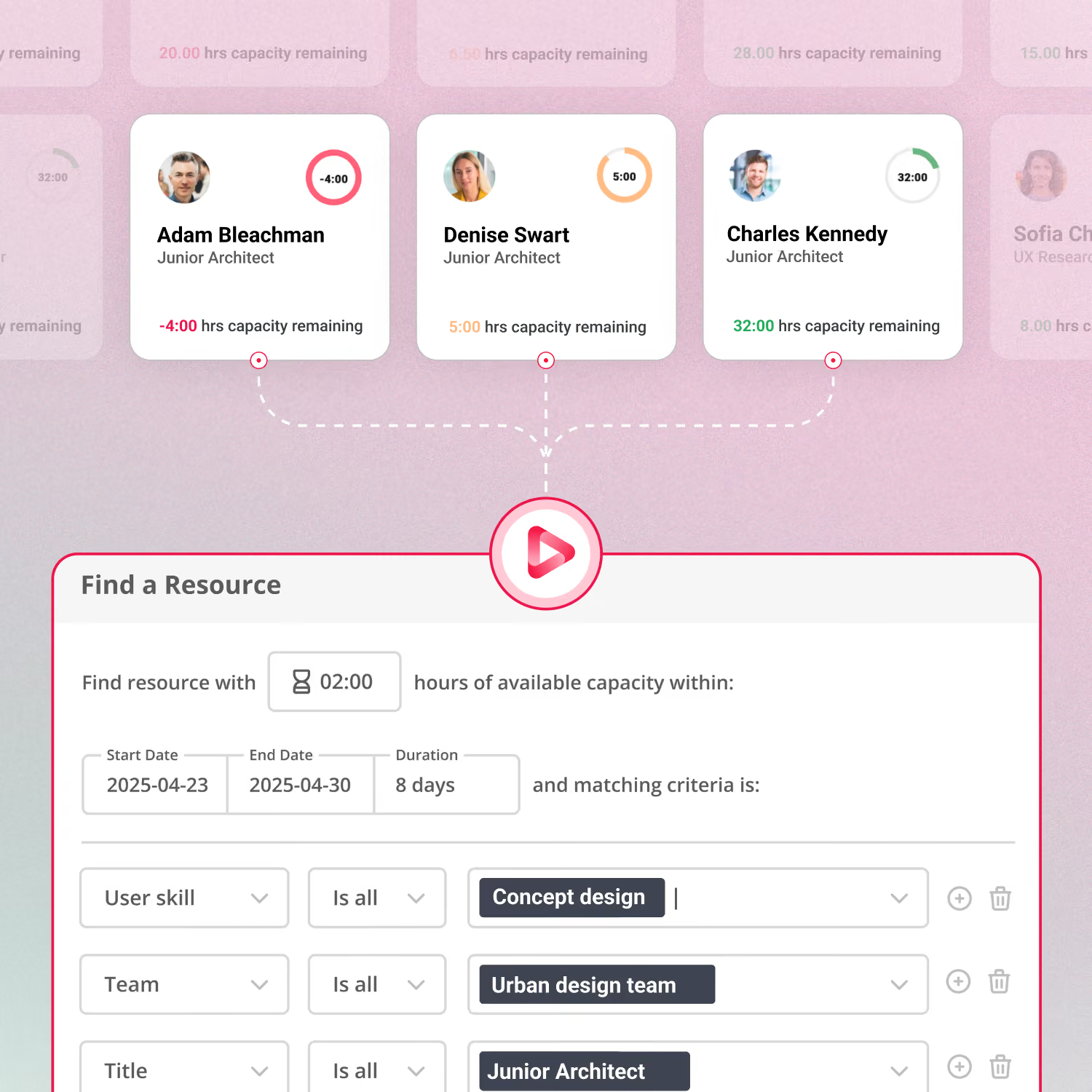
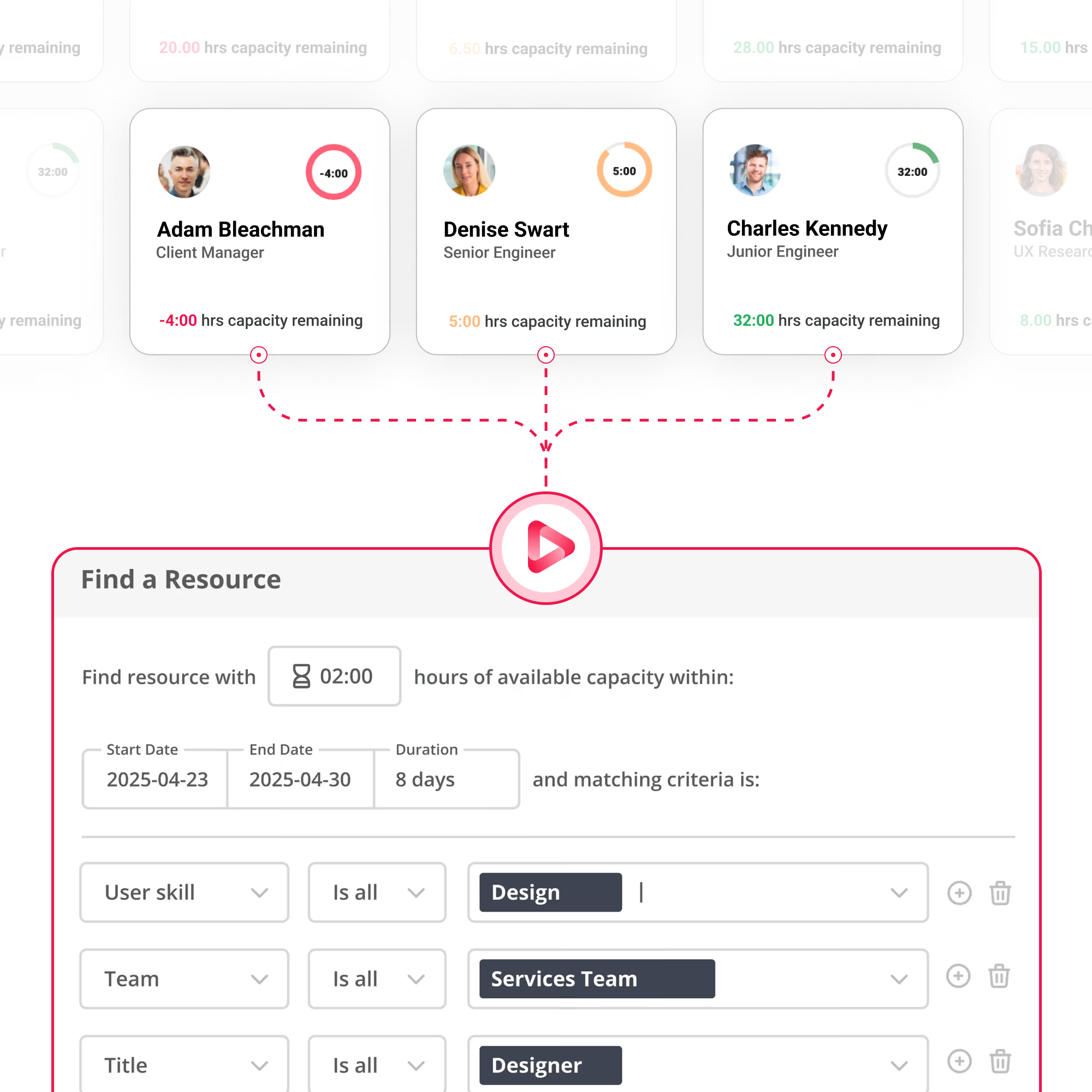
Schedule architects around actual availability
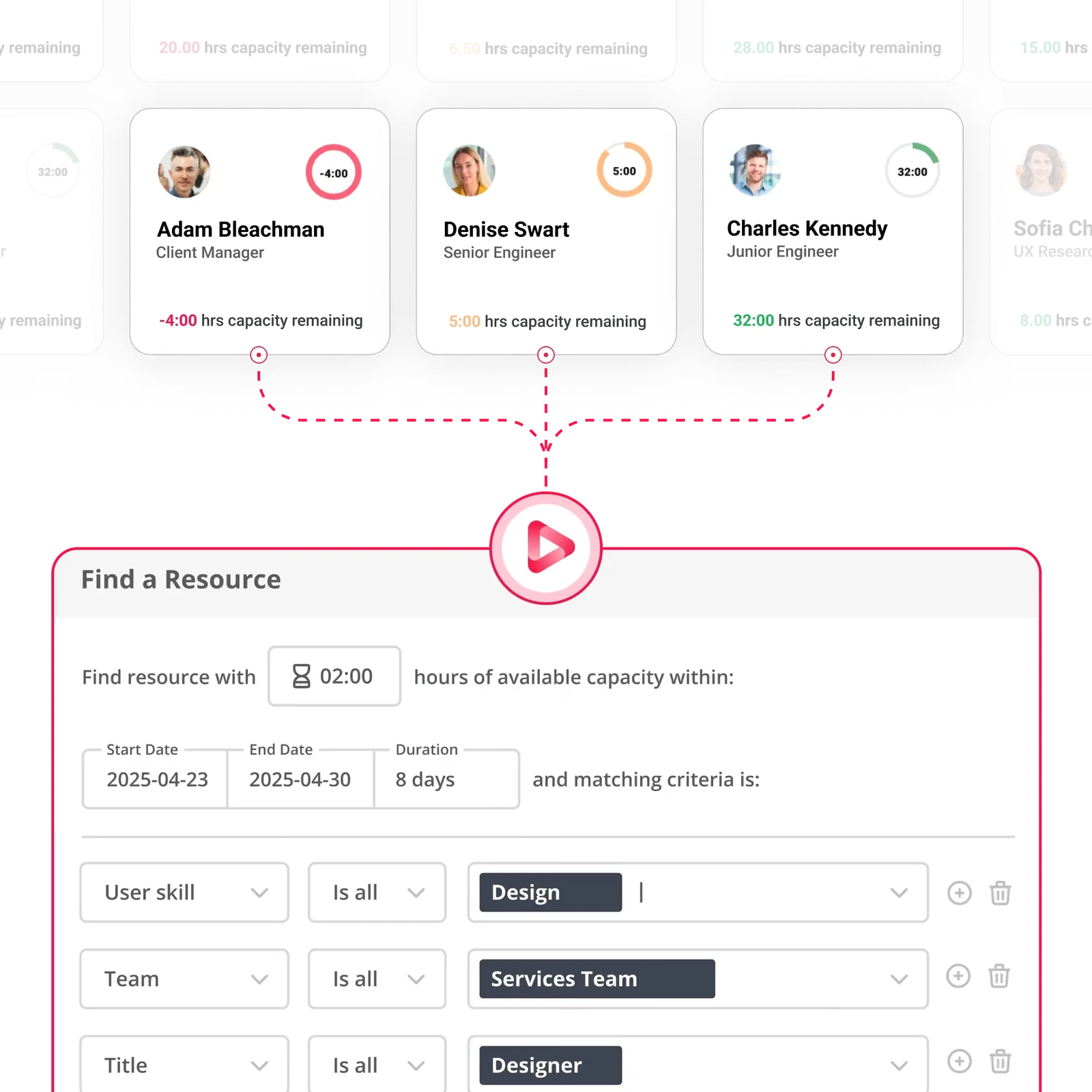
Assign architects by skills, available hours and existing commitments. Account for leave and tentative projects when deciding who can delivery each stage and when.
In Magnetic
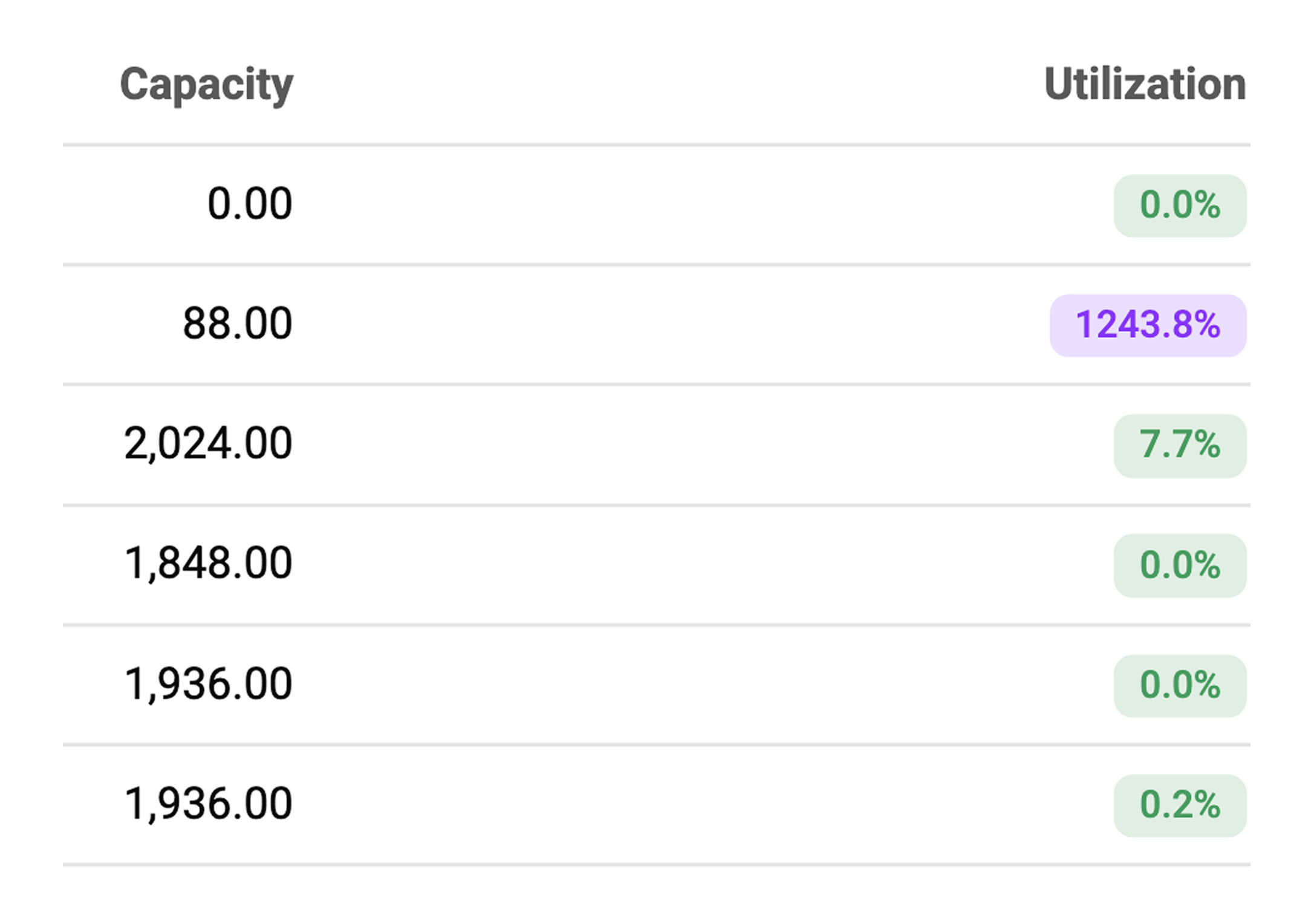
Capacity per person, leave deducted
Likely work included by probability
04
Project management
Keep drawing deadlines and budgets under control
Manage drawing tasks, reviews and submission deadlines in one place. Track time spent on delivery and revisions against each stage's estimate as work progresses.
05
Finance management
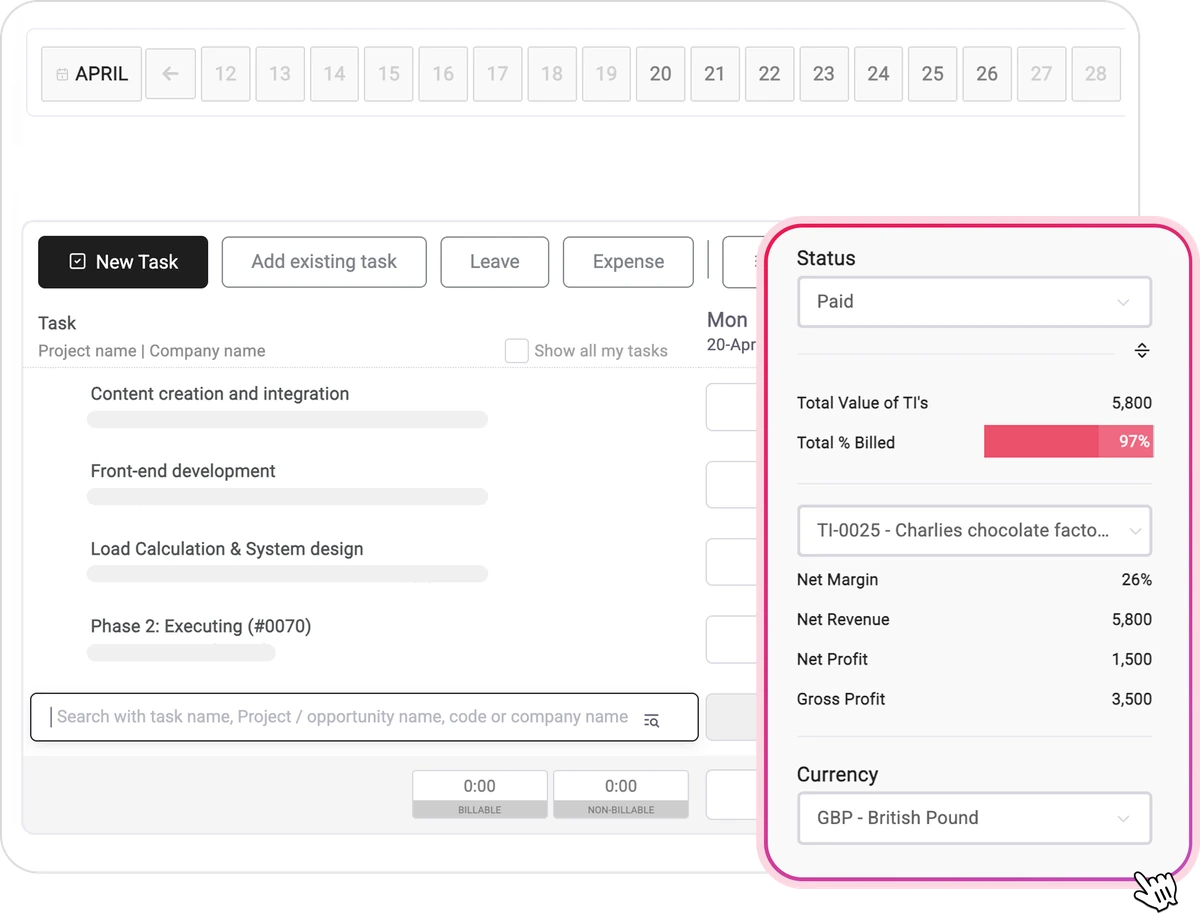
Prepare stage invoices with fewer checks
Create invoices from aprpoved estimates and part bill as work progresses. Checdk amounts alreadt invoices and the balance remaining before preparing the next bill.
In Magnetic
Percentage billing by stage
Invoices sync to Xero, Sage or QuickBooks
Reduce administration across your practice

Turn opportunities into projects
Estimate fees for each stage
Get client approval on estimates
Set up stages as sub-projects
Plan drawing deadlines in a Gantt view
Schedule architects and project teams
Capture time from calendar events
Sent timesheet reminders
Approve timesheets
Set time and budget warnings
Raise purchase orders
Record supplier invoices
Part bill against estimates
Invoices from estimates
Multiple billing entities

Multi-currency invoices

WIP by project

Project profitability reports
See whats included in each plan across CRM, projects, resourcing, timesheets, finance and reporting
Keep project delivery and finance working together
Give directors, studio managers, resource planners and finance access to the same project information, with the permissions and reports their roles need.
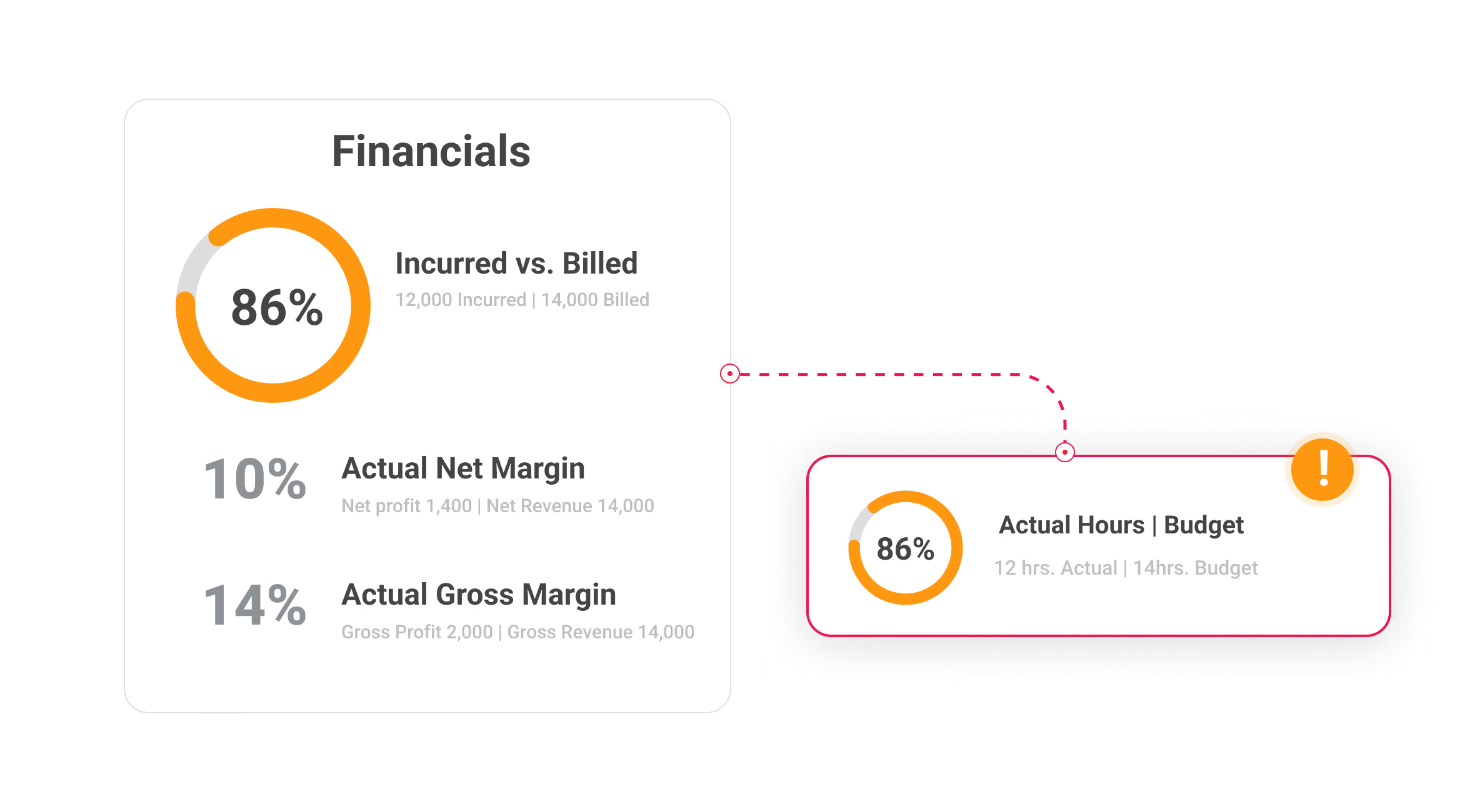
Which projects are profitable?
Compare project margins, expected revenue and upcoming workload.
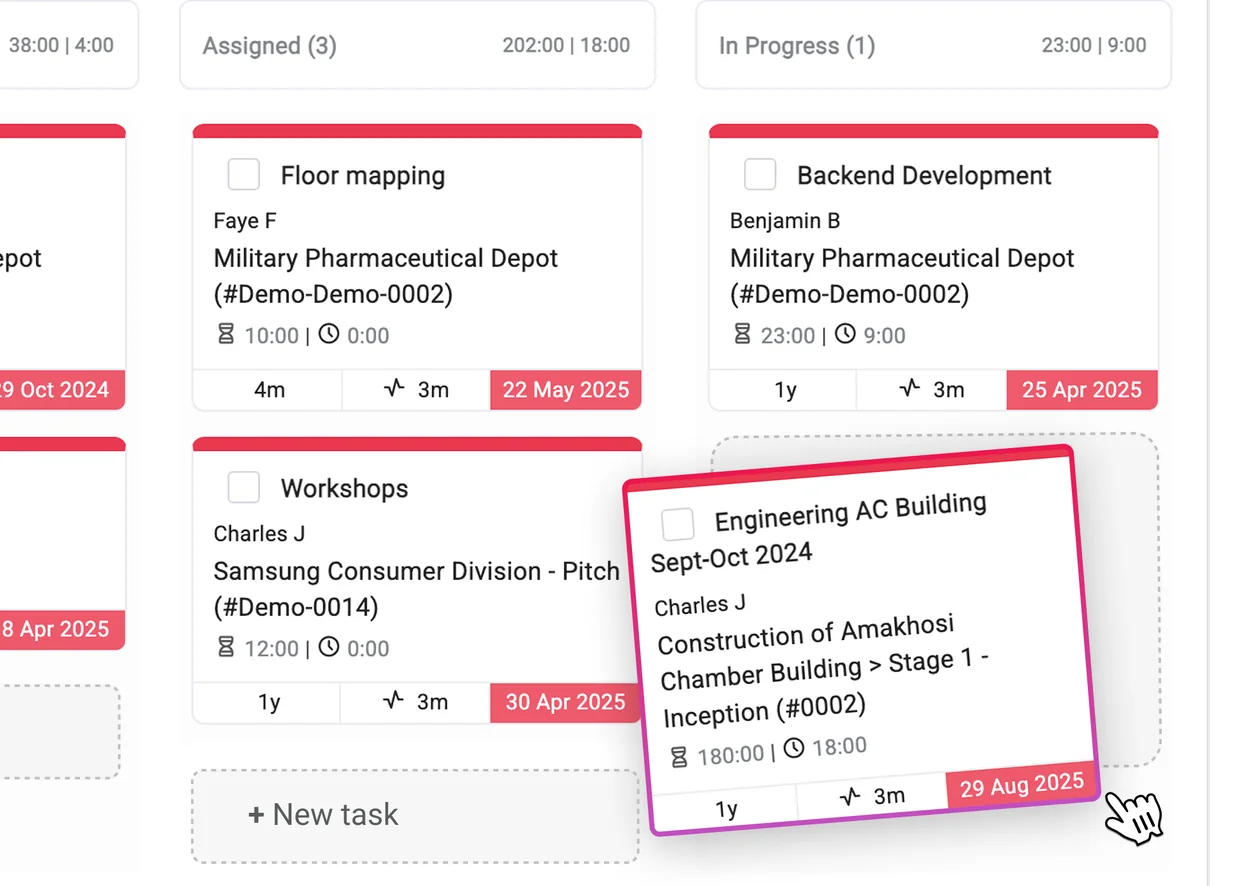
Which projects need attention?
Check drawing deadlines, review tasks and stage progress across projects.
Who is available for the next design stage?
Match the work to architects with the right skills and available hours.
What is ready to invoice?
Check approved estimates, amounts already billed and work in progress.

How Magnetic compares
Why architecture firms switch to Magnetic

Magnetic
Separate tools
Compared on

Magnetic
Separate tools
Stages
Set up sub-projects with budgets for each stage
stage budgets are maintained in separate records
Time by stage
Hours logged to each stage, compared with the estimate
Time records need to matched to the stage budget manually
Team capacity
Hours per person visible with leave deducted
Bookings and leave need to be checked together
Biling
Part billing against the fee estimate
Invoice amountd are calculated or entered separately
Project management
Live for every project and stage
Figures need to be manually consolidated to calculate project margin
How customers use Magnetic
Professional services firms share how they use Magnetic to manage project work, plan teams and track profitability


80%
improvement in project visibility
“Magnetic has helped us replace the noise of multiple tools with a single, reliable system that actually supports how we work.”
Billy Einkamerer, Managing Director, Exonic Solutions
Software development

40%
less manual admin
“It’s a platform with many functionalities at a reasonable price — perfect for agencies looking to streamline operations and enhance productivity.”
Django Blanchetta, CEO, SuperHeroes
Advertising
70%
improvement in efficiency
“We no longer waste time on inefficient manual tracking, and we have a much clearer picture of our financial health.”
Roy Avungana, COO, Chapu Chartered Accountants
Accounting

One platform for both offices and embedded client teams
“As we added new service lines, new offices and more Hoorah Inside teams, we needed something built for how our business had evolved.”
Clyde Mallon, CEO, Hoorah Digital
Advertising & marketing
4.5
on G2 and Capterra



Connect the tools your pracitice already uses
Keep project meetings, correspondence and invoicing connected to Magnetic through your existing accounting, email and calendar tools.

Xero
Export invoices and bills and receive payment updates every 15 minutes.

QuickBooks
Export invoices, bills, credit notes, expenses and journals.

Outlook
Capture meeting time and sync Magnetic work allocations.
.svg.avif)
Google Calendar
Automatically log meeting time and include bookings in team capacity.

Ziflow
Create or link proofs to tasks, then review them in Ziflow.

Timeboost
Capture work activity automatically.

Gmail
Sync client emails, contact information and link conversations to projects
.svg)
Zapier
Connect +400 more apps and automate routine tasks
FAQs
Find out how Magnetic supports project stages, team planning, budgets and billing
What makes Magnetic different from other project management tools?
Unlike general task managers, Magnetic is purpose-built for architecture firms. It connects scopes, schedules, teams, and finances in one platform, helping you manage projects by phase, track fee drawdowns, assign resources intelligently, and protect your margins.
Can I track variations and scope changes?
Absolutely. Magnetic allows you to log, track, and manage variations throughout the project lifecycle, linking changes to updated fees, timelines, and deliverables, so you stay protected and profitable.
How does Magnetic help with fee tracking and profitability?
You can break down fees by stage, track how much work has been delivered vs. invoiced, and monitor project margins in real time. This helps you catch overservicing early and make better commercial decisions.
Does Magnetic support multi-project planning for teams?
Yes. You can view capacity across projects and roles, assign staff based on availability and skill, and avoid overload. It's ideal for firms where architects juggle multiple roles or projects.tractions.
Does Magnetic integrate with our accounting or time tracking systems?
Magnetic integrates with popular tools like Xero Sage, and more. You can also connect via Zapier to hundreds of apps. Time tracking is built-in, but integrations are available if you're using external systems.
How long does implementation take?
Most firms go live in two to three weeks. The support included depends on your plan, and our team will walk you through it on a demo.

Want to discuss your practice's requirements?
Book a call