
For Timesheet Users

Timetracking that takes seconds, not minutes

Tasks pre-populate, timers capture as you work and suggestions mean you're confirming not guessing. Your timesheets are done before you've even thought about them.

Free for 14 days
No-credit card required
+4
Trusted by hundreds of global professional services firms
Jennifer Ferreira
"Magnetic has streamlined our entire workflow. Managing jobs, keeping on top of tasks and navigating the system is simple" - Jennifer Ferreira, Live Communications
The Magnetic Difference

An easier way to track time on client work

In professional services, timesheets are unavoidable. But they don't need to be a weekly chore. Magnetic makes logging time part of your workday, so you can stay focused while still giving your team the visibility they need.

Never Forget to Log Time Again

Track hours as you work, so you never lose billable time or get stuck guessing later.

Deliver Projects without the Chaos

See where your team’s time is  going without endless status meetings.

Bill Confidently & Accurately

Tracked time automatically becomes billable and connected to invoicing

Stay ahead of over-servicing

Real-time tracking gives you the visibility to control costs and protect margins.

The friction that disappears with Magnetic

Inaccurate timesheets
Overlapping bookings
Late entries
Scattered data
Endless admin
Duplicate logging
Reporting gaps
Lost hours
Nagging reminders

See where time is being spent, without digging through spreadsheets

Understand who's at capacity at glance
Use logged hours to improve future resourcing estimates
Break down time by client, job or task in seconds
The Magnetic Difference

Time tracking that fits your workflow

From reminders and timers, to bulk logging and expense tracking, Magnetic gives you total control over time, without slowing down your team.

Automated reminders

Receive gentle reminders to help you keep your time entries up-to-date.

One-click task timers

Easily track your work by clicking to start and stop timers on tasks.

Bulk time entry logging

Save time by adding hours for several days or tasks in one go.

Billable vs. non billable tracking

Instantly see which hours are billable and which aren't, thanks to intuitive visual cues.
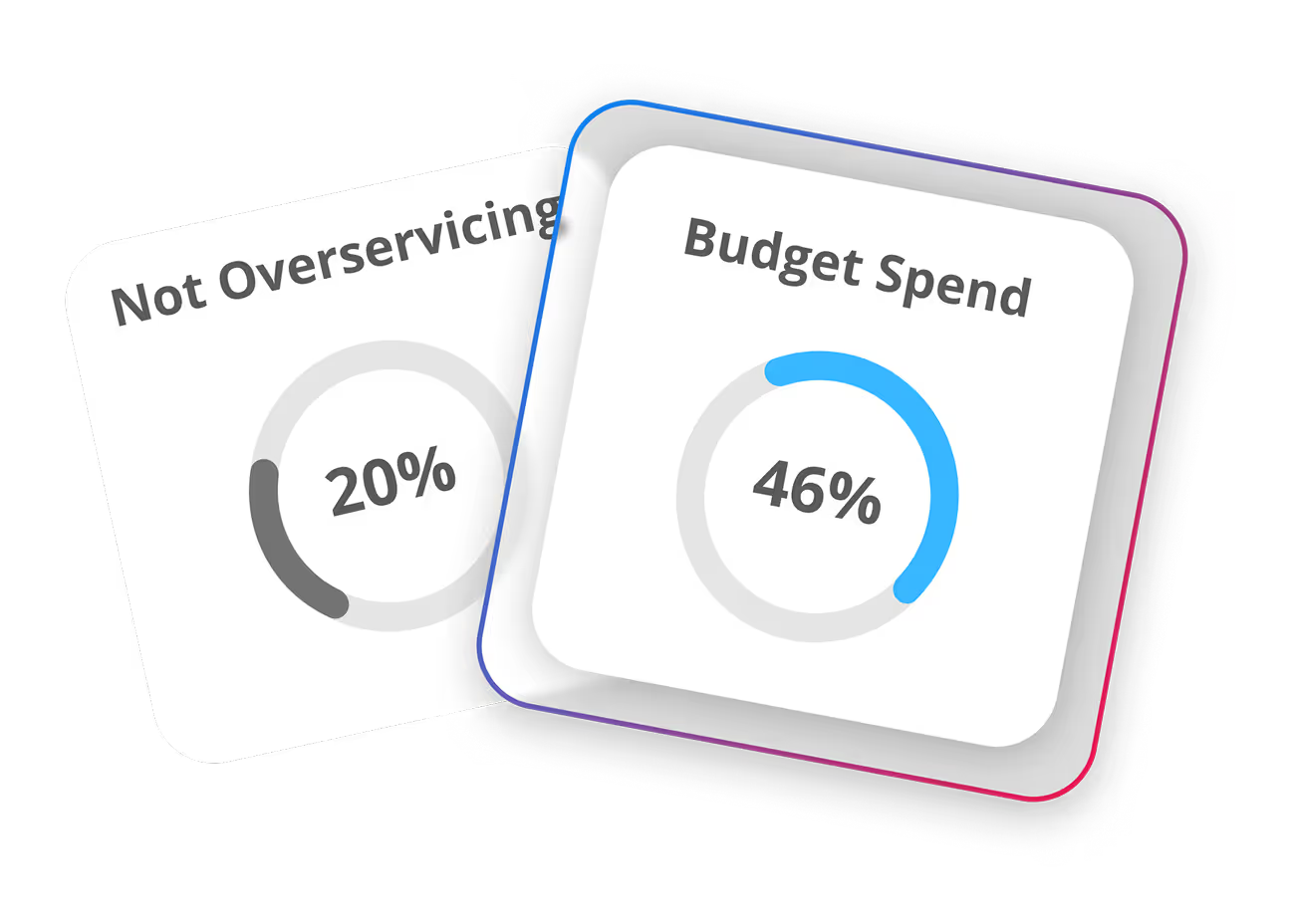
Two overlapping cards with circular progress indicators showing 20% for Not Overservicing and 46% for Budget Spend.

Leave + expense logging

Conveniently record your leave and expenses without leaving the timesheet.
integrations

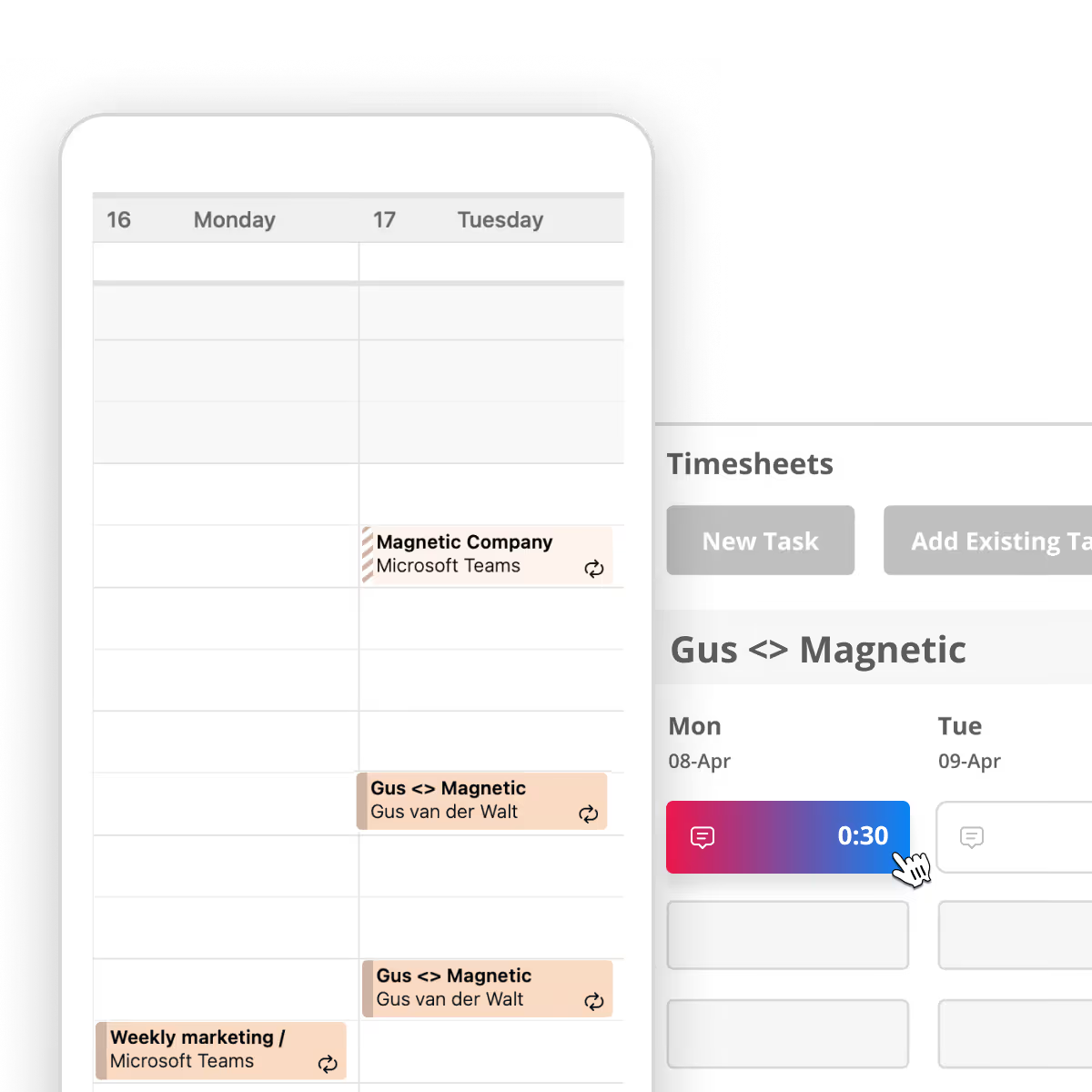
Time tracking the starts with your calendar

Already using Xero, Google Calendar, or other tools? Magnetic connects with your favourite apps to make time tracking easy -no switching between platforms.

Xero
Accounting
Slack
Productivity
Sage
Accounting
Google Calendar
Productivity
Zapier
Automation
Xero
Accounting
Slack
Productivit
Sage
Accounting
Google Calendar
Productivity
Zapier
Automation
Quickbooks
Accounting
Campaign montor
Marketing
Ziflow
Approvals
Outlook
Productivity
Paster
Accounting
Quickbooks
Accounting
Campaign monitor
Marketing
Ziflow
Approvals
Outlook
Productivity
Pastel
Accounting
Timeboost
Productivity
Web lead capture
Markering
Xero
Accounting
Slack
Productivty
Campaign monitor
Marketing
Timeboost
Productivity
Web lead capture
Marketing
Xero
Accounting
Slack
productivity
Campaign monitor
Marketing

…and 400+ more apps through Zapier.

Explore all integrations →

Why timesheet users love Magnetic

Forget clunky systems and end-of-week stress. Magnetic gives you a simple, reliable way to log time on client work, so you stay focused and confident your hours are accurate.

Always accurate
Live syncing
No guesswork
Intuitive logging
Get started for free
"Valuable information that you would miss"
I like how Magnetic breaks down the 'how much billable to client' versus 'billable to company' time. It is something I have not thought of before. It is really eye-opening how much time is spent on things that can't help push the projects forward.
4.5/5 on G2 & Capterra

Timesheet FAQs

Everything you need to know about Magnetic Timesheets
Can I adjust my tracked time entries?
Yes, you can review and edit your time entries to ensure they accurately reflect the time spent on each task.
How can I ensure my team consistently logs their time?
Magnetic offers features like friendly reminders and the option to restrict access until time entries are completed, promoting consistent time tracking among team members.
Can I set different billing rates for various tasks or projects?
Yes, Magnetic allows you to assign specific billing rates to individual tasks or projects, ensuring accurate invoicing and financial tracking.
How does Magnetic handle time tracking for remote or distributed teams?
Magnetic's cloud-based platform enables team members to log their time from anywhere, ensuring seamless time tracking across different locations and time zones.
Is it possible to generate reports on time allocation for specific clients or projects?
Absolutely. Magnetic provides detailed reporting tools that allow you to analyze time spent on particular clients or projects, aiding in performance assessment and strategic planning.
resource center

Related resources

Track Time Without Thinking About it

Spend less time backfilling timesheets at the end of the week. Track every hour confidently and turn accurate timesheets into confident billing.


Free for 14 days | No credit card required