
advanced Timesheets

Time tracking that actually protects your margins

Most timesheets just record hours. Magnetic connects every time entry to your project budgets, billing rates and invoices, so you can see profitability as it happens and bill accurately without chasing anyone.

Free for 14 days
No-credit card required
+4
Trusted by Hundreds of Professional Services firms | 98% timesheet accuracy across our customer base
G2 IconCapterra Logo
4.5 stars on g2 & capterra
why magnetic is different

Your timesheets shouldn't live in a silo

Standalone time trackers record hours. Magnetic connects every time entry directly to your projects, budgets, invoices and resource plan.


Every hour hits the right budgets
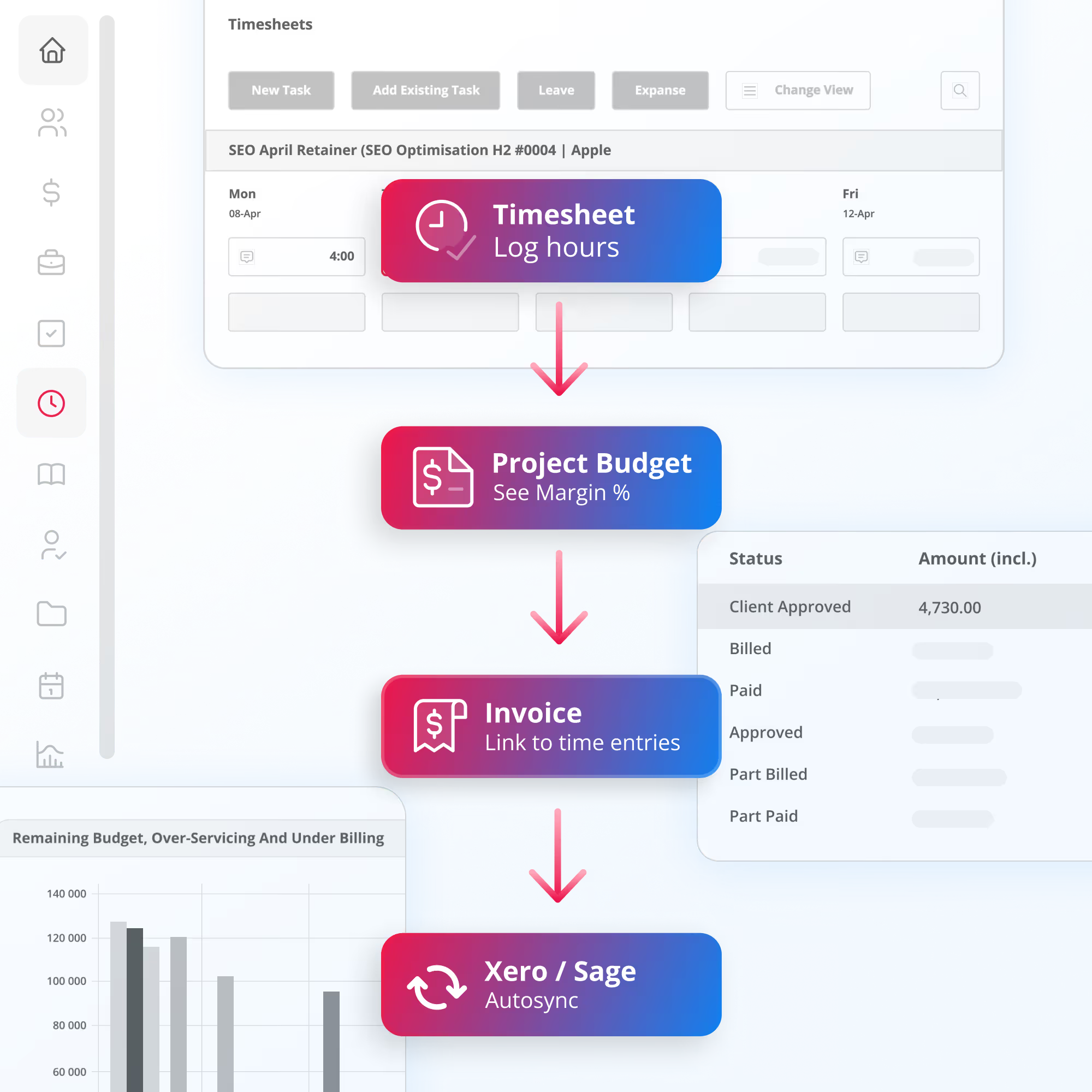
Time entries link to tasks, projects and scopes automatically. Your see budget burn as it happens, not in a spreadsheet reconcilliation weeks later. When a project is going over, you know early.
Tracked time becomes accurate invoices
Approved time entries flow directly into invoices at the correct billing rates, without exports or recapturing data between your timesheet tool and your accounting system.
Smarter resource planning
See how your teams time is actually being spent, not how you planned it. Compare allocated vs. tracked hours across the team to spot overloads and gaps before they become problems.
From tracked time to paid invoice

Turn every billable hour into revenue, automatically.

Approved time entries in Magnetic flow directly into your invoices. Every billable hour your team logs is captured, priced at the correct rate and ready to bill. No exporting spreadsheets or re-entering data.

Time Tracking That Fits How your Firm Operates

Magnetic connects time, projects, people and tools in one shared system, removing guesswork from how work gets planned, delivered and billed.

One Connected System

Magnetic brings time data together with projects, billing, resourcing and reporting in a single platform. That means fewer handoffs, fewer exports and shared source of truth

Clarity without Micromanagement

Teams stay accountable without constant follow up or system overhead, through shared visibility and smart structure. And leaders get a clear picture of what's happening across workload.
built for teams that bill by the hour

Timesheet features your team will actually use

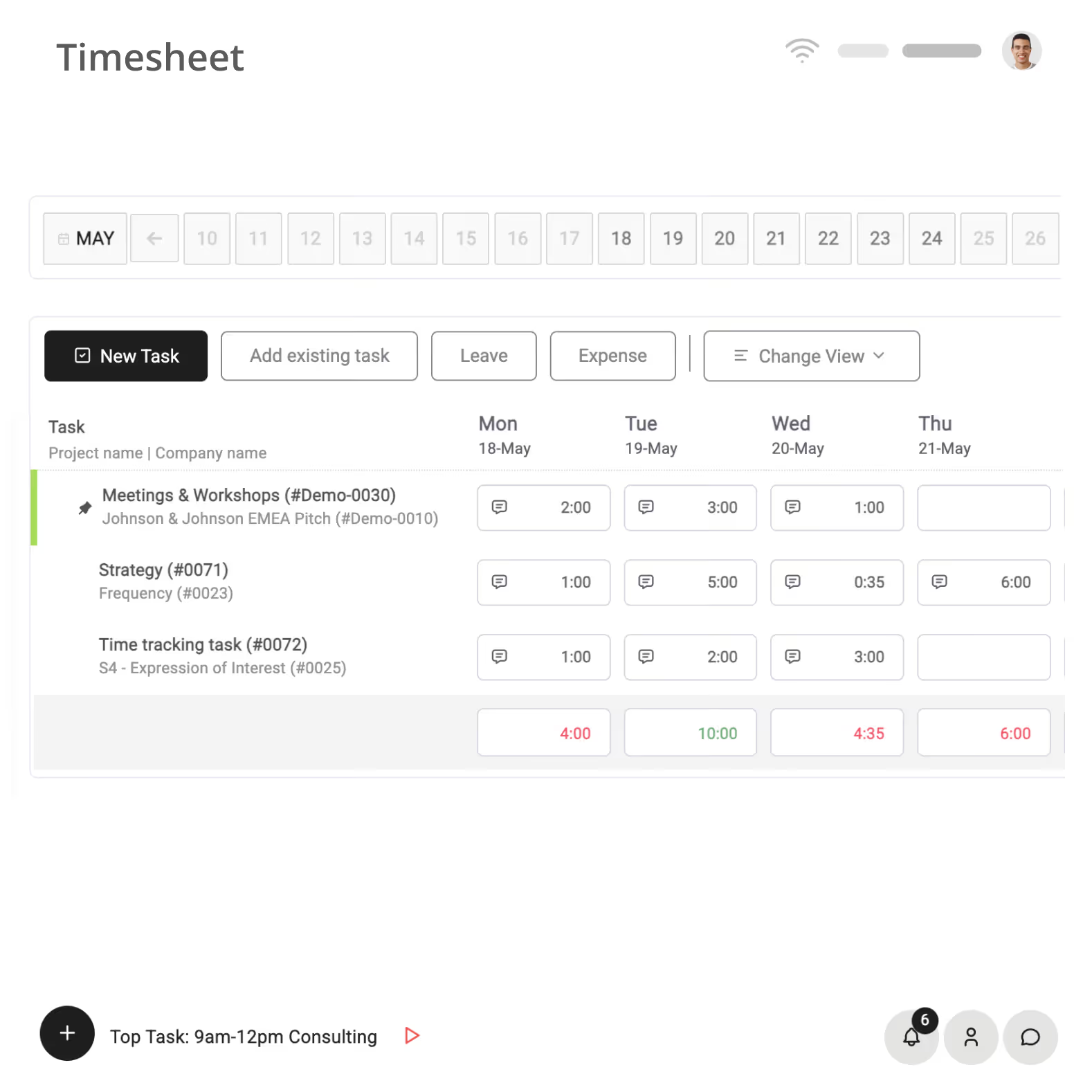
Magnetic makes time tracking simple, helping you log hours quickly so you can focus on real work instead of time tracking. No more manual entries, no more missed hours, just accurate time tracking that fits into your workflow.

feature card image

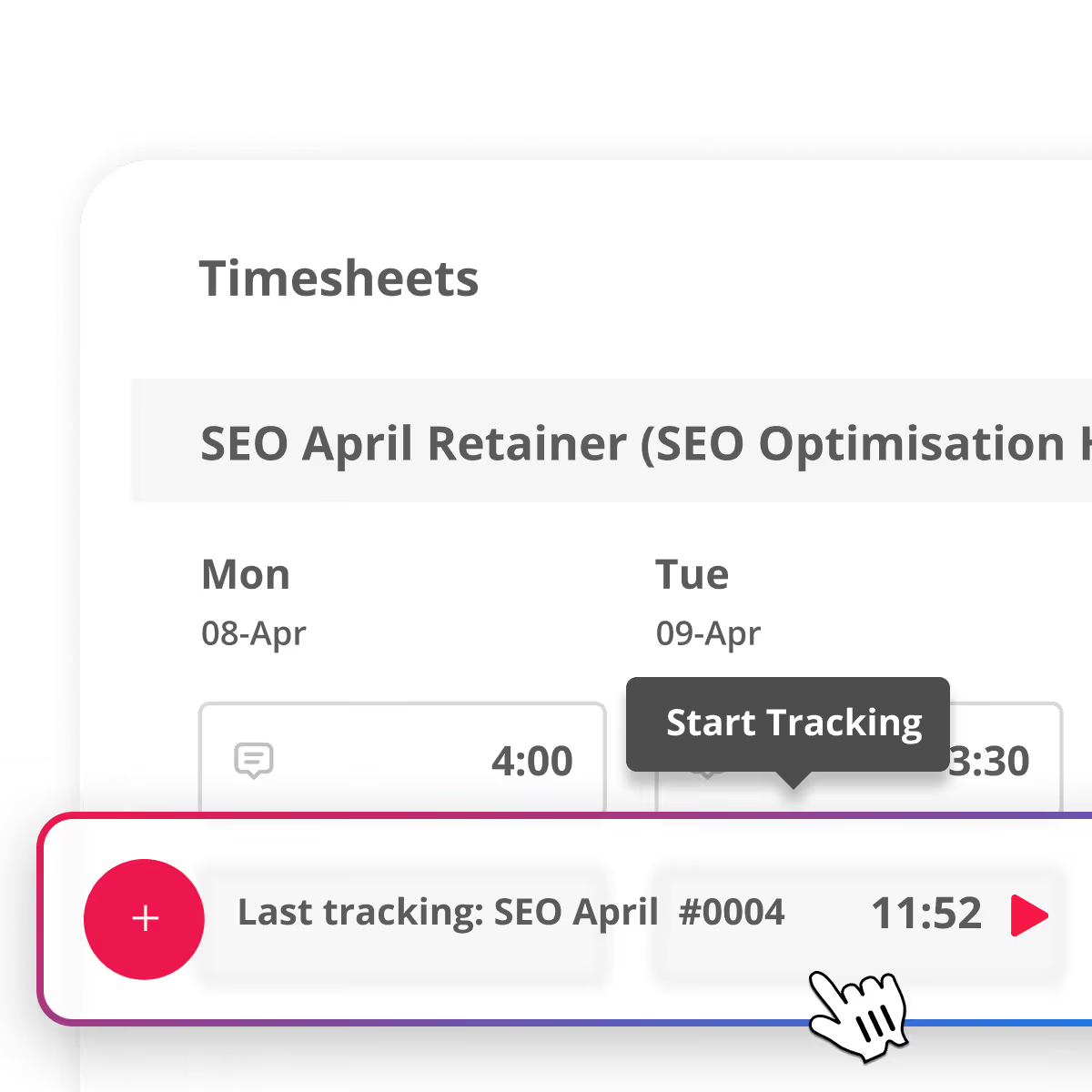
Start and stop timers

Track time as you work or log it later

Start a timer when you begin a task, stop it when you're done. Prefer to log it at the end of the day? That works too.

feature card image

Auto-populate time from calendars

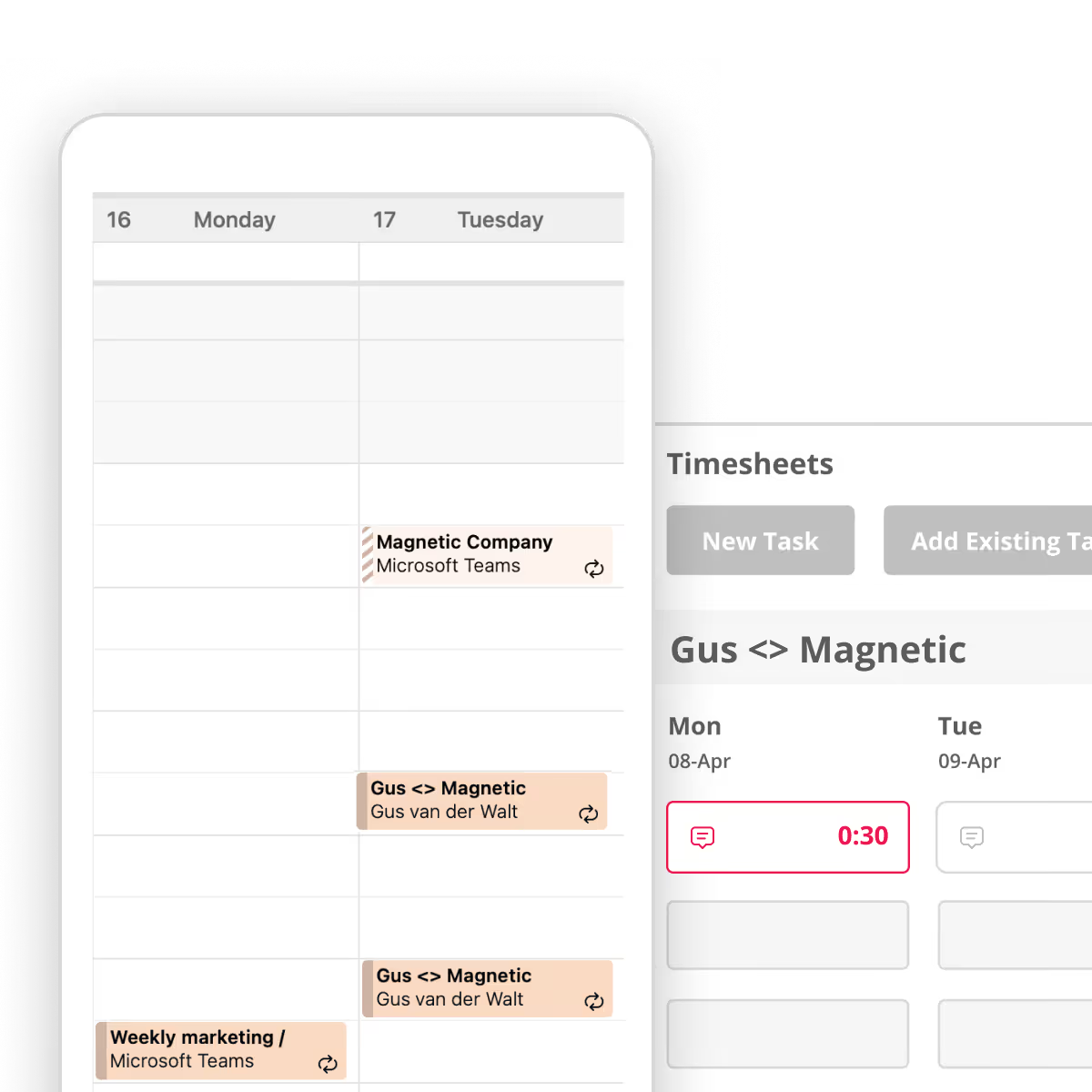
Connect Google Calendar or Outlook and Magnetic will pre-fill timesheet entries from calendar events. Your team reviews, adjusts and submits instead of trying to remember.

feature card image

Billable vs. non billable tracking

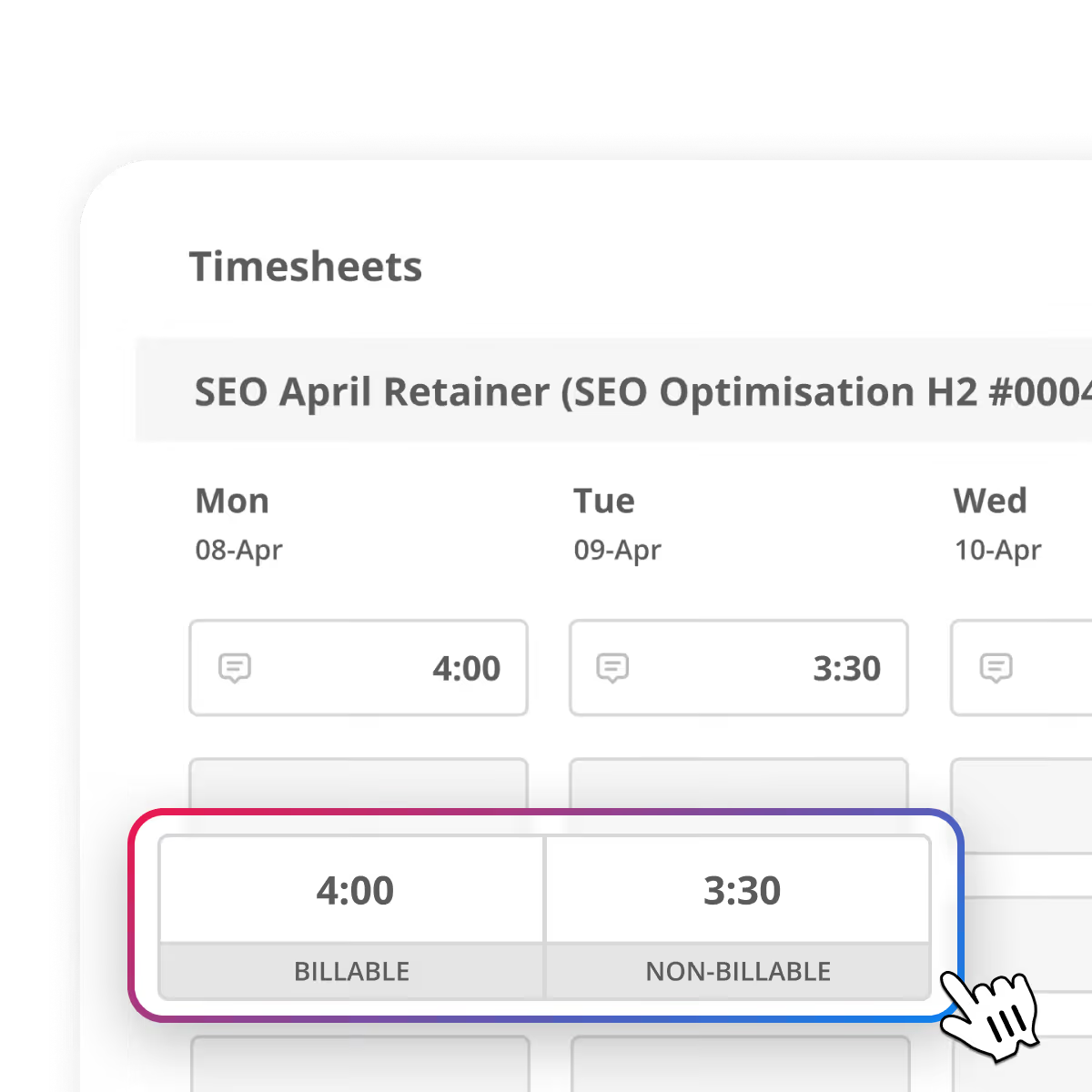
Every time time entry is categorised as billable vs. non billable. With a live view of your teams billable utilisation you can stop guessing if your team's time is generating revenue.

feature card image

Booked vs. tracked comparisons

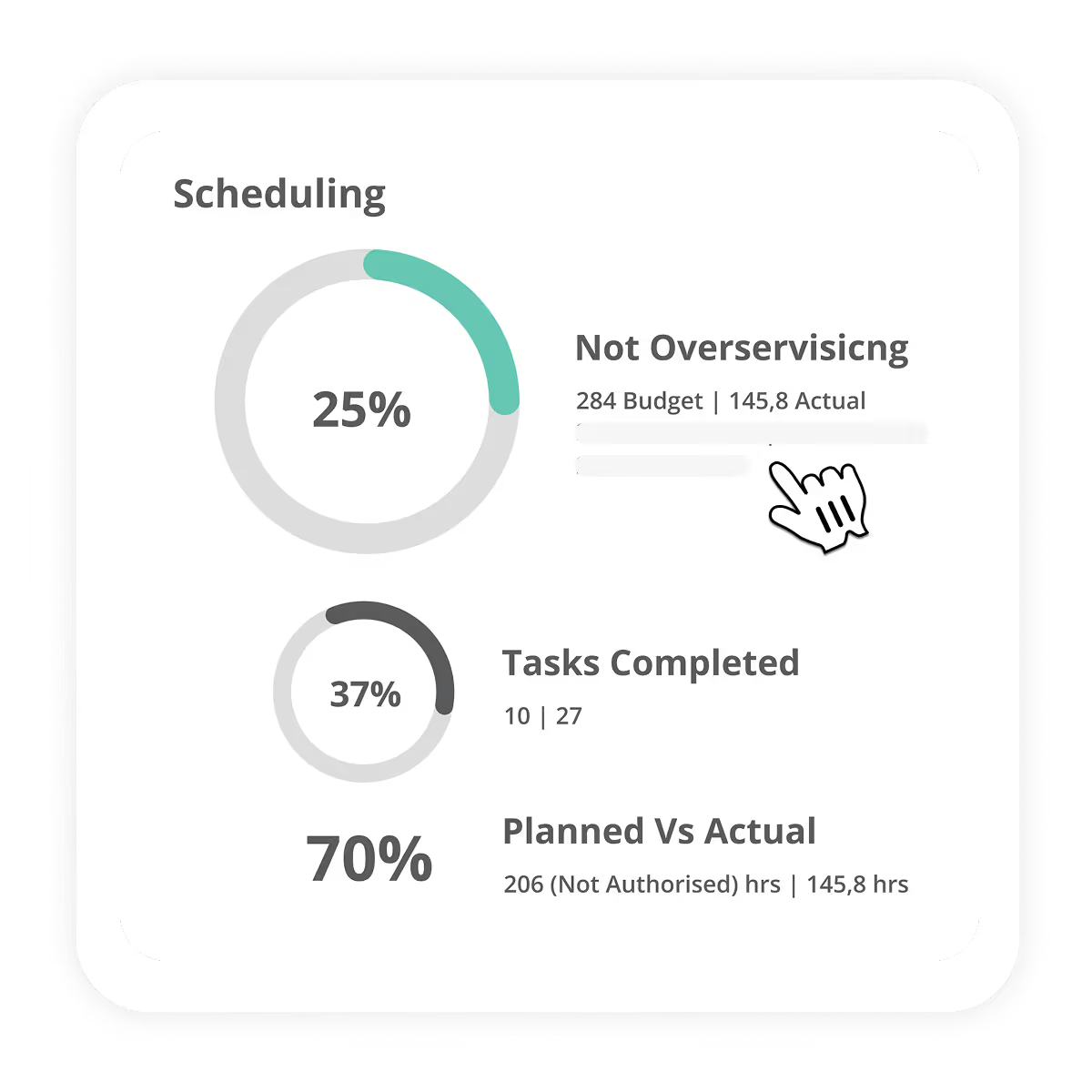
Compare planned hours vs. actual time logged at the project, task or team member level. When someone is burning through budget faster than expected you see it straight away.

feature card image

Reminders and compliance

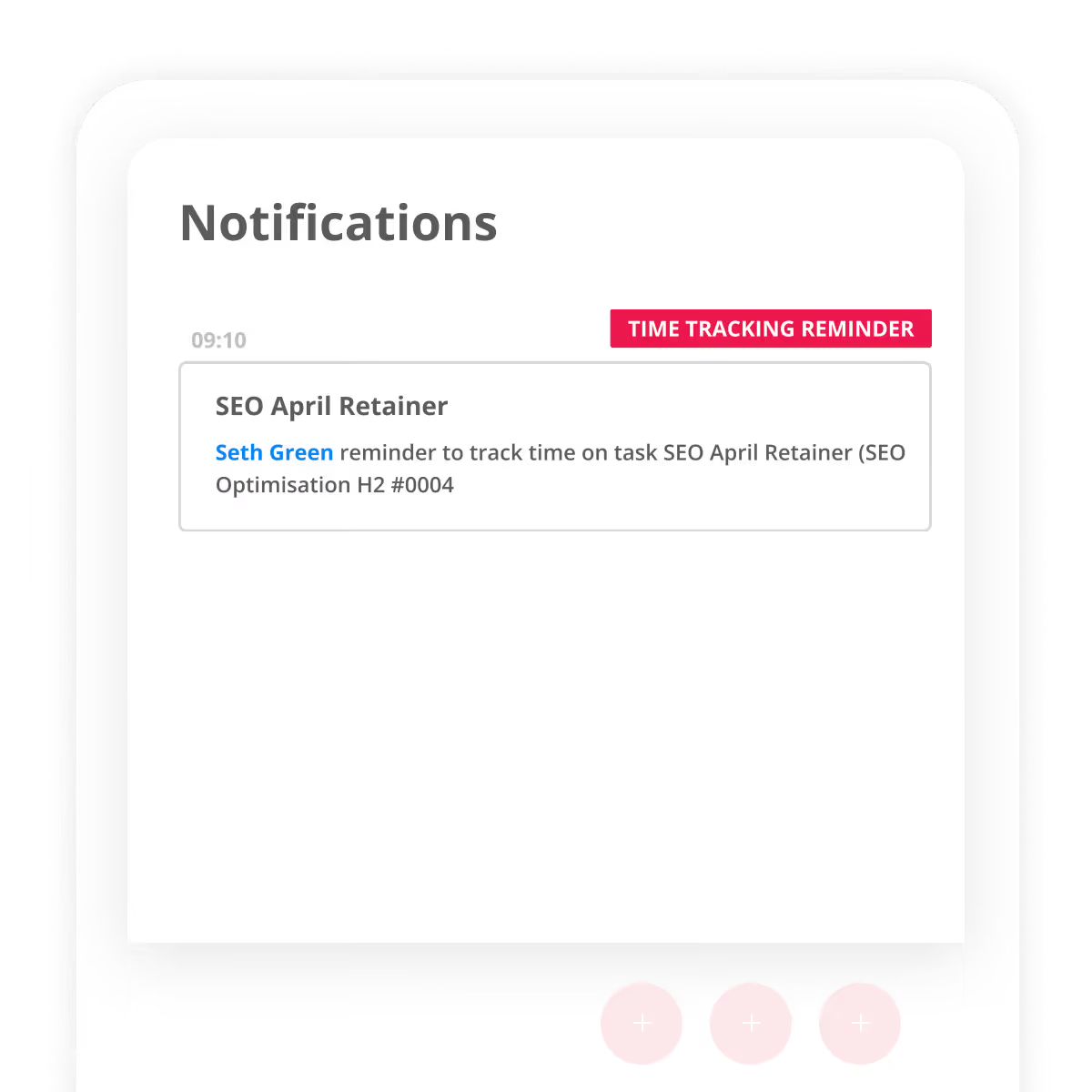
Magnetic sends reminders to anyone with incomplete timesheets. You can set end-of-month locks so time can't be submitted late ensuring maximun compliance.

Why professional services firms switch from standalone tools

Standalone time tracking tools track hours. Magnetic tracks hours and connects them to your projects, budgets, invoices and resource plan. Here's what that looks like in practice

What Matters
Standalone tools
Magnetic
Time entry
Manual logging, basic timers
One-click logging, timers, auto populate from calendars
Connected to projects
Separate tool, manual tagging or no link at all
Every time entry is linked to a task project, scope and budget automatically.
Budget visibility
None. You need a spreadsheet to compare hours vs. budget
Live budget burn and margin tracking per project, visible as time is logged.
Billable vs. non billable
Basic categorisation
Utilisation reporting by person, project, client and department.
Invoicing
Export a CSV, reformat, re-enter into your invoicing tool.
Approved time flows into invoces at the correct billing rate. Push to Xero and Sage.
Resource planning
Not included. Need another tool.
See allocated vs. actual hours across account the team. Spot overloads and gaps.
Reminders & compliance
Basic email reminders
Reminders, end of month locks, optional system access blocking. 98% accuracy.
Reporting
Time reports only.
Time data combined with project, financial and resource data in one reporting engine.
What you end up with
A list of hours in a separate system that someone has to reconcile
One system where time, projects, budget, invoices and resources are all connected.

You don't need a better timesheet. You need timesheets that are wired into the rest of your business.

customer stories

How One consulting firm connected time, budgets and invoices and reduced admin by 45%

Exonic replaced disconnected tools and manual tracking with a single system for time, billing and resource data - giving the team faster access to numbers that matter.

Integrations

Timesheets that plug into your existing tools

Bring all your favourite tools together in one place for a smoother, smarter time management experience.

View all Integrations
Connect with your wider workflow
flexible pricing

transparent pricing for Teams that track time

All plans include time tracking, task management and project dashboards. Upgrade for advanced features like resource planning, billing and integrations.

Essentials
For scaling Agencies looking to streamline operations
From
10
per user /mo
*Minimum of 5 users
Most Popular
Pro
For Agencies that need advanced features
From
17
per user /mo
*Minimum of 5 users
Enterprise
For large-scale agencies with complex needs
Get in touch
Lets Chat
*Minimum of 5 users

Every hour your team tracks should protect your margins

Start a free 14-day trial. See why hundreds of professional services firms use Magnetic for timesheets that are wired into the rest of their business.

Free for 14 days | No credit card required
frequently asked questions

Timesheet & Timetracking FAQs

How does Magnetic automate Time Tracking?
Magnetic eliminates manual time tracking by offering stop-and-start time capture, automatic time logging, and smart reminders. With integrations like Timeboost, time entries can be auto-populated for a seamless workflow.
Can Magnetic help prevent over-servicing?
Yes and this is one of the main reasons firms switch. Every time entry is linked to a project budget, so you can see budget burn as it happens. The booked vs. tracked hours view shows exactly where a team memeber or project is running over plan. You get automatic warning when a project hits a threshold (say 80% of budget used), so you can have the scope conversation with your client before you've already over-delivered.
How does time tracking connect to invoicing?
Approved time entries flow directly into invoices. Billing rates are applied based on your rate cards, whether thats per person, per project or per client. You can generate an invoice from tracked time in a few clicks with every hour priced correctly. Invoice. This removes the export-reformat-re-enter cycle that causes delayed invoicing, missed hours and billing disputes.
Can I track billable and non-billable time separately?
Yes! Every time entry is categorised as billable or non-billable. You can see billable utilisation by person, project, client or department in real time. This tells you how much of your team's capacity is generating revenue vs. being absorbed by internal work or admin. Useful data when your making resourcing or pricing decisions.
Will my team actually use it? We've tried other tools and adoption was poor.
This is the most common concern we hear, and also one where we have the most proof. Magnetic won "Highest User Adoption" on G2 in Summer 2024, and our customers report 98% timesheet accuracy. It works because the system removes the friction: timesheets auto-populate from calendars and task assigmnets, reminders go out automatically, and you can optionally block system access until timesheets are done. Chapu, a 60-person accounting firm, went live in one week. Karimjee Group saw a big jump in timesheet compliance after switching from their legacy system.
Can Magnetic handle different billing models (T&M, fixed-fee, retainers)?
Yes. Magnetic supports time and materials billing, fixed-fee projects, and retainer management including retiner burn tracking. You can set different billing rates per user, per project or per
How does Magnetic compare to tools like Harvest or Toggl?
Harvest and Toggl are strong time trackers, but they are stand-alone tools. They record hours in a seperate system that you then export and reconcile with your project management tool, your invoicing tool and your resource planning. Magnetic pulls that all into one place. Time entries link to project budgets, flow into invoices, feed resource planning and appear in profitability report.
Does Magnetic integrate with invoicing and billing systems?
Yes! Magnetic integrates with Timeboost and accounting tools like Xero to ensure that tracked time seamlessly translates into accurate invoices and financial records.
How long does it take to set up?
Most firms are running within one to two weeks. Chapu Chartered Accountants, a 60-person firm went live in one week. Magnetic's customer success team manages the migration alongside your team, so you don't have to figure it out alone. You can run your old system in parallel during the transition. Free training is included with all new hires going forward
resource center

Related resources