PSA Software: Complete 2026 Guide to Professional Services Automation
What is PSA software?
PSA (Professional services automation) software, is an integrated platform that unifies project management, resource management, resource allocation, time tracking, financial management and client relationships into one single sytem. Designed specifically for Professional services firms, PSA Software replaces disconnected tools and spreadsheets with one centralised solution that provides real-time visibility across your entire operation, from initial sales forecast, through to project delivery, reporting, and final invoicing.

Everything you need to understand, evaluate and implement professional services automation
Professional services automation unifies project management, resource management, time tracking and billing into one intelligent platform. Discover what PSA software is, how it works and how to choose the right solution.


Complete PSA Guide
Explore professional services automation with a complete guide into implementation, benefits and best practices

Compare Solutions
Side-by-side comparison of leading PSA platforms, with features, pricing and detailed vendor profiles
Read the guide
Core capabilities
Essentail capabilities every professional services firm needs to succeed.
See features
Resource Planning
Master professional services resource and capacity planning to optimise utilisation and profitability
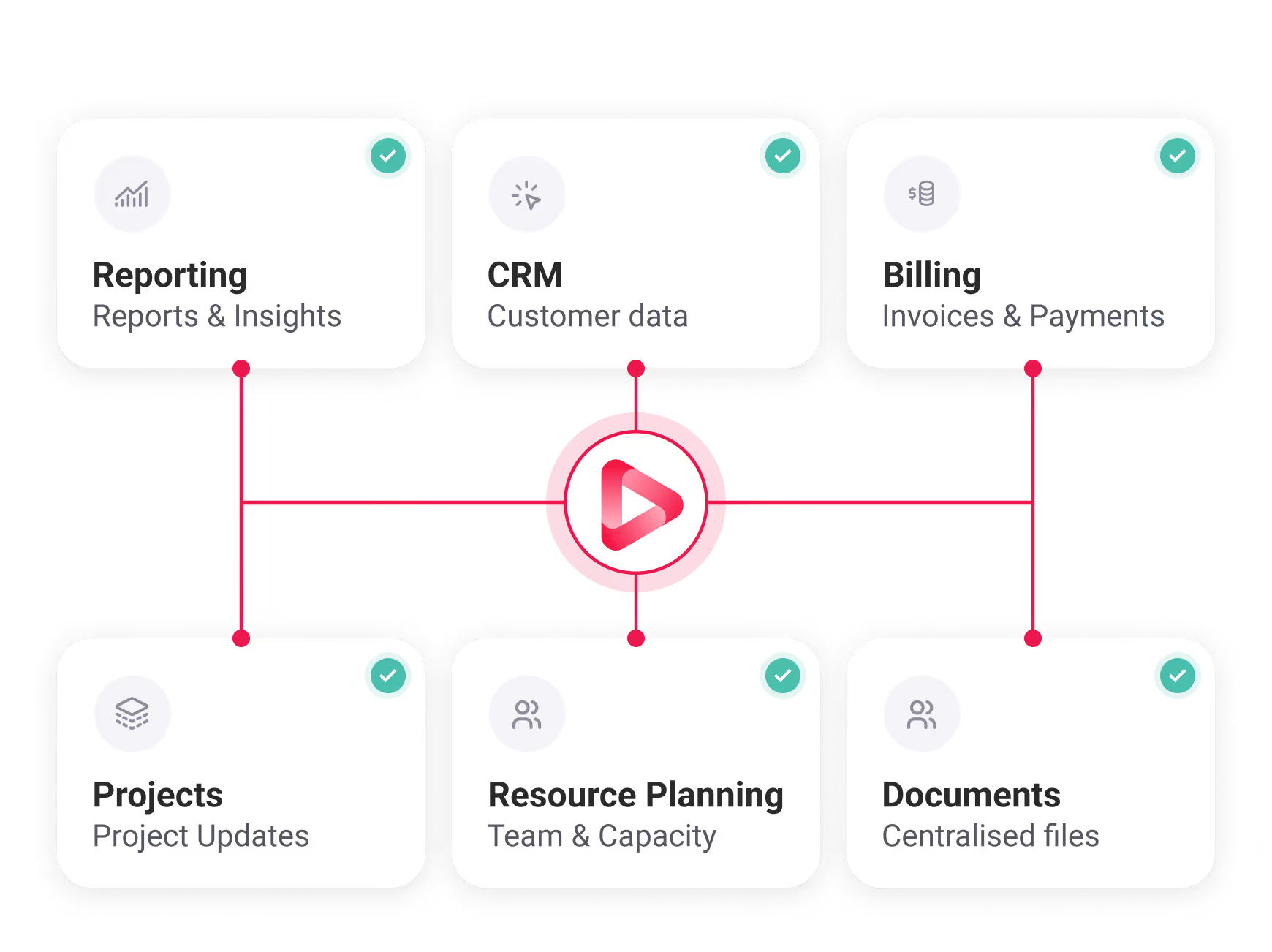
See resource planningPSA Software creates a continuous flow of data across your entire service delivery lifecycle
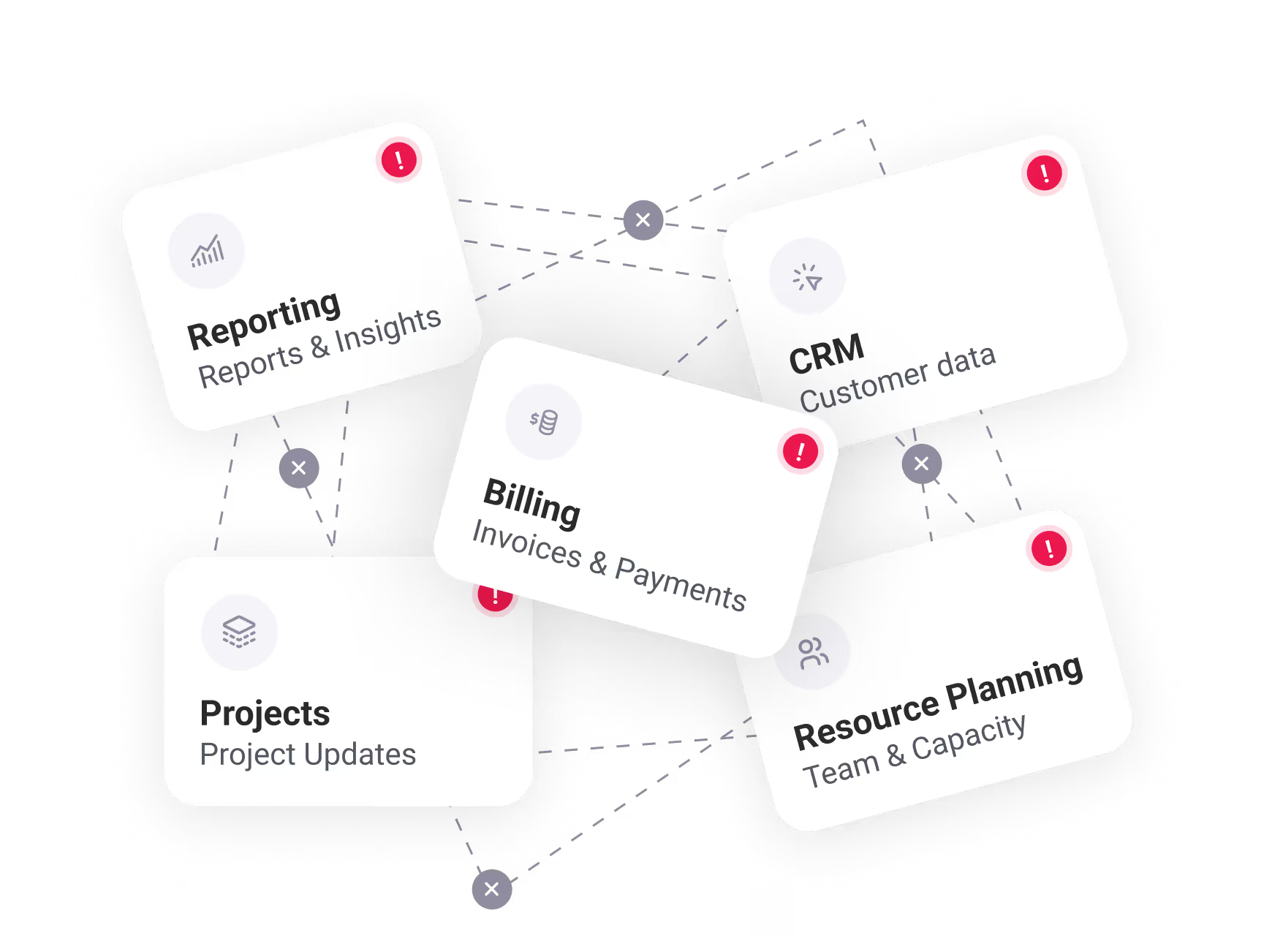
PSA Software solves a fundamental problem for professional services firms: disconnected tools create inefficiency, revenue leakage, and limited visibility into what actually drives profit. Instead of juggling separate systems for project management, time tracking, resource scheduling, billing and reporting, PSA brings everything together.
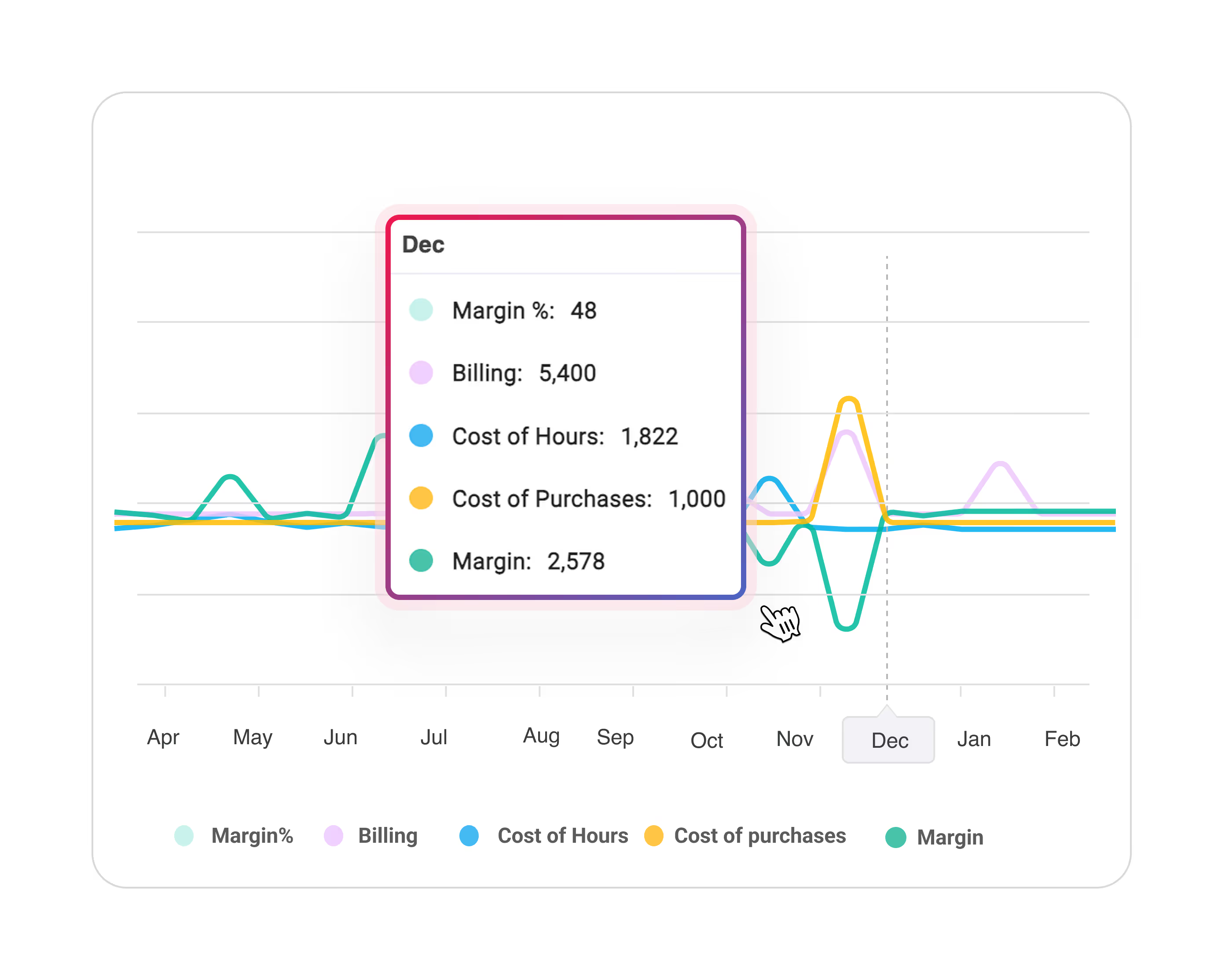
What a PSA Dashboard should Include
5-15%
Typical utilisation improvement
4-6 hrs
Typical utilisation improvement
8-12%
Typical utilisation improvement
8-12 wks
Typical utilisation improvement
The moment you know you need a pSA
Its month end, your finance team is manually reconcilling timesheets from Harvest, project budgets from Asana and invoices from Quickbooks. They discover a $40,000 project went 30% over budget - but you're finding out 3 weeks after it finished.
Meanwhile, your Ops Lead is rebuilding the same resource forecast in excel for the fifth time this quarter because the CRM data doesnt match project actuals. Your team burned 80 hours on a fixed-free project scoped for 60. Nobody knew until the invoice went out.
Thats the tax of disconnected tools. Professional services automation doesnt eliminate the work, it eliminates the blind spots, the reconcilliation and the "wait, what happened?" conversations that cost you 12% in revenue annually.
Core PSA Software Capabilities
7 essential modules that work together to transform service delivery
Project Manangement
Plan projects with budgets, milestones and dependencies. Track progress through gantt charts. Monitor project health against original budgets and intervene before problems escalate
Explore project managementResource Planning
Visualise team availability and workload across all projects. Schedule resources based on skills and capacity. Forecast future needs based on your sales pipeline.
See resource managementTime & Expense Tracking
Capture billable hours with timers, mobile apps or bulk entry. Track expenses for reimbursement. Categorise time to understand true costs.
Learn about timesheetsFinancial Management
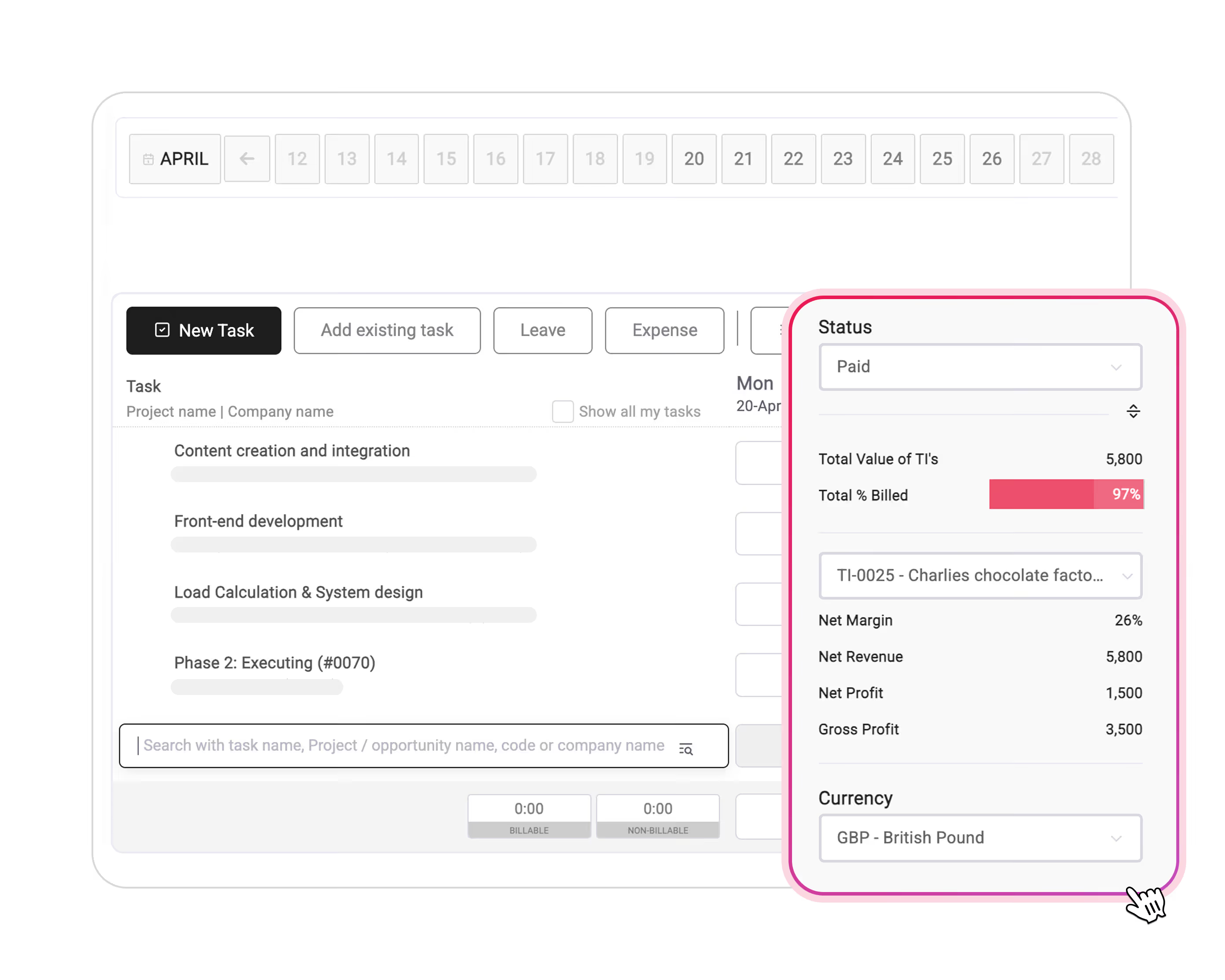
Track project budgets vs. actual costs in real time. Generate invoices automatically from approved timesheets. Forecast cashflow based on pipeline.
Explore financial managementCRM & Forecasting
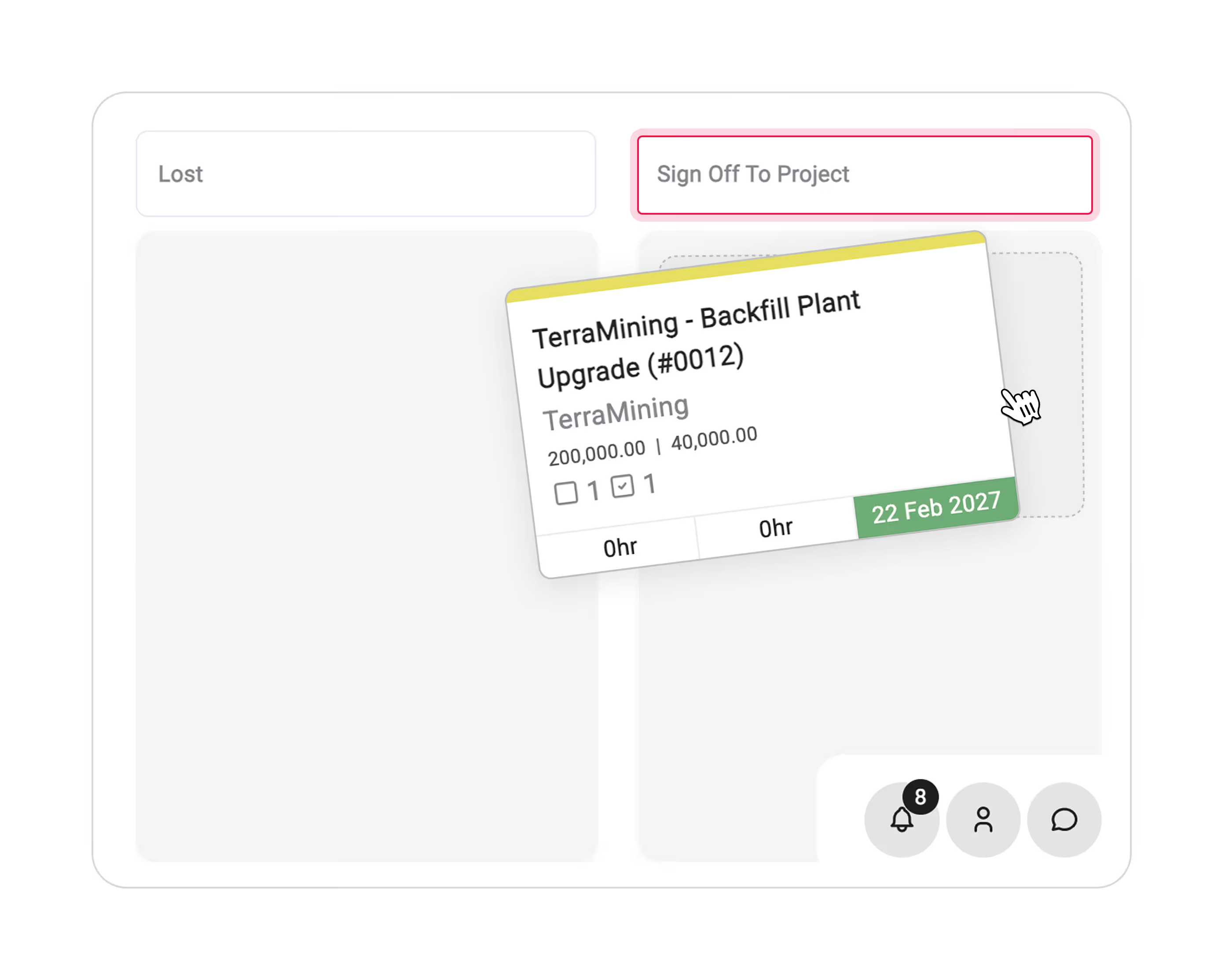
Manage opportunities and sales pipeline. Convert won deals into projects automatically. Connect revenue forecasts to resource capacity.
Discover CRM & forecastingReporting & Analytics
Access dashboards showing utilisation rates, project margins, over-servicing metrics and client profitability. Filter data by client, project or resource.
See reporting toolsReal-time Integration Flow
The power of integration
When time tracking feeds billing, resource planning informs sales forecasting, and project delivery updates financials automatically, you eliminate manual work and gain instant visibility. Read our complete PSA guide for detailed feature breakdowns.
Business Impact of PSA Software
Measurable improvements across operations and financials
Improved utilisation and profitability
PSA eliminated blind spots that cause unbilled time. Real-time capacity visibility and proactive workload balancing typically improve utilisation by 5-15%. At a 50-person firm billing billing $100 per hour, even a 5% gain represets $520,000 in additional annual revenue.
Utilisation Impact calculator
Faster billing cycles
Automated invoice generation from approved timesheets can reduce billing time from 5-10 days to 1-2 day (or less). This accellerates cash collection and reduces administrative burden. Firms can bill continuously rather than waiting for month end.
Reduced revenue leakage
Accurate time tracking and automated billing ensure every billable hour gets captured and invoiced. Firms often discover they were under billing by 8-12% simply because time wasn't being recorded or making it into invoices.
Real-time project management dashboard


Real results
Exonic improved project visibility by 80% and cut admin time by 45% within 3 months of implementing Magnetic PSA. Read the full case study →
Who Benefits from PSA Software?
PSA software is purpose-built for teams where people are the product.
If you bill clients for your teams time and expertise, PSA creates the operational infrastructure to do it profitably. Different industries use PSA to solve similar challenges: Accurate time capture, efficient resource allocation, faster billing cycles and real-time financial visibility.
Digital Agencies
Consultancies
Architecture & Engineering
Inhouse Teams
PSA software helps you execute indivdual projects and manage your entire professional services operation -connecting sales, delivery, resourcing and finance into one intelligent platform. If you bill clients for time and expertise, you need PSA Software.
PSA Software vs. project management software
Professional services automation unifies project management, resource management, time tracking and billing into one intelligent platform. Discover what PSA software is, how it works and how to choose the right solution.

PSA Software
Project Management Software
The fundamental difference
PSA software helps you execute indivdual projects. PSA Software helps you manage your entire professional services operation, connecting sales, delivery, resourcing and finance into one intelligent platform. If you bill clients for time and expertise, you need PSA Software.
PSA Implementation: What to Expect.
A structured approach to successful PSA implementation
1
Planning
2-3 weeks
2
Selection
3-4 weeks
3
Data Prep
2-3 weeks
4
Migration
2-3 weeks
5
Training
1-2 weeks
6
Launch
1-2 weeks
Phase 1: Planning & requirements
Define objectives and success metrics. Documet current workflows and identify pain points. Rank your top 3 challenges - whether that's lost revenue from untracked time, inability to forecast accurately or struggled with utilisation visibility.
Phase 2: Platform selection
Evaluate 3-5 vendors based on feature depth, ease of use, integration capabilities and total cost of ownership. Request demos from shortlisted vendors. Include actual users in eval
Phase 3: Data preparation
Clean and standardise data before migration. Audit client, project and financial data. Standardise naming conventions, currency and rate structures. Poor data quality is the #1 cause of implementation delays.
Phase 4: Configuration & Migration
Configure workflows, approval processes and integrations. Migrate historical data. Set up reporting dashboards and user permissions. Test integrations with accounting and CRM systems.
Phase 5: Training & Pilot
Train power users first through "train the trainer" programmes. Run a pilot with one team or department. Gather feedback, refine workflows and document quick wins. Address resistance by communicating "what's in it for me" to each role.
Phase 6: Full roleout and optimisation
Scale to entire organisation. Monitor adoption metrics and KPIs monthly - utilisation rate, billing cycle time, project margin accuracy. Use PSA metrics to identify new automation opportunities.
Change resistance
Solution: Appoint PSA champions in each department. Share quick wins publicly. Keep visually engaged throughout.
Data silos
Solution: Use native APIs and integrations to connect CRM and accounting systems. Make PSA the single source of truth for project data
Over customisation
Solution: Start with standard workflows. Customise only what's truly unique to your business. Over customisationc creates maintenance nightmares.
Inadequate training
Solution: Offer role-based training. Provide ongoing office hour support. Create quick reference guides for common scenarios.
Switching To PSA. What You Need To Know
Ready to stop losing revenue to disconnected tools?
Replace disconnected tools with one intelligent platform that connects your entire operation - from pipeline to profit