 GlobalGlobal


Time tracking determines how much of your work actually generates revenue. For accountants, engineers, architects and consultants who bill by the hour, every untracked minute is margin you have already given away.
Billable utilisation across professional services firms dropped to 68.9% in 2024, below the 75% threshold most firms consider healthy. It has been falling since 2021, when the average was 73.2%. Industry research estimates annual loss from poor time tracking at 15-25% of billable hours. About 1 in 5 hours your team works never makes it onto an invoice.
For a 50-person firm billing $200 an hour, that gap equals about $127,500 in unrecovered revenue per year. Firms with disciplined time tracking capture about 95% of billable hours. Firms without it capture closer to 72%. This 23-point difference separates firms with healthy margins from those struggling to grow.
Most leadership teams know the symptoms. Inaccurate logging. Manual processes. Distributed teams trying to recall last Tuesday on Friday afternoon. In the United States, 38% of businesses still use paper timesheets, which links directly to billing errors and lost time.
This guide compares the best time-tracking software for professional services firms in 2026, focusing on which fits your firm's size, billing model, and tech stack.
Inaccurate time tracking shows up in five places. Most firms feel all of them.
Revenue leakage occurs because hours not logged are not billed. Over a year, the gap between firms tracking 72% and those tracking 95% of billable hours adds up to a number that determines whether you hire next quarter.
Project delays. When you cannot see how long tasks actually take, you cannot spot a project running over until it is too late. On-time project delivery dropped to 73.4% in 2024 across professional services. Better tracking is one of the few levers that move that number.
Resource misallocation. Without accurate data, staffing becomes guesswork. You end up with some teams overloaded and others under-utilised. Resource management starts to run on instinct rather than evidence.
Compliance risk. Firms operating in EMEA face strict labour laws. GDPR, working time directives and country-specific records all rely on accurate timekeeping. Manual systems make compliance harder to defend in an audit.
Productivity drift. No accountability means hours stretch. Some people overwork. Others coast. The middle ground, which is where most teams should sit, becomes hard to manage without visible data.
Beyond the obvious problems, three patterns quietly drain margins inside professional services firms.
Quick Slack messages. Deck reviews between meetings. Strategy thinking on the commute. Each one feels too small to log. Together, they add up to 5 to 8 hours per person every week. Over a year, that is 250 to 400 un-billed hours per consultant. At $100 an hour, you are giving away $25,000 to $40,000 per head.
The psychology is understandable. Small tasks come across as relationship maintenance, not billable work. The reality is different. If you answered a client question, reviewed a document or shaped a decision, the value moved. The clock should have been running.
A simple rule: anything taking 6 minutes or more (0.1 of an hour) gets tracked. That records substantial work without making people log every browser tab.
The longer you wait to log time, the less accurately you log it. Memory of a detailed task allocation fades fast. By Friday afternoon, Monday's two-hour design review gets logged as 1,5 hours. The 20-minute slack thread with clients gets forgotten entirely and the half-hour of prep work gets rolled up into research. Multiply that across a 50-person firm and the 23-point capture gap is no longer abstract.
One consultant put it this way:
“I’ve worked in consulting for a few years and still get overwhelmed when filling out my timesheet at the end of the day. Even when I’ve worked for a full 8 to 10 hours, I have trouble figuring out where to put my time. I’m feeling pretty constantly burnt out.”
Memory decay is the issue. The sooner you log time, the more accurately you log it.
For a consultant billing at $200 an hour, the gap between live tracking and end-of-week reconstruction is worth roughly $30,000 in recovered revenue per year. Time tracking belongs inside the work, not bolted onto Friday afternoon.
When time tracking, project delivery and finance live in separate tools, the chain from work delivered to invoice sent breaks somewhere in the middle.
Each system handoff is another point where revenue can slip. As firms grow, the complexity multiplies. More projects. More billing models. More distributed teams. More places for hours to disappear into the spreadsheet equivalent of a black hole.
A 10-person firm misclassifying just 2 hours per week per person costs around $104,000 a year at $100/hour. Without clear billable rules, consultants spend more time deciding whether to log something than actually doing the work.
Common questions that should already have an answer in your firm's policy:
If your firm has not written these rules down, that is the first project, before you pick a tool.
Done well, time-tracking software changes how a firm operates. The shift goes well past timesheets.
Billing accuracy. Firms with proper systems capture about 95% of billable hours. Firms without them sit closer to 72%. Eliminating that gap is the single biggest revenue lever inside most service firms.
Project management. With visible time data, project managers can spot tasks running long in week two rather than discovering them at invoicing. On-time delivery rates improve. Client trust follows.
Data-informed decisions. Reporting turns raw hours into staffing decisions. You stop assigning people based on who shouted last and start matching skills to project shape.
Compliance. GDPR, working time directives and country-specific record-keeping all run on accurate timesheets. Software with audit trails makes the compliance conversation a non-event.
Productivity. Visible time data does two things. It surfaces overwork before it becomes burnout. It also surfaces under-utilisation before it becomes a margin problem.
Financial predictability. Lifting utilisation from 65% to 75% on a $100/hour consultant adds $20,800 of annual revenue per person. Across a 50-person firm, that is over $1 million in recovered revenue
Most tools fall into one of three groups. The shape of your firm decides which one fits.
Best for: Solo consultants and small teams (under 5 people) running straightforward hourly billing.
The limitation: Standalone trackers tell you what time was logged. They do not tell you whether that time was profitable, over-serviced or aligned with the scope you sold. Someone still has to manually match tracked hours to projects, budgets, and invoices. For growing firms, the reconciliation work eats more time than the tracker saves.
When this makes sense: Solo work or very small teams with simple billing.
Best for: Remote teams where compliance, attendance verification or detailed activity logs are contractual requirements (government contracting, BPO operations).
The trade-off: Surveillance features like screenshots and activity tracking can damage trust. One consultant noted: “I feel some element of surveillance when the program takes screenshots of my screen.” These tools focus on monitoring activity rather than connecting time to project profitability and resource planning.
When this makes sense: Regulated environments where audit-grade activity logs are non-negotiable.
Best for: Professional services firms (10+ people) running multiple concurrent projects, mixed billing models and needing visibility into profitability, utilisation and resourcing.
The advantage: Time tracking is directly integrated into the firm's operations. Every hour logged automatically rolls up into project delivery, financial performance and capacity planning. There is no manual reconciliation step. This is the gap between tracking time and actually using time data to run a more profitable business.
When this makes sense: Growing service firms are tired of juggling 5+ tools that don't talk to each other.
Choosing software is a 10-year decision in disguise. Here is what to weigh.
Integration capabilities matter. Look for native connections with accounting tools, project management platforms, and your CRM. Integrations eliminate manual reconciliation that costs firms thousands of hours annually.
User-friendly interface is key. Adoption fails when software is clunky. A clean interface helps your team log time consistently without nagging.
Mobile accessibility is essential. With remote and on-site work, mobile time tracking is the baseline. Consultants log hours from client offices, sites, and trains, not just desks.
Advanced reporting and analytics. Strong reporting turns time data into staffing, pricing and capacity decisions. Look for dashboards that show utilisation, margin and pipeline alongside tracked time.
Compliance and security. Check for GDPR compliance, encryption, role-based access and SOC 2 attestations. Employee and project data are sensitive.
Customisation and scalability. Firms grow into new billing models, new currencies, and new countries. The tool you pick for 25 people still needs to work at 100.
Automated reminders and notifications help. Friday afternoon timesheet panic is a process problem. Automated reminders reduce it without making the system feel punitive.
Budgeting and invoicing. Software that connects tracked time directly to budgets and invoices closes the loop between work delivered and revenue captured.
The 10 tools below form the realistic shortlist for most professional services firms in 2026. We start with the comparison table, then explore each option in detail.
Most time trackers operate in isolation. They tell you what time was logged. They do not tell you whether that time was profitable, over-serviced or aligned with what you sold. Magnetic is built differently.
Time tracking inside Magnetic connects directly to projects, tasks, budgets, billing and resourcing. Every hour logged is rolled up into project delivery, financial performance, and capacity planning. There is no manual reconciliation step.
Instead of running 5 to 10 tools that do not communicate with each other, professional services firms get a single, connected operating system. Time becomes the foundation of delivery, revenue and ultimately profitability.
Key features:
What you also get beyond time tracking:
Ideal use cases:
Magnetic suits professional services firms that care about:
Teams using Magnetic consistently point to the same advantage. Everything works together, from timesheets and projects to sales, resourcing and HR./
Pros:
Considerations:
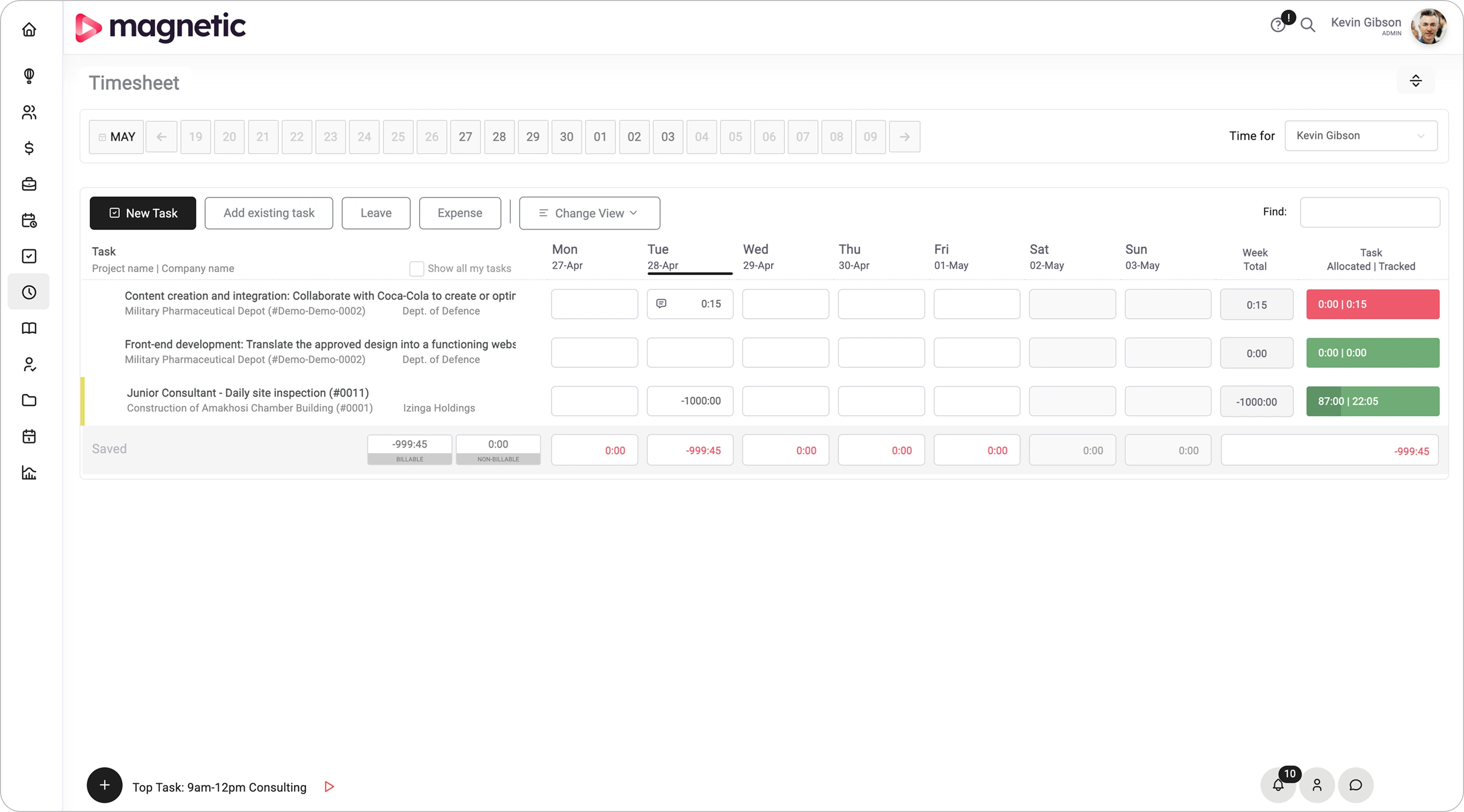
Harvest is a widely-used time tracking and invoicing tool known for its simplicity and effectiveness, making it a great fit for small to medium-sized professional firms.
Key Features:
Benefits and Use Cases: Harvest ensures that no billable hours are lost, significantly improving invoicing accuracy. It's especially effective for firms that need a straightforward, user-friendly solution for tracking billable time and managing expenses.
Pricing: Harvest offers a free plan for one user and a paid plan starting at $12 per month per user.
Pros:
Cons:
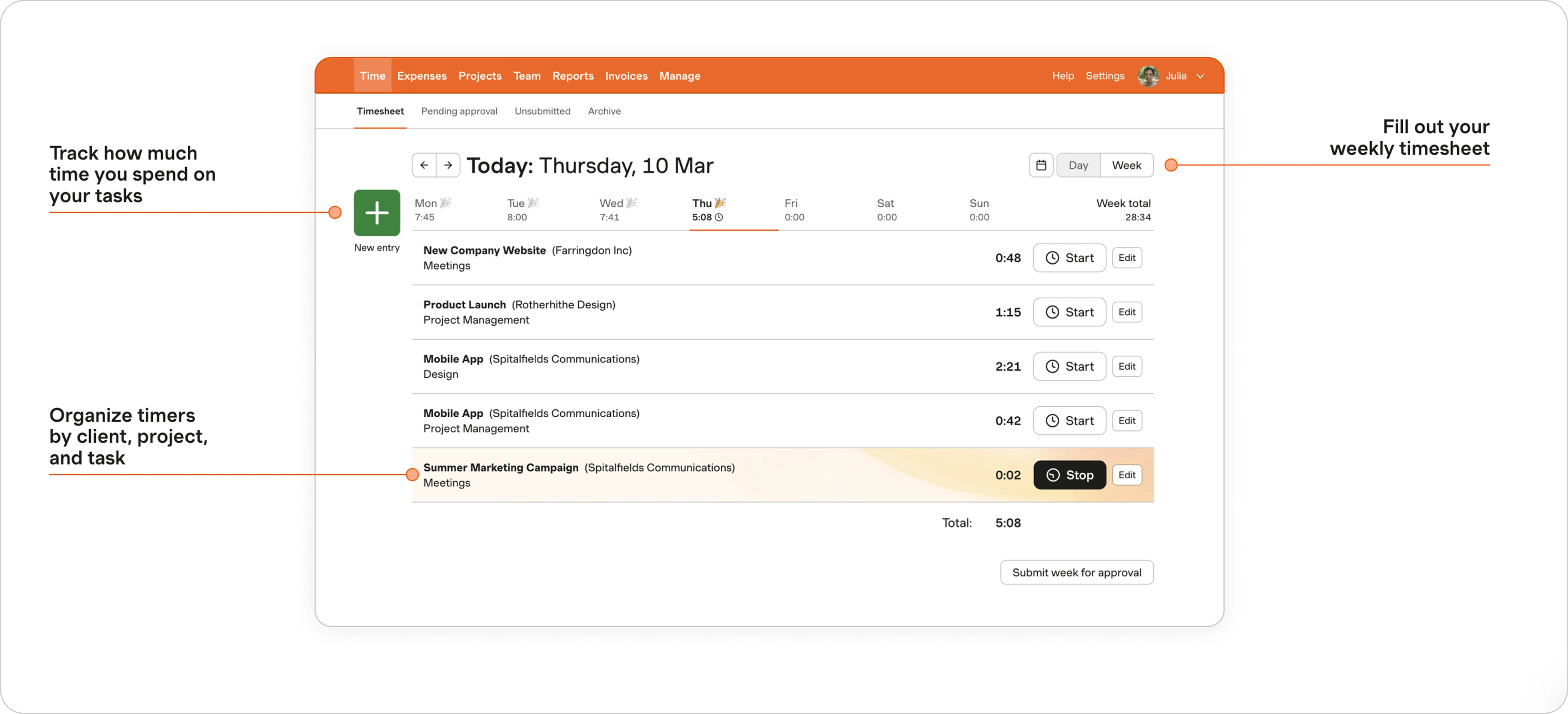
Toggl Track is known for its ease of use and flexible time tracking options, with a focus on boosting productivity and minimising time management effort.
Key Features:
Benefits and Use Cases: Perfect for firms that need quick and easy time tracking without overwhelming features. Toggl Track helps teams identify time sinks and make data-driven decisions to enhance productivity.
Pricing: Free plan available for basic time tracking; premium features start at $9 per month per user.
Pros:
Cons:
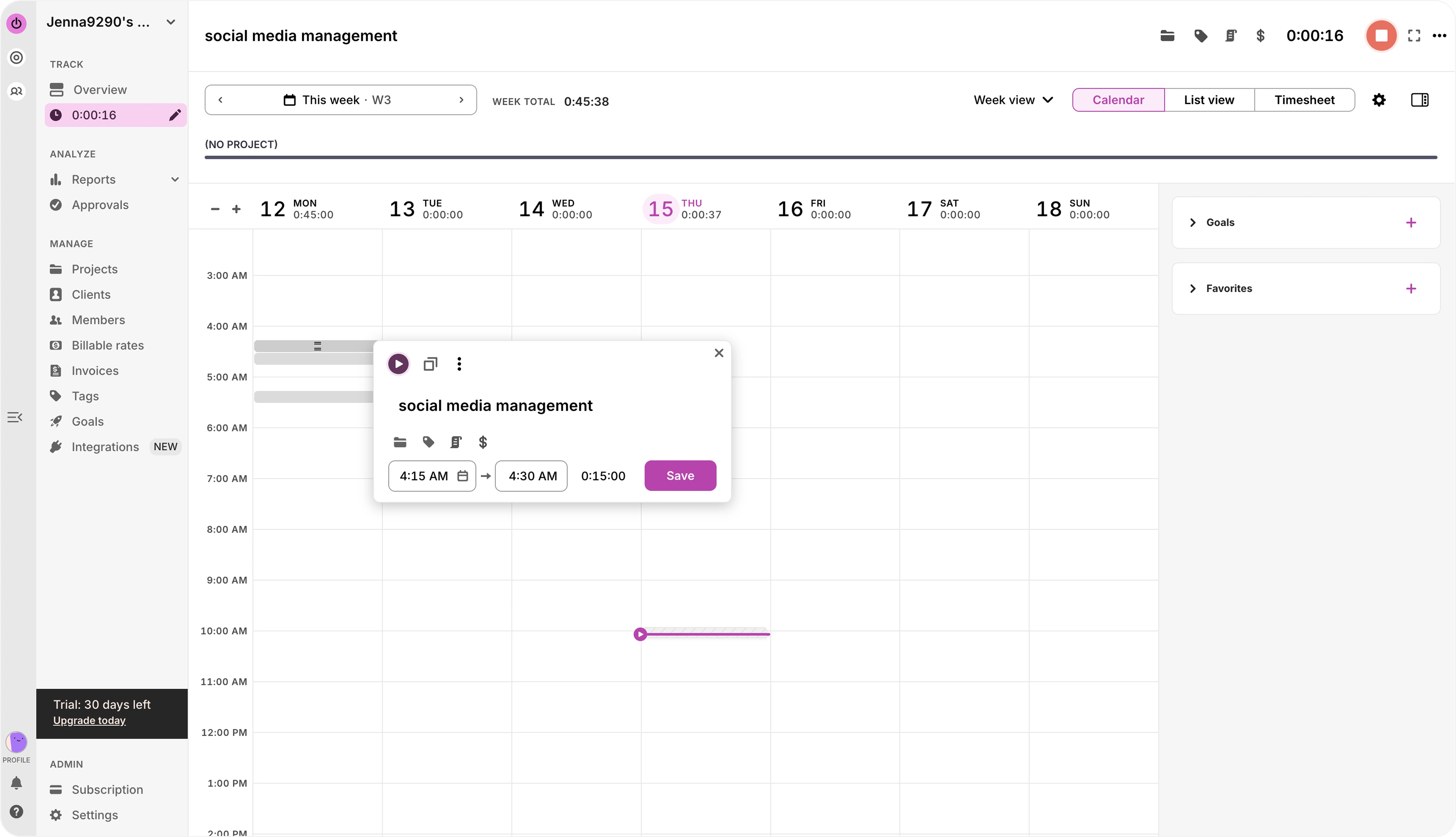
Clockify is a free time tracking software ideal for firms looking for a budget-friendly option that doesn't sacrifice key features.
Key Features:
Benefits and Use Cases: Clockify is an excellent choice for firms needing basic time tracking without upfront costs. It’s ideal for scaling businesses, allowing teams to add users and projects without additional fees.
Pricing: Free for unlimited users; paid plans with added features start at $4.99 per user per month.
Pros:
Cons:
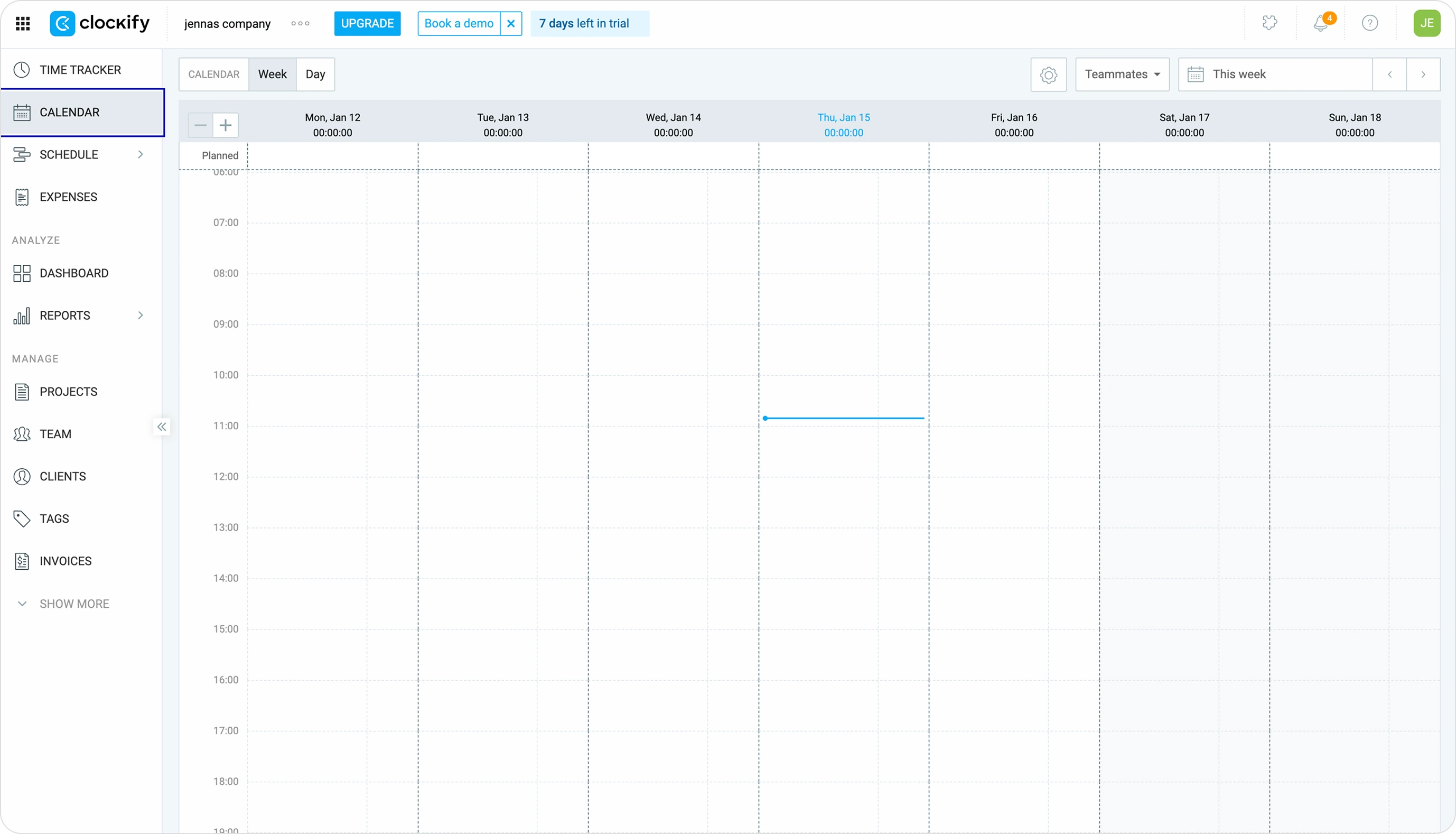
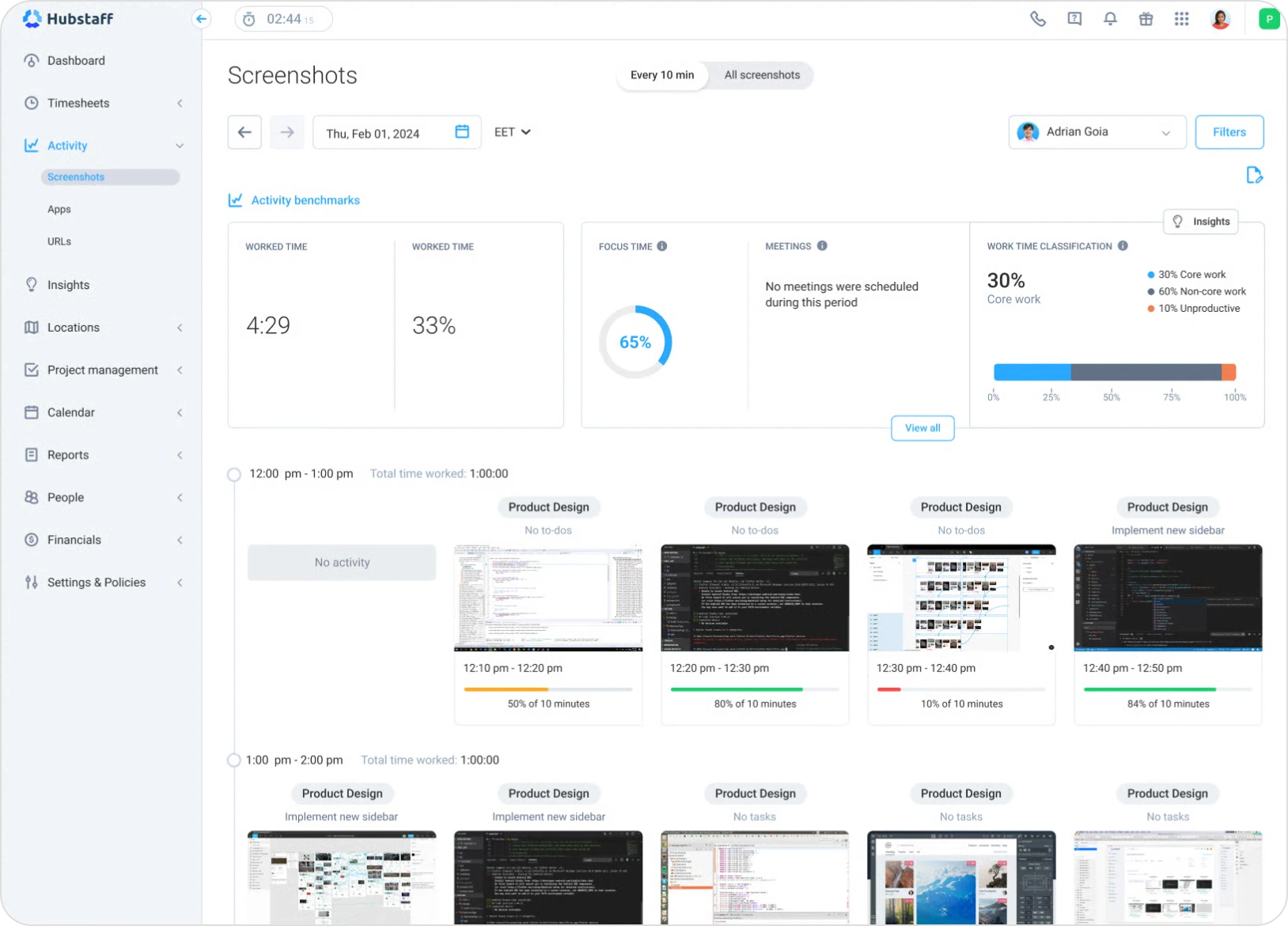
Hubstaff combines time tracking with employee monitoring features like activity levels, screenshots, and GPS tracking, making it a great tool for remote teams.
Key Features:
Benefits and Use Cases: Hubstaff is particularly useful for firms that need to keep a close eye on remote teams’ productivity. It provides real-time insights into how time is spent and helps managers stay on top of project progress.
Pricing: Starts at $7 per user per month.
Pros:
Considerations:
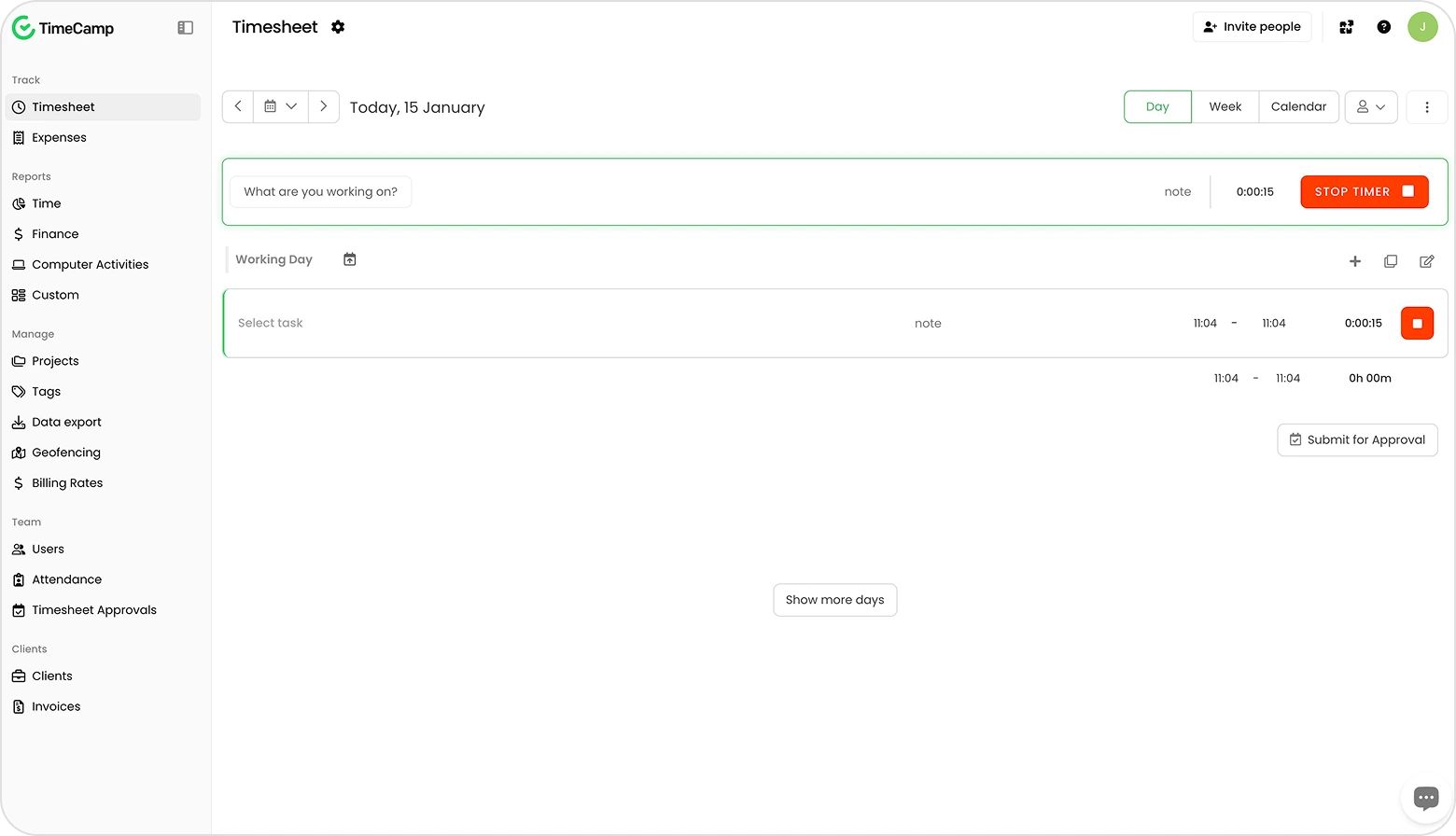
TimeCamp is an automatic time tracking tool with robust project management features and an emphasis on productivity tracking.
Key Features:
Benefits and Use Cases: TimeCamp is ideal for firms that want to automate time tracking and gain insights into how time is spent without manual input. It simplifies invoicing and budgeting while providing rich data for resource management.
Pricing: Free plan available; paid plans start at $7 per user per month.
Pros:
Cons:
Each of these time tracking solutions offers unique features that cater to different needs and firm sizes. Whether you're looking for a simple, budget-friendly tool like Clockify or a comprehensive solution like Magnetic, the right choice depends on your firm's specific requirements. If you're ready to take your time tracking to the next level, schedule a demo with Magnetic today to see how our integrated platform can enhance your firm’s efficiency and profitability.
Picking software is a strategic decision that shapes how the firm operates for years. Here is the order of questions to work through.
Assess your needs. One size does not fit all. Just because a tool is popular does not mean it fits. Start with your real challenges. Are you struggling with billing accuracy? Compliance? Resource allocation? The complexity of your projects and the size of your team determine what you can rule out.
Check integration requirements. A new tool needs to fit your current stack. If you already use accounting software, project management tools or CRMs, time tracking has to plug in cleanly. Native integrations save thousands of admin hours a year.
Consider your team. Software fails when people refuse to use it. A clean interface and proper training matter more than feature lists. Bring key team members into the evaluation early. Their feedback often reveals which tools will actually stick.
Weigh up the costs. Budget matters, but ROI matters more. A 50-person firm capturing an extra 23 percentage points of billable hours recovers around $127,500 a year. That kind of recovery typically justifies the investment within the first quarter.
Use the free trials. Run a real project on each shortlisted tool. Get the team to log a week of work. Pull the reports. The right tool reveals itself within two weeks. The wrong one becomes obvious even faster.
Successfully adopting a new time tracking tool requires thoughtful planning and communication to ensure a smooth transition. Here are best practices to help professional service firms implement time tracking software effectively:
By following these best practices, firms can ensure a successful transition to time tracking software, ultimately improving efficiency, compliance, and team satisfaction
In theory, time tracking software sounds great. But sometimes it’s hard to imagine how you might implement it or exactly how it would benefit your company. Let’s take a look at two examples of how it would benefit professional services companies.

*These are illustrative use cases to show how Magnetic might help these kinds of companies solve typical problems they might experience.
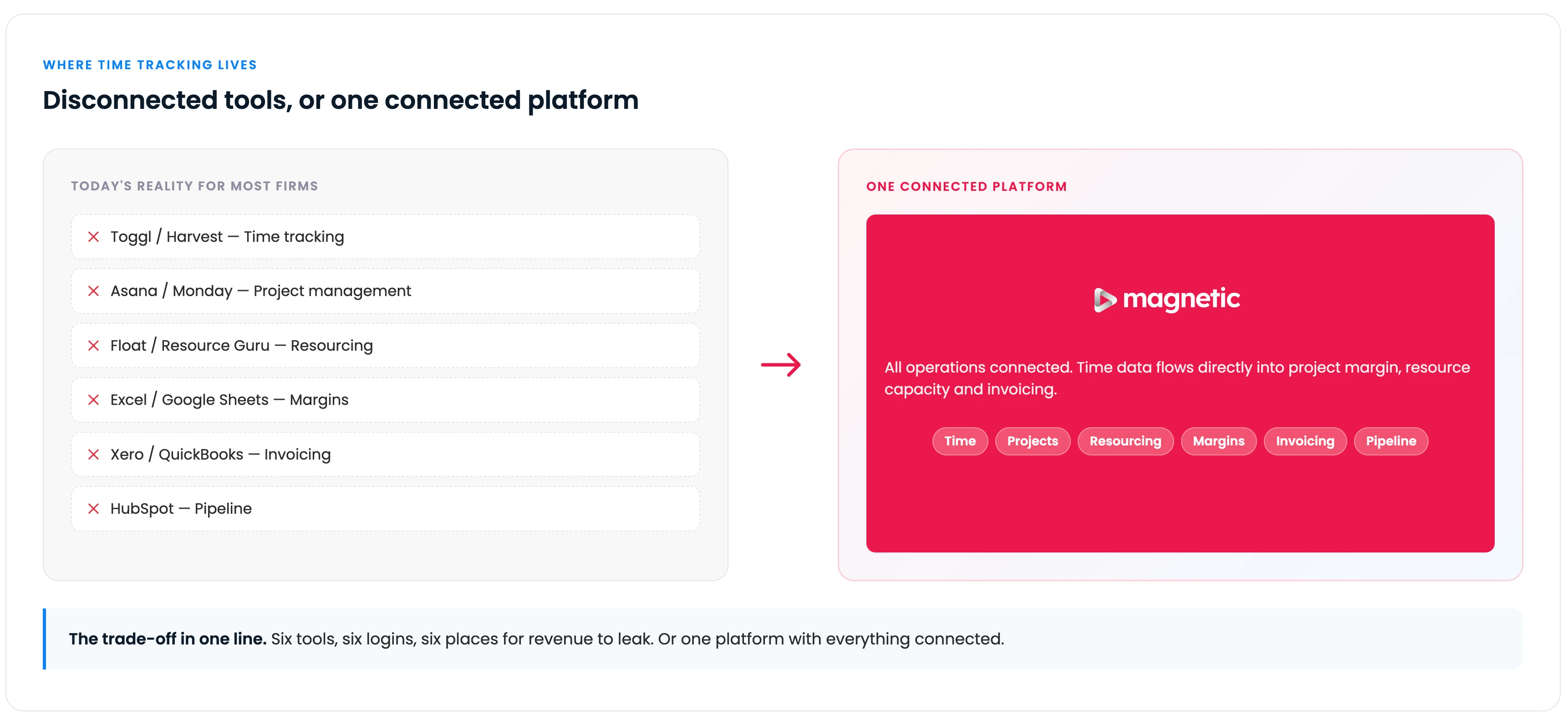
Integrated solution for connected operations. Magnetic brings time tracking, project management and CRM together in one place. Multiple client projects, budgets and resourcing all live in the same system. Visibility spans the entire firm without switching tools.
Built for professional services firms. Magnetic includes industry-specific capabilities for over-servicing prevention, scope control and budget tracking. Resource management surfaces team availability and workload balance.
Built for ease of use. A clean interface makes time logging quick. Adjusting resources and reviewing project progress takes minutes, not hours. Adoption rates stay high because the tool stays out of the way.
Real-time insights and reporting. Live dashboards surface billable hours, profitability and over-servicing risk. Decisions move from gut feel to evidence.
The right time tracking software improves billing accuracy, compliance, efficiency, and profitability. The wrong one becomes another disconnected tool to maintain. The decision deserves the time it takes to make properly.
The era of standalone time tracking is coming to an end. Scaling a professional services firm in 2026 means treating time as the connective tissue of the business, with billing, delivery and resource planning all running off the same data. The choice for most firms now is whether to keep losing margin to disconnected tools or bring it back into one place.
If you want to see what an integrated platform looks like in your real projects, book a 15-minute Magnetic walkthrough, and we will show you the system in action.
Start a free trial and see Magnetic with your own projects. No credit card required.
.svg)
When choosing time tracking software for accounting firms, look for features such as robust invoicing capabilities, audit trails, and compliance with financial regulations. Tools like Magnetic are particularly well-suited, as they offer comprehensive time and expense tracking, alongside seamless integration with accounting systems, ensuring accurate billing and reporting.
For engineering firms, precise time tracking is essential to manage complex projects, allocate resources efficiently, and meet deadlines. Time tracking software provides real-time insights into project progress, helping firms ensure that tasks are completed on schedule and within budget. It also assists in analysing time spent on different phases of a project, which can improve future planning and project management.
Time tracking software records hours worked. PSA platforms combine time tracking with project management, resource planning, billing and financial reporting in one system. For professional services firms running multiple projects and complex billing models, PSA platforms like Magnetic remove the manual work of reconciling time data across separate systems. Standalone time trackers leave that reconciliation work for someone to do later.
Time tracking software captures all billable hours automatically, reducing the risk of manual errors and ensuring that no time is overlooked. By providing a clear, transparent record of hours worked, these tools help firms generate accurate invoices, improve cash flow, and reduce disputes with clients.
Three factors cause the most revenue loss. Timing: waiting until Friday to log Monday’s work means 20 to 30% of hours get forgotten or underestimated. Micro-tasks: short client emails and calls that feel too small to track add up to 250 to 400 unbilled hours a year per consultant. Disconnected systems: when time tracking sits separately from project management and billing, hours get lost in manual reconciliation between platforms.
Yes, particularly past 5 to 10 people. Even a 10-person firm misclassifying 2 hours per week per employee loses around $104,000 a year at $100/hour billing rates. The ROI is straightforward. If your current system captures 72% of billable hours and proper software captures 95%, that 23-point lift recovers about $127,500 a year for a 50-person firm. The right software for a solo consultant looks different to the right software for a 50-person firm. Match the tool to the complexity, not the other way round.

Magnetic is an all-in-one workflow management platform designed and built for professional services firms.


.svg)