 Global



Magnetic connects sales, projects, resourcing and finance in one system. Agencies can plan from confirmed and tentative work, manage tasks and timesheets, and track project profitability through to billing. Resourcing starts on Essentials; financial reporting and billing require Pro.
Choose software for the work your agency needs to manage. For retainers and project costs, compare Magnetic, Productive and Scoro. If artwork review is central to delivery, look closely at proofing, supported file types and client approval workflows.
Check how proofing fits into the wider workflow. Workamajig and Teamworkcom include native proofing and invoicing. Magnetic connects to Ziflow - so allow for a seperate proofing subscription.
Compare the plan you would actually buy. Timesheet approvals, profitability reports and retainers sit on higher tiers. Include seat minimums, accounting integrations and onboarding when working out the cost and confirm what remains available after the trial.
Test your shorlist with the same real project. Plan the team, record time, and a freelancer cost, add a client revision, then prepare the invoice. Check which steps work together and where you need extra configuration or another tool.
We compared the same eight capabilities using each vendors pricing pages, product pages and help documentation, checked on 9 October 2026. A feature is market as "not listed" where we could not find it in those sources. This does not confirm that the feature is unavailable. Ask the vendor to demonstrate any requirement that remains unclear using the plan you are considering.
Magnetic publishes this guide and is included in the comparison. We have identified its plan restrictions and integration requirements on the same basis as the other tools. Our recommendations reflect the vendors documentation and the sections below explain the reasons for each recommendation.
The Digital Project Manager assesses creative agency tools against request intake, proofing, and annotation, approval workflows, version management, resource planning and workflow templates. It discusses time and budget tracking as buying considerations rather than scored criteria. In this guide, delivery and financial management receive equal attention because both affect project profitability. Prices are showing in US dollars per user per month, following each vendors published rates. We include annual and monthly billing where both are available.
The first table covers how you plan and deliver projects. The second compares estimates, billing and financial reporting, including what you can track against the agreed budget. Where the vendor specifieds a plan requirement it is included in the relevant cell.
Wrike, Screendragon and ClickUp provide creative review features but list limited or no support for invoicing and retainers. Magnetic, Productive, Scoro and Kantata offer more financial functionality, without native proofing. Workamajig and Teamwork.com both include proofing and invoicing. Workamajig's published pricing starts at ten users, while Teamwork.com requires a higher plan to unlock several financial features. Check both requirements before comparing subscription costs.
Best for:
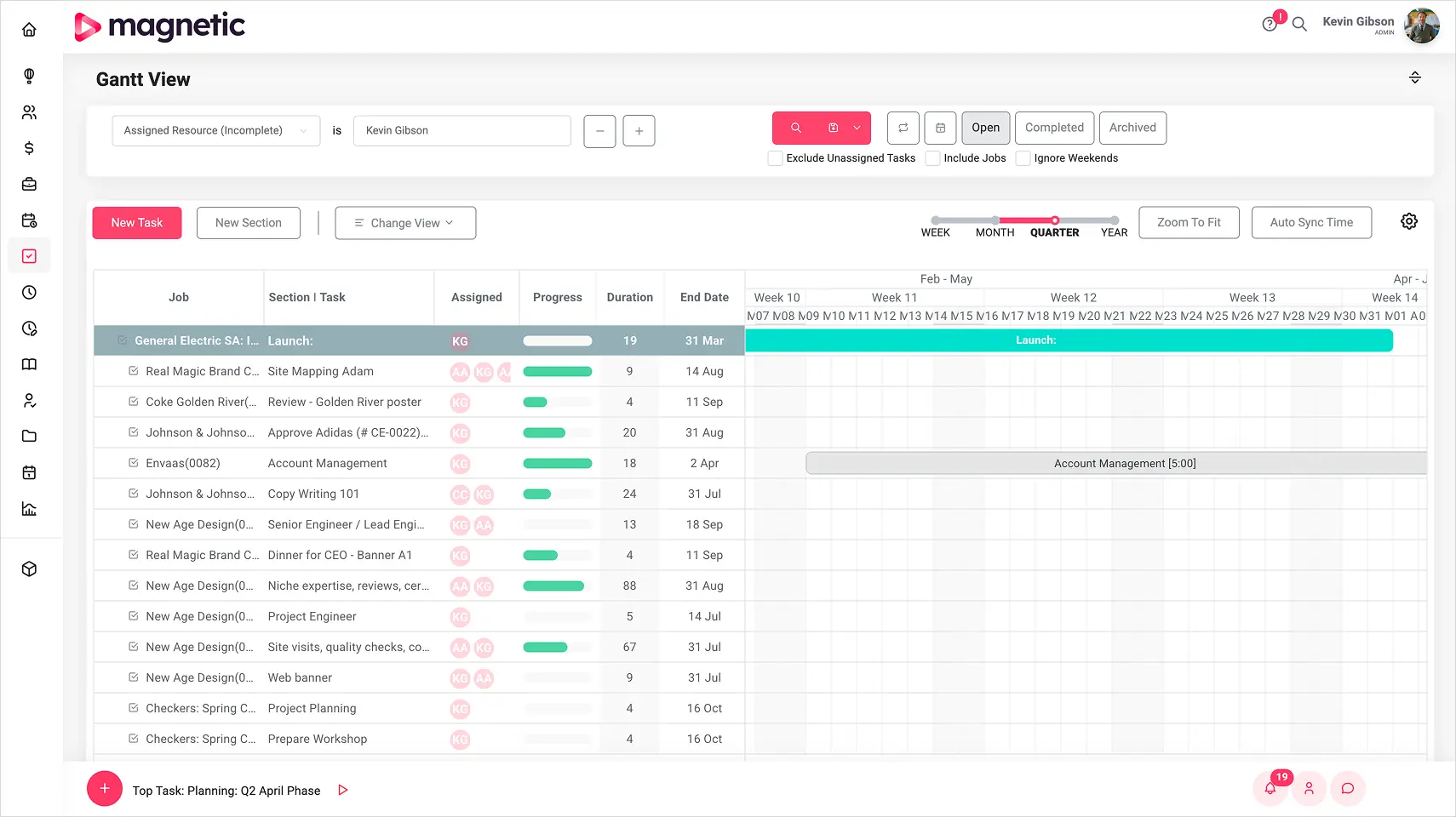
Agencies that need to manage sales, delivery and finance in one system. Magnetic connects CRM and forecasting with project planning, resourcing, timesheets and billing, so account managers, project leads and finance can work from the same project record.
What to check:
Essentials costs $10 per user per month billed annually ($13 monthly), with Pro costing $22 per user per month billed annually ($28 monthly). Paid plans have a five-user minimum and solo is free for a single user.

Time, resourcing and billing feed one set of live numbers. Nobody waits for month-end.
Get started for freeFree for 14 days · No credit card required
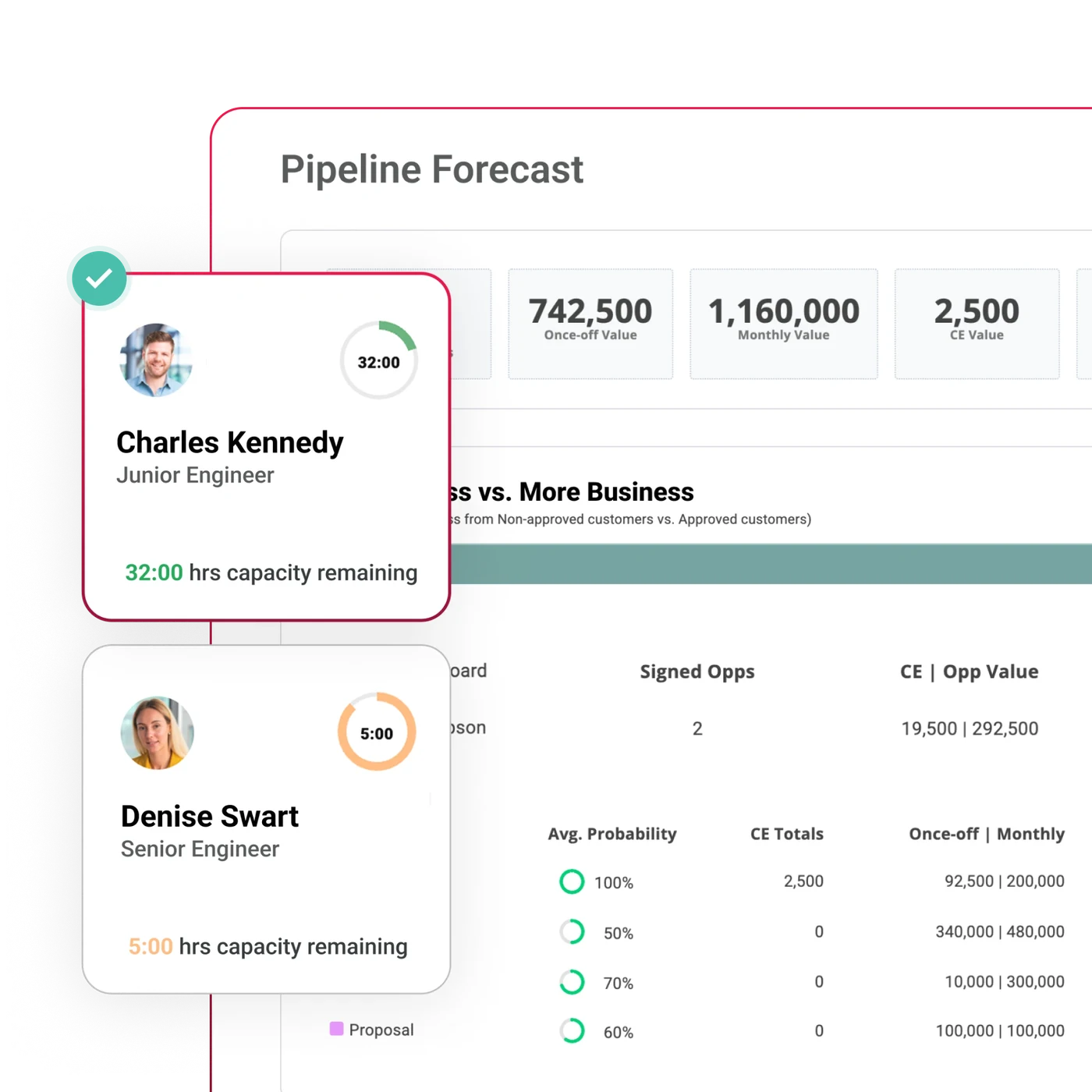
Best for:
Agencies wanting budgeting and invoicing on an entry plan. Productive's Essentials Plan includes sales, projects, resource planning and time tracking, making it a useful starting point for managing delivery and finance together.
What to check:
Pricing:
Essentials costs $10 per user per month billed annually ($12 monthly) and Professional costs $25 ($29). There is a three-seat minimum, while Ultimate is priced by quote.
See our Magnetic and Productive Comparison for more detail
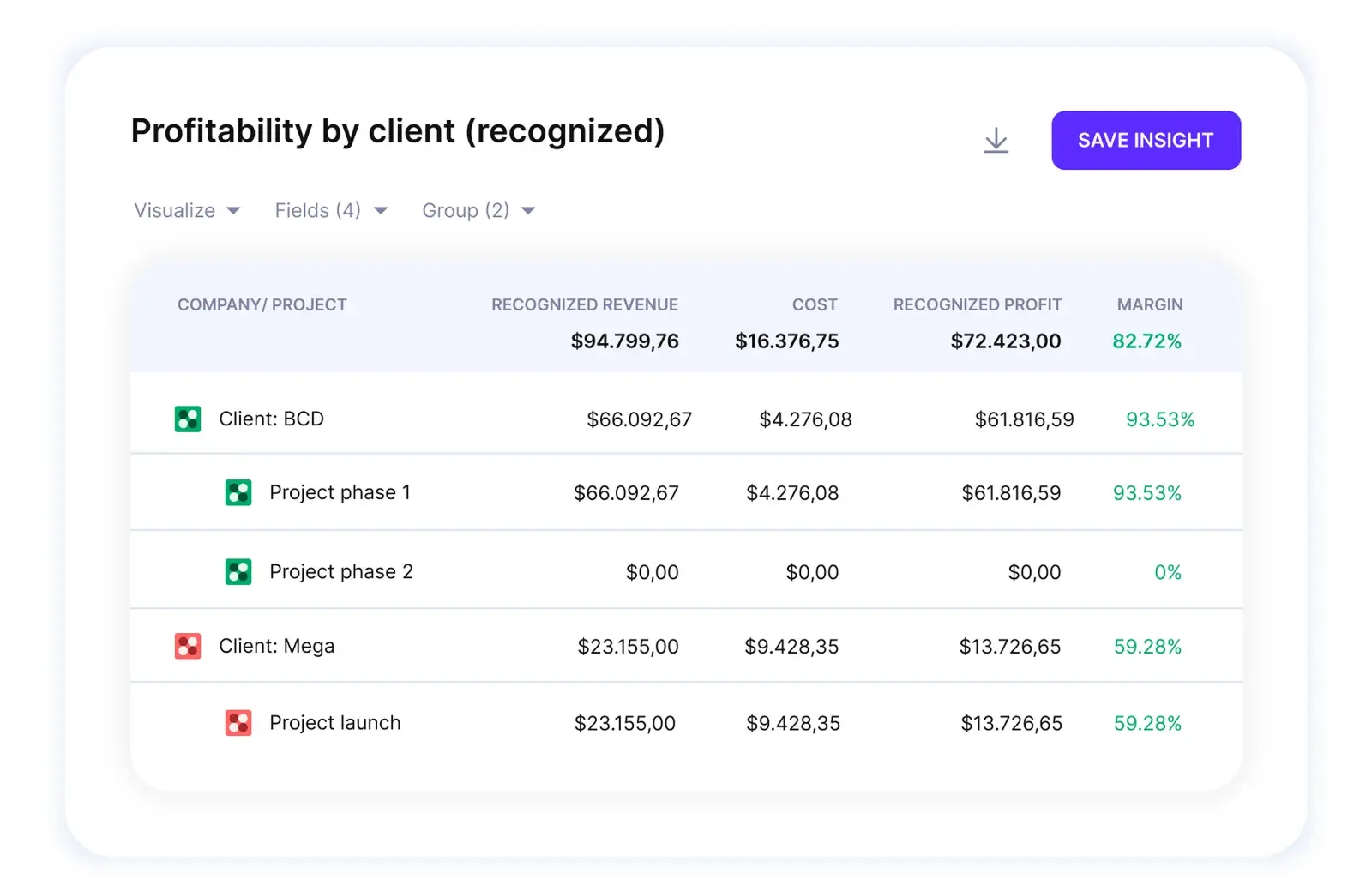
Best for:
Agencies choosing apps around their workflow. Scoro's eight core apps cover tasks, projects, time, resources, CRM, estimates, expenses and invoicing. Start with time and billing, then add the planning or quoting apps you need. Ask for a price covering you agency's full app combination, so an entry price doesn't set the wrong expectation.
What to check:
Pricing:
Scoro currently lists Time-billing from $17 per user per month. Projects & Resources and Quote to Cash from $29 and end-to-end from $57. A five-user minimum applies. Confirm the billing period, selected apps, portal and add-ons in the configurator or a written quote.
See our Scoro comparison
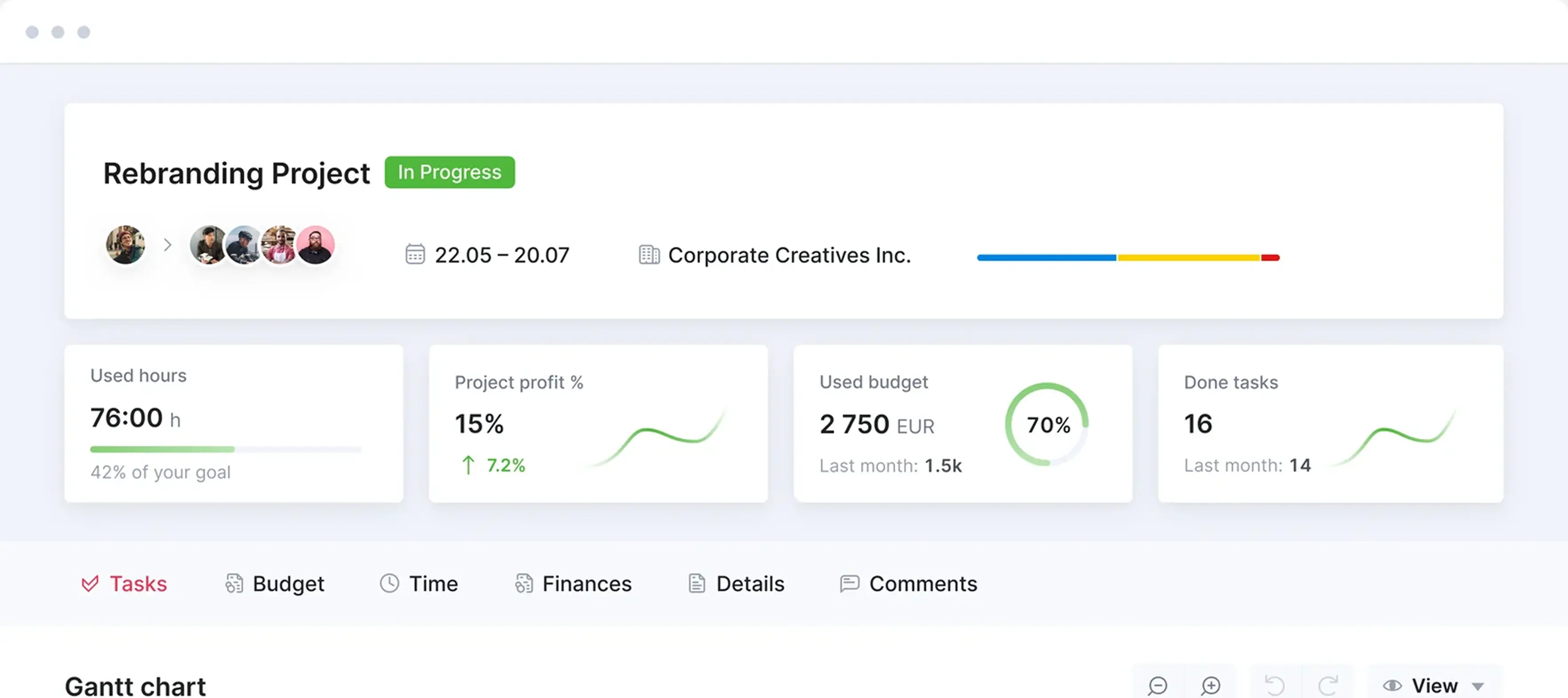
Best for:
Agencies wanting accounting and creative review in one system. Workamajig covers all eight requirements, including its own accounting package. It is worth considering if finance wants a new system; check the fit carefully if you intend to keep the current ledger.
What to check:
Pricing:
Workamajig costs $49 per user per month for teams of 10 or more, $47 for teams of 25 and above and $45 for teams larger than 50. Annual payment includes on month free. Onboarding, training and support are included.
Best for:
Larger agencies assigning people by skill and availability across projects. Kantata OX includes a skills inventory. soft allocations and unnamed resources, giving resource managers more details than a basic workload view. Kantata SX is a separate product built on Salesforce. Include a hard-to-staff project in the demo to check whether the skills matching helps.
What to check:
Pricing:
Kantata provides tailored pricing by quote. Its OX help documentation refers to Professional, Premier and Enterprise entitlements, but its pricing page gives no public seat rates. Confirm the product, plan, minimum seats and connectors in the proposal.
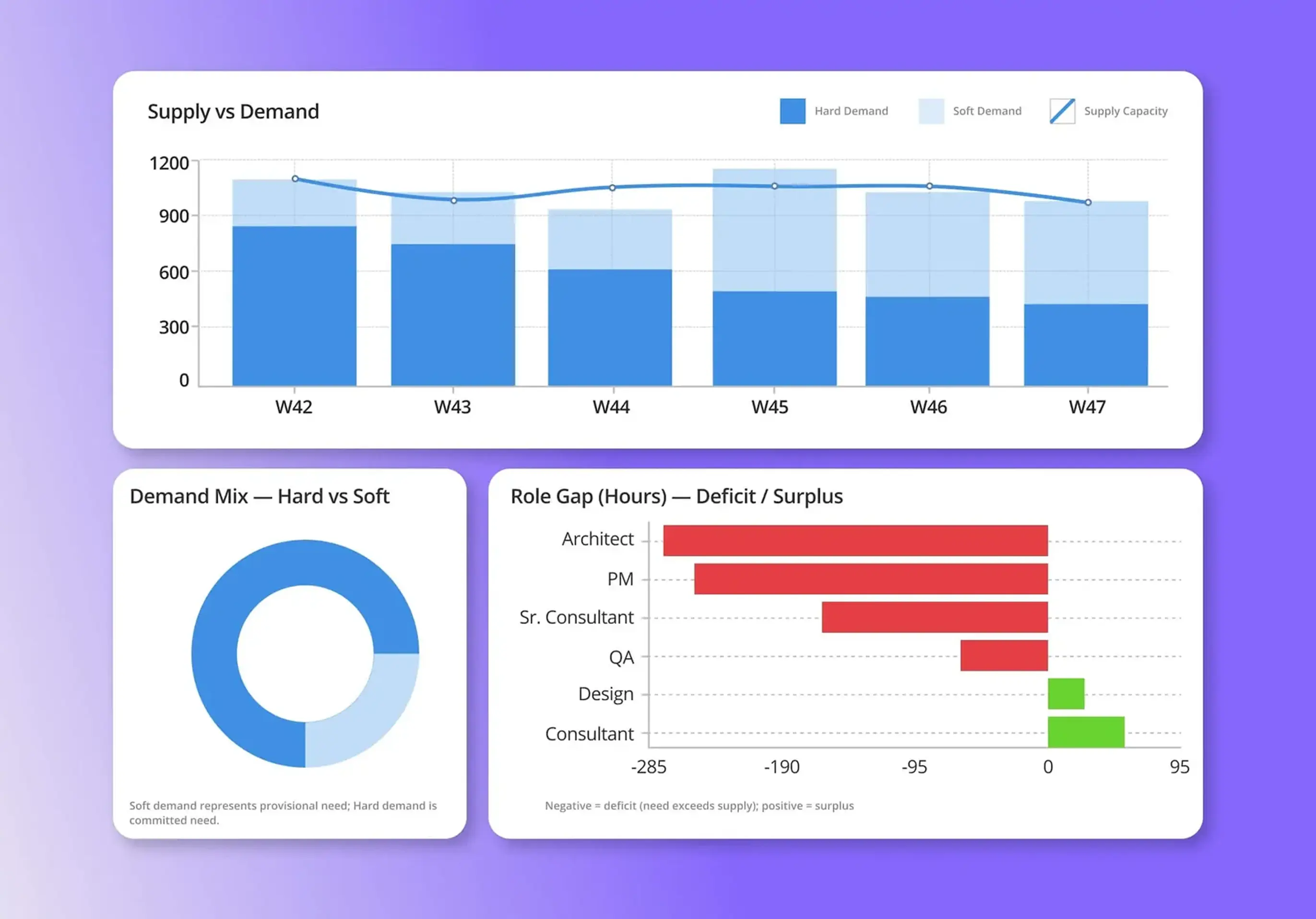
Best for:
Client services teams wanting project delivery and file feedback together. Teamwork.com lets clients mark up files without joining the site. The Accelerate plan adds retainers and invoicing, making it work considering if you're looking for a tool that combines reviews and billing in one system. More detailed financial controls are available on the Optimise Plan.
What to check:
Pricing:
Teamwork.com's basic plan costs $9.99 per user per month billed annually ($13.99 billed monthly), with a three-user minimum. Accelerate costs $24.99 per user per month billed annually ($29.99 monthly), with a five-user minimum. Optimise and Enterprise are priced by quote. There is also a free plan available for up to five users.
See our Teamwork.com comparison
Best for:
Agencies with someone to build and maintain their workflows. ClickUp combines tasks, docs, forms and several views. Its flexibility suits teams configuring projects around existing finance tools, provided they allow time for setup.
What to check:
Pricing:
At the time of writing, Unlimited costs $7 per user per month billed annually ($10 monthly), and business costs $12 per user per month billed annually ($19 monthly). Enterprise is priced by quote and a free plan is available. Every workspace member must be on the paid plan.
See our ClickUp comparison for configuration considerations
Best for:
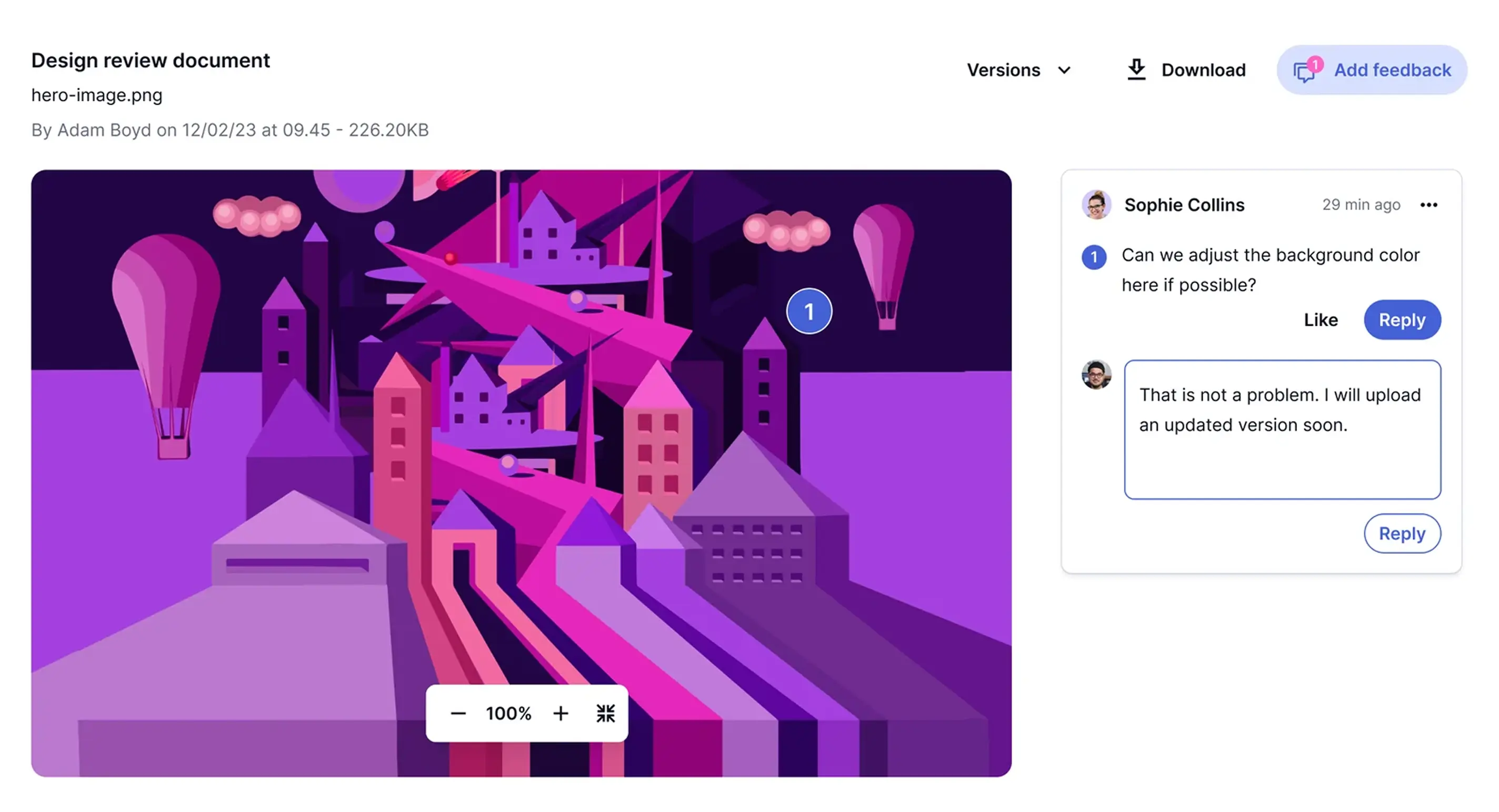
Agencies with a formal intake process and several review stages. Wrike's Business plan includes request forms, approval workflows and proofing for images, video, PDFs and office files. Version comparison lets reviewers check what changes since the last round, which is usefull when feedback needs to be check against the revised artwork. If you also need invoicing, include a separate billing system in the cost comparison.
What to check:
Pricing:
Wrike's Team plan costs $10 per user per month and Business costs $25, both billed annually. Pinnacle and Apex are priced by quote and a free plan is available.
See the Wrike comparison to compare Wrike with Magnetic
Best for:
Organisations that want flexible boards across creative, operations and other teams. monday work management lets you configure those workflows with time tracking and workload views on Pro. It is worth considering when shared project processes are a priority. For agency financial reporting, check what you will need to build of connect.
What to check:
Pricing:
monday's basic plan costs $9 per seat per month billed annually ($12 monthly), Standard costs $12 per seat per month billed annually ($14 monthly) and Pro costs $19 per seat per month billed annually ($24 monthly). There is a three-seat minimum, plus a free plan for up to two seats. Pricing varies by billing country. so confirm the rates for your location.
Best for:
Enterprise marketing teams and agencies with several approval routes. Screendragon combines creative review with rate-card estimates, project budgets, resource planning and timesheets. It is worth considering when the process needs to to change by client, market or asset type and a standard project workflow would be too restiritive Bring examples of different routes to the demo and check how each would be configured.
What to check:
Pricing:
Screendragon quotes a monthly charge per user plus a one-off setup and training fee. Its pricing form starts with a band of 30 to 100 users.
Choose around the work your agency does. A branding project needs clear artwork approvals; a website build needs dependencies and change control. A monthly retainer needs an allowance you can track through to billing. A tool that handles on well may need extra setup for the others.
Our Agency Benchmarking Survey of 104 agencies found a median of five revisions rounds per email. We ran the survey in 2019 and 2020, so use these figures as context for the workflow problems, rather than a current industry benchmark. Once you have a shortlist. test these six requirements with work your team recognises.
Add two page templates to a fixed-price website project. Can you still see the original estimate? Check who approves the change and what happens to the schedule and budget. Everyone should be able to tell approved work from a request that has not been approved. Our guide to spotting and stopping scope creep explains the process.
Check how the brief and feedback reach the people doing the work. If comments arrive through email, Slack and marked-up PDFs, someone has to consolidate them. A task approval may not include visual markup, version comparison or client review. Ask to see the files types and review process your team uses.
A useful resource view should show availability a across client projects, including leave. Test two jobs, that need the same designer in the same week. Can you see the the conflict and find someone else with the right skills? Include an unconfirmed project to check how provisional work impacts capacity.
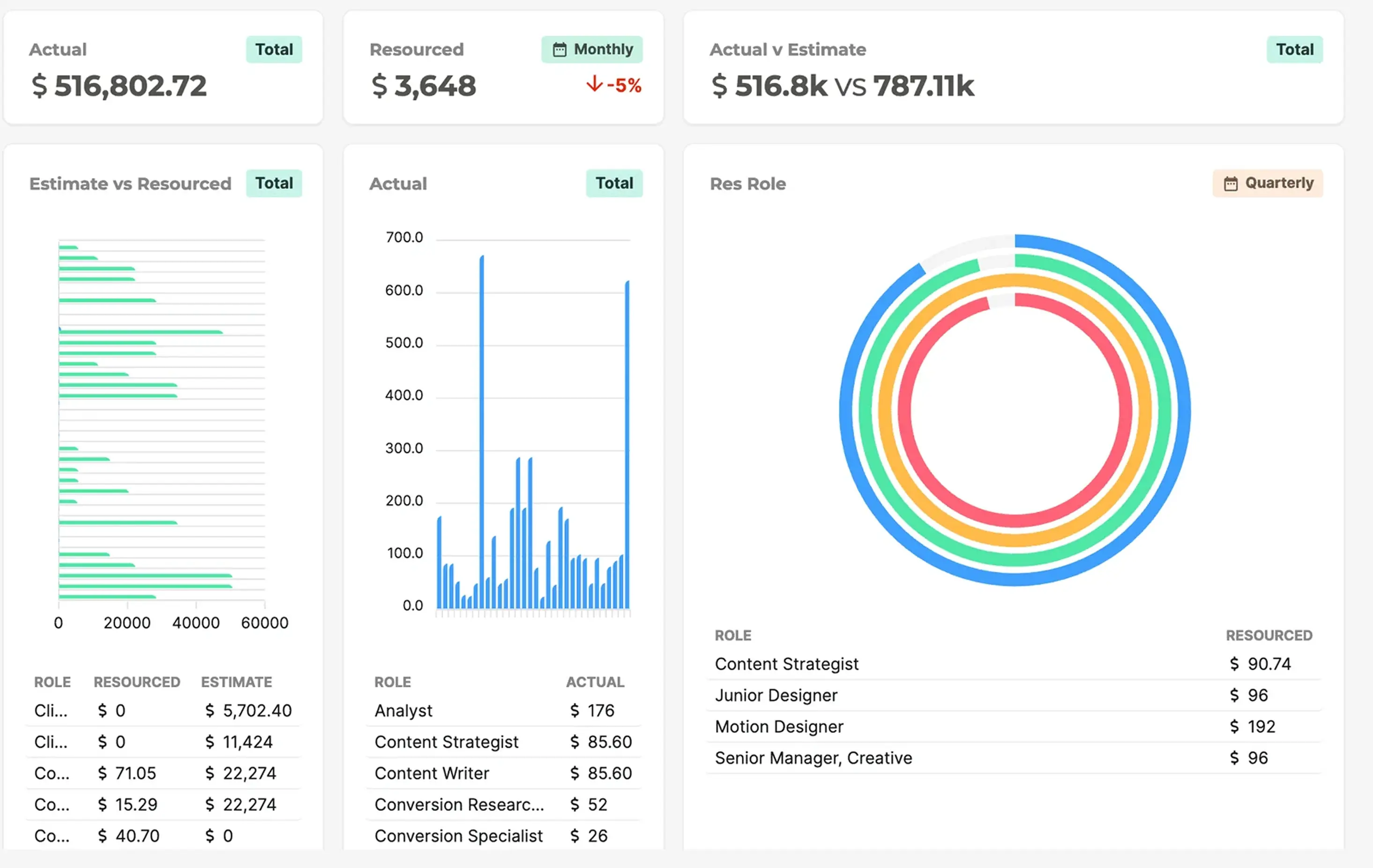
Check how recorded hours compare with the estimate, and where freelance costs and production expenses go. Only a third of agencies in our survey logged hours as they worked, so time-entry process matters. For retainers, test what happens when work exceeds the monthly allowance and needs an extra charge.
Have finance follow approved timesheets through to an invoice. Does the margin report include staff, freelancer and production costs? Check what needs to be entered again and whether finance can explain how the figures were calculated. Our guide to project profitability strategies for agencies, covers what to monitor.
Check what clients and freelancers can see and do. Clients may need progress updates and a way to review work, while internal costs and margins should stay private. For integrations, establish which records pass between the systems, how they are updated and whether the connection costs extra.
Your main operational problem is the best place to start.
Compare Magnetic, Productive, Scoro, Workamajig, Kantata OX and teamwork.com on Optimise. These connect delivery with financial management, making them more relevant if you cannot easily establish what a completed job cost. Our free overservicing calculator can help estimate the cost of hours worked beyond the initial quote.
Look at native proofing in Workamajig, Teamwork.com, Wrike, Screendragon and ClickUp on Business. A PSA platform with dedicated proofing software is another option if you need more detailed review features alongside project finance. Compare the actual review process and the combined cost before choosing.
The billing details matter. Have each vendor demonstrate your monthly allowance, an extra request and work carried into the next period. Follow the hours through to the invoice, A feature called "retainers" may not handle the rollover or additional charges your contracts require.
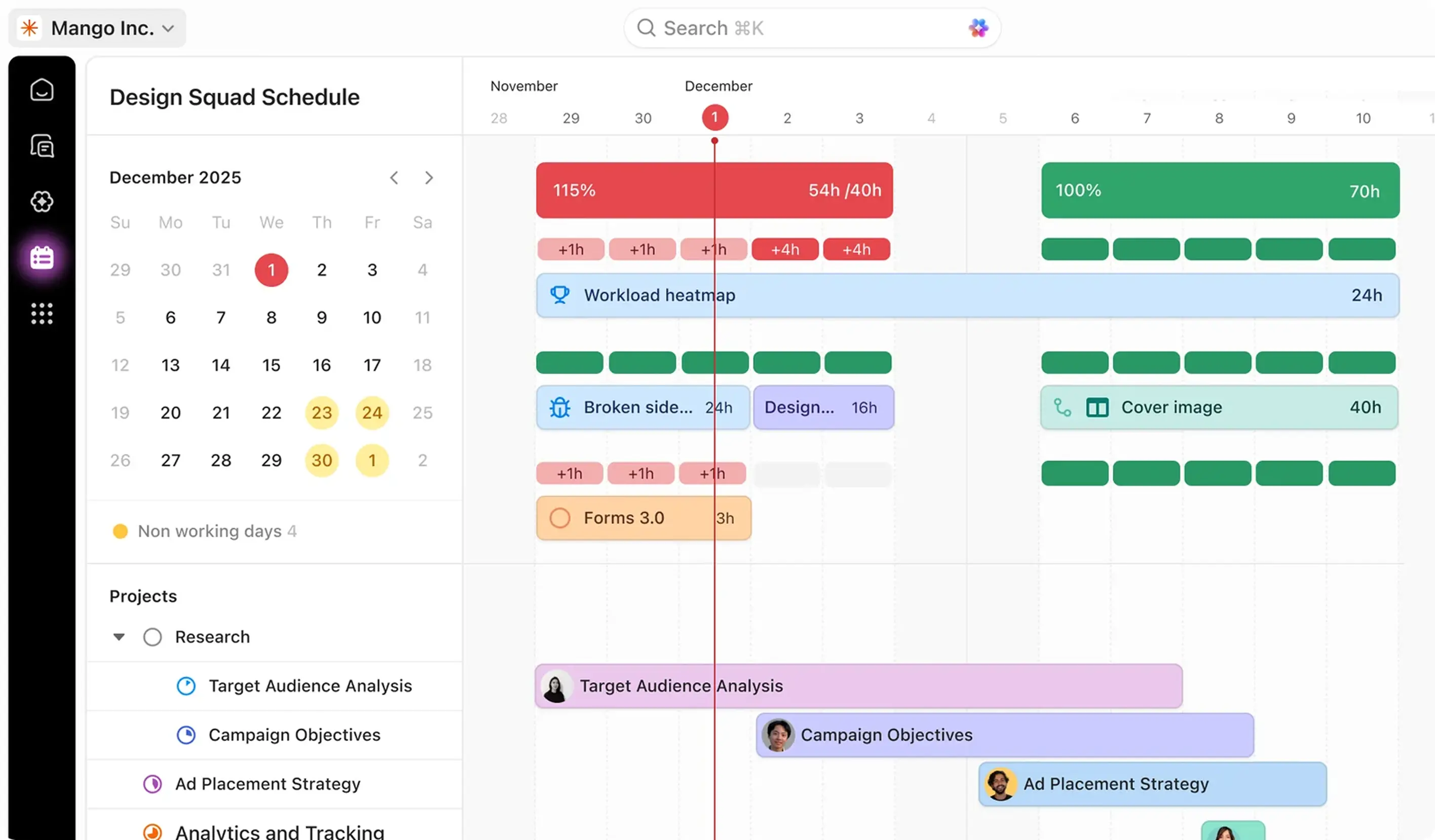
Compare Magnetic, Productive, and Scoro for confirmed and tentative work. Magnetic includes pipeline opportunities in capacity planning, alongside booked work and leave. Kantata OX, Screendragon and Teamwork.com Optimise also support provisional planning. Test skills matching, availability, and changes to project dates before work is signed. If availability is your only problem, a standalone schedules such as Resource Guru may be enough. Our guide to resource management for agencies explains the decisions involved. Use the results to decide whether to reassign work, adjust deadlines or add capacity.
Team size also changes the calculation. A studio of 15 people may find one system easier to maintain than several specialist tools. Productive, Teamwork.com, Basics and monday.com start at three seats. Magnetic, Scoro and Teamwork,com Accelerate at five; Workamajigs published pricing starts at ten. Agencies with 20 or more people and several retainers look closely at margin reporting. With multiple offices, test shared resources, currencies, permissions and reporting across locations. A workflow that works for one office may need a difference setup across the business.
If your business extends beyond creative and marketing services, read our guide to business management tools for professional services firms which also covers consultancies and other services businesses.
Pick a recent project with a known budget, several contributors and a review round. Ask each vendor to demonstrate the same six steps using your details. This is a more useful comparison than watching different demos built around each tools strongest features. Include the people who will use it every day, especially those who manage schedules and those who prepare invoices from the teams recorded time.
Keep a record of the steps that worked, the configuration needed and any extra products required to make this a seamless process. Ask who will maintain the setup. Then, compare the full cost, including seats, integrations, migration, training and support. The most useful tool is one you can keep using after the demo is over.
These three customers show what swiching to Magnetic in different agencies. The results below are reported by customers and published by Magnetic rather than independent research.
SuperHeros is an independent creative advertising agencies with more than 40 people across Amsterdam, New York and Singapore. Before Magnetic, it operated using seperate tools for project management, forecasting, invoicing and resource planning. The agency brought those functions into Magnetic and later reported 40% less administrative work.
Read the SuperHeros case study
Happy Friday Creative, a full-service agency in Cape Town was duplicating tasks and reconciling time manually. Team availability was also difficult to see. It set up billing rates and resource profiles in Magnetic, then trained staff on tasks, timesheets and the scheduler. The agency reported a 30% reduction in admin across task creation, time reconciliation and coordination.
Read the Happy Friday Case study
Hoorah Digital is a full-service marketing agency with more than 50 people, headquartered in South Africa. It used WorkBook during its earlier growth then added service lines, a second city and teams working inside client's businesses. The agency migrated historical data to Magnetic and ran both systems in parallel during a phases rollout. Both offices and the teams in clients' businesses now use one platform, with project setups for creative production and media.
Read the Hoorah Digital case study
A new tool needs agreed working routines. These six practices help your team adopt it while client projects continue.
For agencies managing retainers and shared teams, resourcing, project delivery, time and billing need to work together. Magnetic is a strong fit for these agencies, with sales and forecasting in the same system. If artwork approval is your priority, compare native proofing or include a dedicated integration in your budget.
Magnetic brings sales, project delivery, resourcing and finance into one system. You can plan confirmed and tentative work, manage tasks and timesheets, track project profitability and prepare invoices from the same project data. Get started with a free 14-day trial or book a demo to get a guided Magnetic walkthrough.
Vendor sources reviewed on 9 October 2026. Feature access and prices can change; check the linked plan pages when buying.
Magnetic: Pricing and plan comparison; Project management; Resource planning; Timesheets; Automations; Signed opportunities; Estimate-to-tasks; Team Scheduler; Resource capacity dashboard; Timesheet approvals; Google Calendar integration; Outlook Calendar integration; Over-servicing dashboard; Ziflow integration.
Productive: Pricing; Billing and seat minimums; Placeholders; Tentative bookings; Resource requests.
Scoro: Pricing; Modular pricing model; Pricing configurator; Project management.
Workamajig: Pricing and implementation; Deliverables and supported file types; Resource management.
Kantata OX: Request pricing; Product choice; Skills overview; Managing allocations; Time and expense; Proofing removal; Staffing & Capacity dashboard.
Teamwork.com: Pricing and feature comparison; Proofs; Create a proof; Client user licenses.
ClickUp: Pricing; Time-tracking limits; Workload limits; Using Workload view.
Wrike: Pricing; Proofing; Approvals; Pinnacle features.
monday.com: Pricing; Plan types; File annotations; Enterprise resource management.
Screendragon: Pricing; Creative workflow; Estimates and scopes; Financial Reporting Dashboard.
Magnetic research: Agency Best Practices Guide, based on 104 agencies surveyed in 2019 and 2020.
Magnetic customer case studies: SuperHeroes; Happy Friday Creative; Hoorah Digital.
Resource Guru: Pricing.

Agencies juggle multiple clients, deadlines, and deliverables at once. Without a central system, it’s easy for communication to break down and deadlines to slip. Project management software keeps everything - tasks, timelines, and resources, visible and organised in one place.
The biggest pain points include scope creep, poor resource allocation, unclear communication, and inefficient collaboration. These issues often lead to overworked teams, missed deadlines, and unhappy clients.
It provides clear visibility into project timelines, deliverables, and resource capacity. Features like task tracking, milestone setting, and real-time updates help project managers catch issues early and keep projects on course.
Key features include task management, time tracking, collaboration tools, file sharing, and real-time reporting. Together, they help streamline workflows, improve accountability, and give teams the clarity needed to deliver projects efficiently.
Start with a clear rollout plan: assess team needs, provide hands-on training, define processes, and introduce the tool gradually. Ongoing support, open communication, and internal champions help ensure long-term adoption and success.
Agencies typically see measurable gains in productivity, improved deadline management, and better workload balance. With Magnetic, teams also gain real-time visibility into performance and profitability, helping agencies scale smarter and deliver consistently great work.
Jenna Green
Head of Growth
at Magnetic
Jenna Green leads marketing at Magnetic. She's worked across agencies, startups, and B2B SaaS, giving her first-hand experience of the operational challenges service firms face.


Magnetic is an all-in-one workflow management platform designed and built for professional services firms.

.svg)