 Global


Project-based firms have spent years stitching together a CRM, a spreadsheet for estimates, a planning tool, a timesheet app, an expenses app, a reporting tool and an accounting package, then chasing the gaps between them. The new Magnetic closes those gaps. It is as close to a full ERP as a professional services firm can get without the general ledger, and the ledger stays in the accounting system you already trust.
Agencies, consultancies, engineering and architecture practices and every other firm that sells time and expertise will find the same idea everywhere: enter information once and let it flow through the whole life of the client relationship.

“Time and again, I have seen teams pour their energy into projects, only to find out much later whether the job was actually profitable. Usually, the numbers are scattered across different systems, so you are always playing catch-up. Magnetic has been bringing those numbers together for years, and we rebuilt it to go further. When a client changes direction halfway through a project, you do not have to wait for the dust to settle to know where you stand. You see the impact straight away, while you still have options.”
 René PraestholmCEO, Magnetic
Projects, time, and money have always been at Magnetic’s core, and that hasn’t changed. What has changed is everything built on top of that foundation. The new Magnetic reflects years of listening to customers, expanding and refining the workflows you depend on, and taking you from the first opportunity through to month-end close.
Relationships are where every engagement begins, and in the new Magnetic, that’s where you start too. All your companies, contacts, and opportunities are already part of the same system you’ll use to plan, deliver, and invoice, so when a deal closes, you can hit the ground running.
From prospect to approved Client
Keep prospective companies separate from approved Clients. Create opportunities for Prospects while reserving projects for approved Clients, so finance always knows who has been checked and approved.
See your pipeline on a timeline
Each opportunity holds its own value, probability, closing date, and expected duration. Magnetic lays these out on a timeline, giving you a clear picture of not just the numbers, but what’s ahead and when.
Kanban boards with live totals
Move deals from stage to stage and see your weighted and unweighted totals adjust instantly.
Opportunities converted to projects in one step
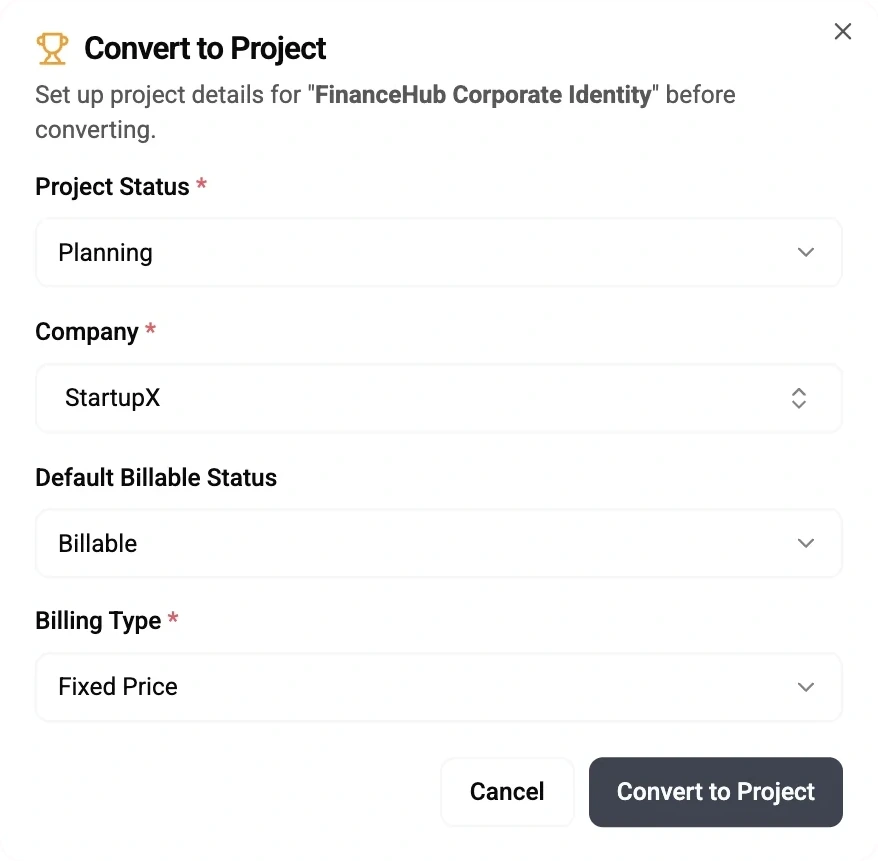
Converting an opportunity creates the project with the Client, budget, team and description carried over, ready for planning.
Sync with HubSpot
If your sales team lives in HubSpot, map your own portal's fields and stages and keep companies and deals in step.
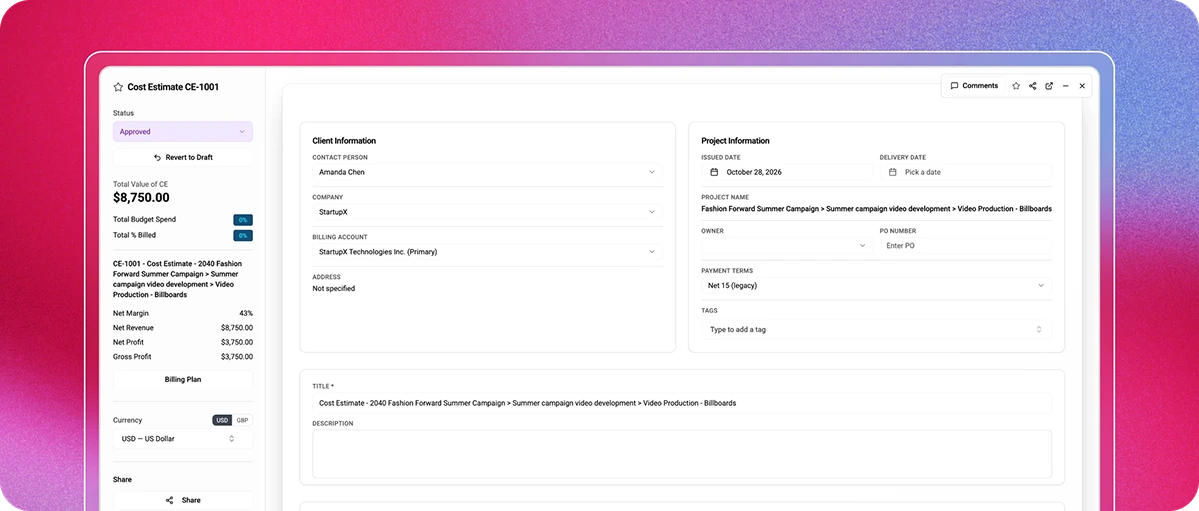
Cost estimates are now a complete commercial tool. Build them from rate cards and item types – or setup your products, apply a percentage or fixed discount.
Planning in Magnetic now feels like using a dedicated planning tool, with every schedule anchored to the real work you've sold. Every hour you plan is directly linked to your project budgets, so what you see always reflects your commercial reality.
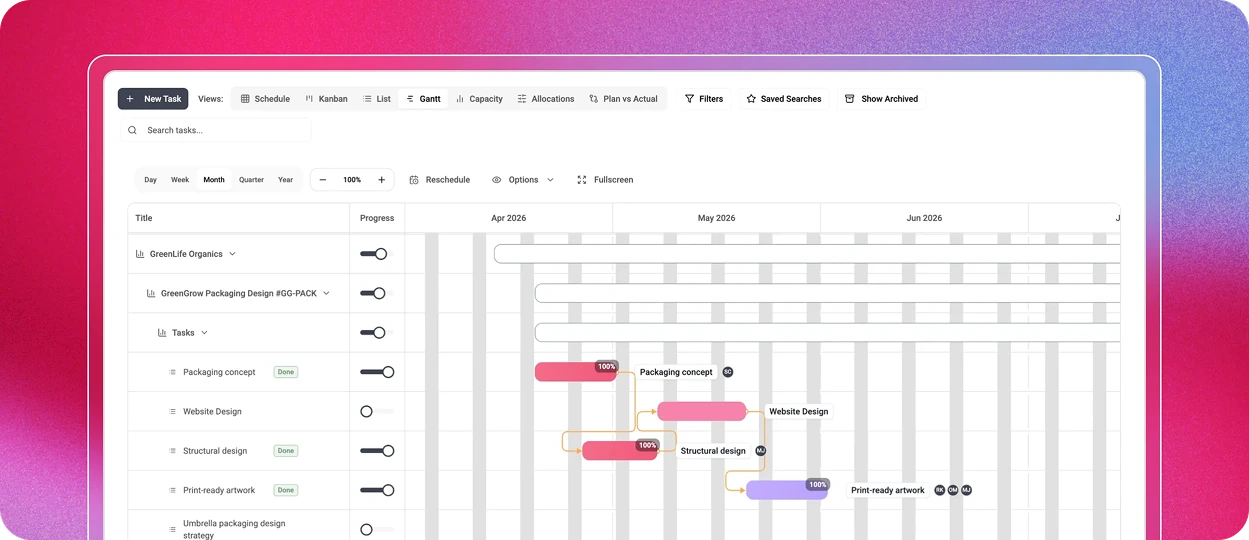
The redesigned Gantt chart includes finish-to-start dependencies, a critical path, phases, milestones, baselining and full-screen editing. Save a locked baseline to show the Client how the plan has moved since it was agreed and export the timeline as a PNG or a branded PDF.
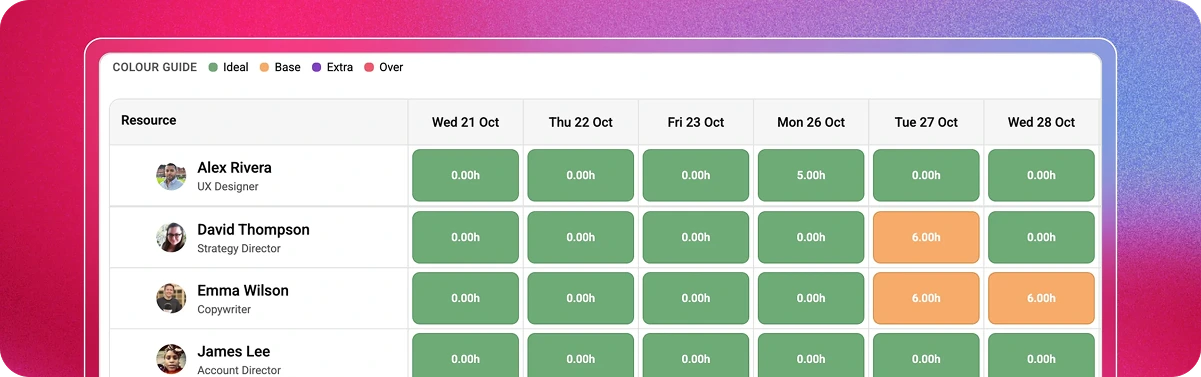
Drag and drop work between people and days, and filter by team or department. The capacity heatmap colours every day from ideal to over, using a clear four-colour system. Tentative bookings appear with a striped design and are excluded from firm capacity counts, so you can pencil in work without losing sight of the real picture.
Work happens in conversations. The new Magnetic brings those conversations into the project, and takes the project into the places your team already talks.
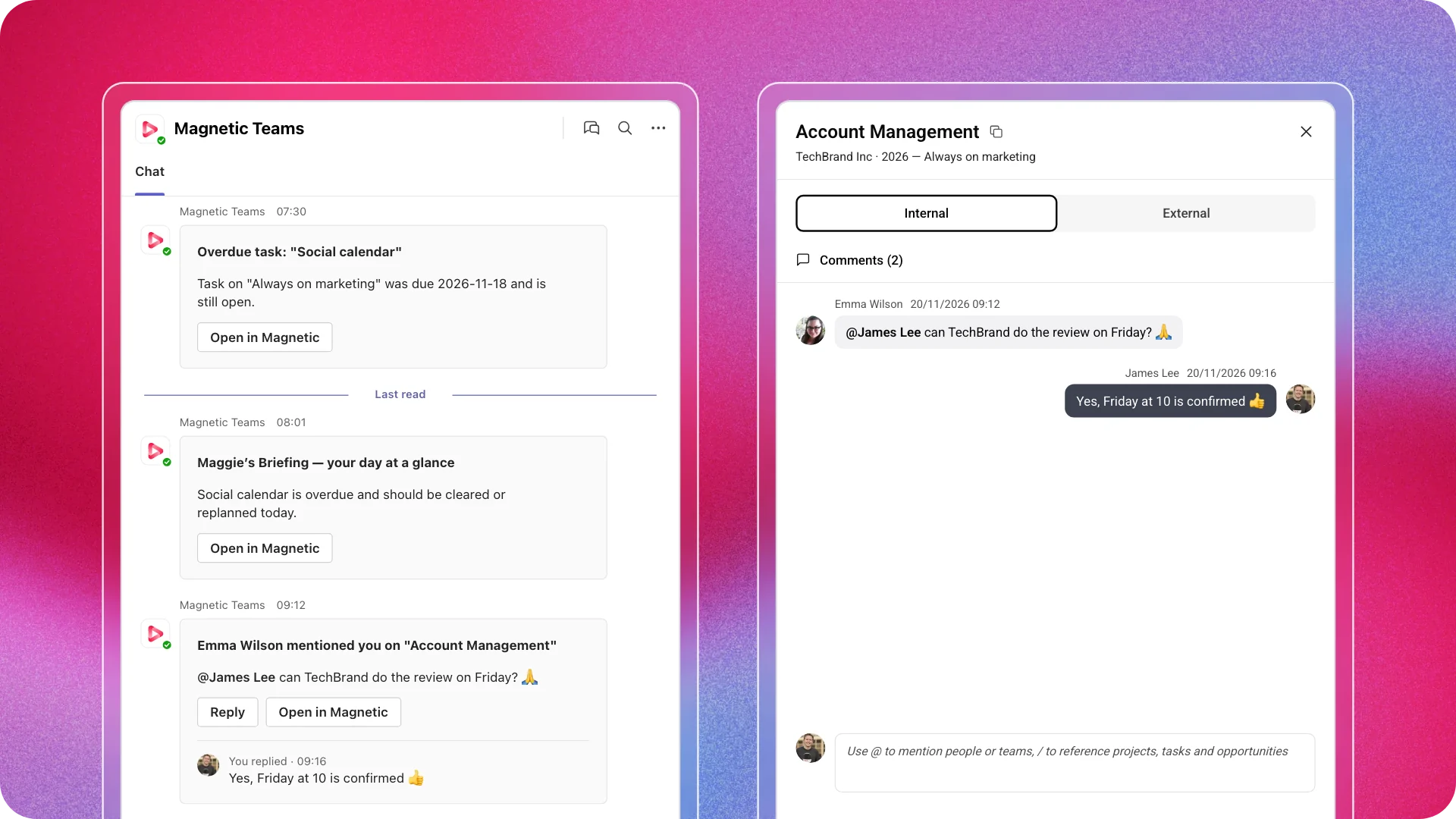
Link a project to a Teams or Slack channel, or let Magnetic create a private channel with the project's Watchers as members. Add a Watcher in Magnetic, and they join the channel; the experience is the same in both directions.
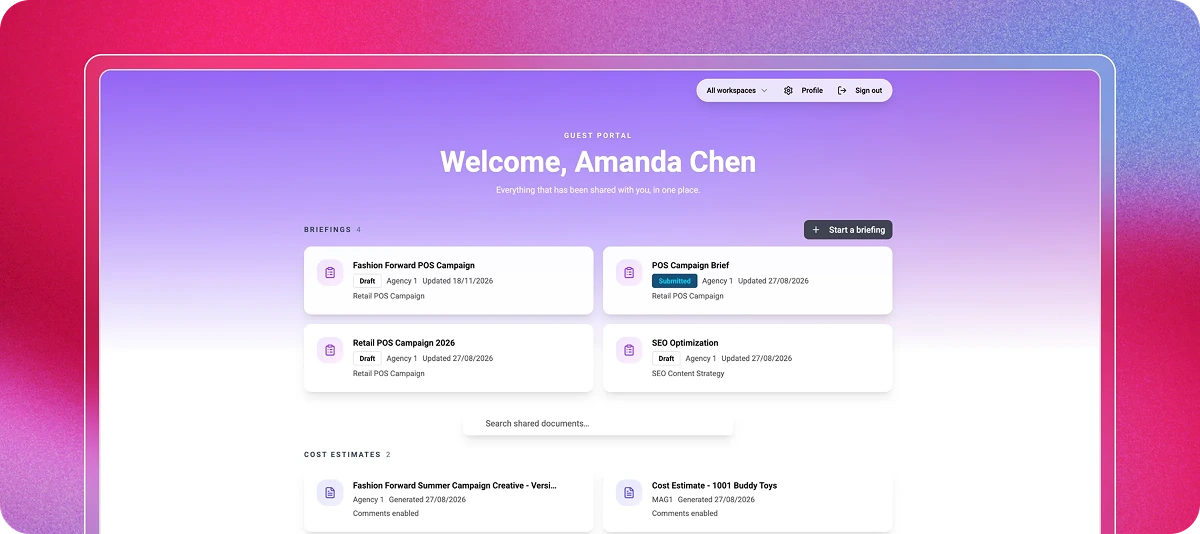
Clients view, comment on and approve finance documents, briefs, timelines and files in a guest portal styled as your firm. Guest brief forms collect what you need up front, and live status reports give Clients a view of one or several projects.
In Magnetic's Agency Benchmarking Survey of 104 agencies (2019/20), 59% said the time it takes to get feedback was one of their biggest challenges in getting client sign-off, and 53% used email to manage and approve client work. The portal removes that bottleneck.
Each project has a single activity feed combining comments, approvals and changes. Reply to comment emails straight from your inbox, @mention colleagues, and attach files. Watchers keep the right people informed.
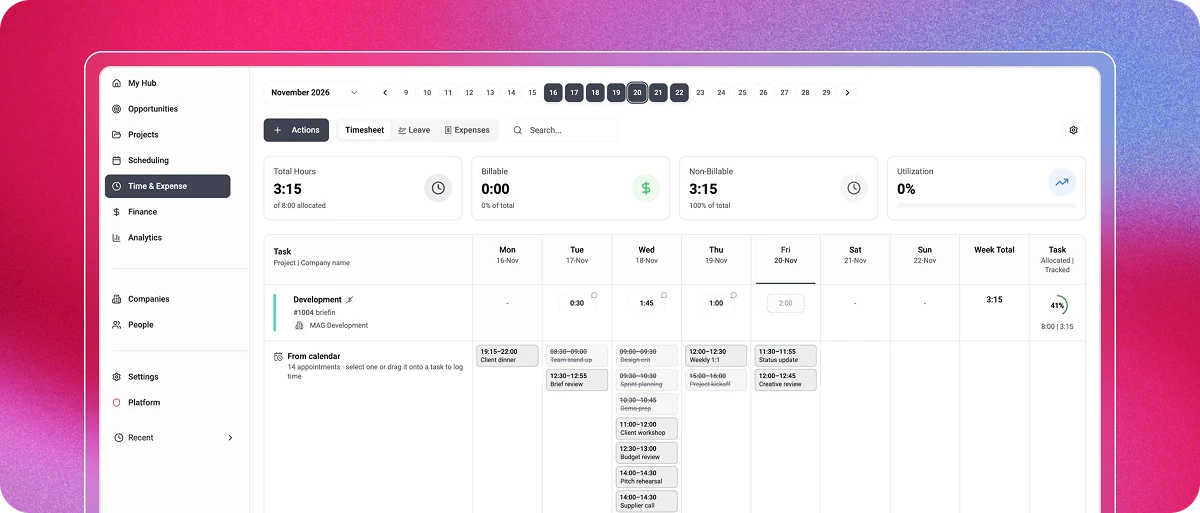
Accurate numbers start with accurate capture. Magnetic makes the right thing the easy thing.
Invoicing is where small errors become expensive. The new Magnetic is designed so what you invoice is exactly what you agreed to.
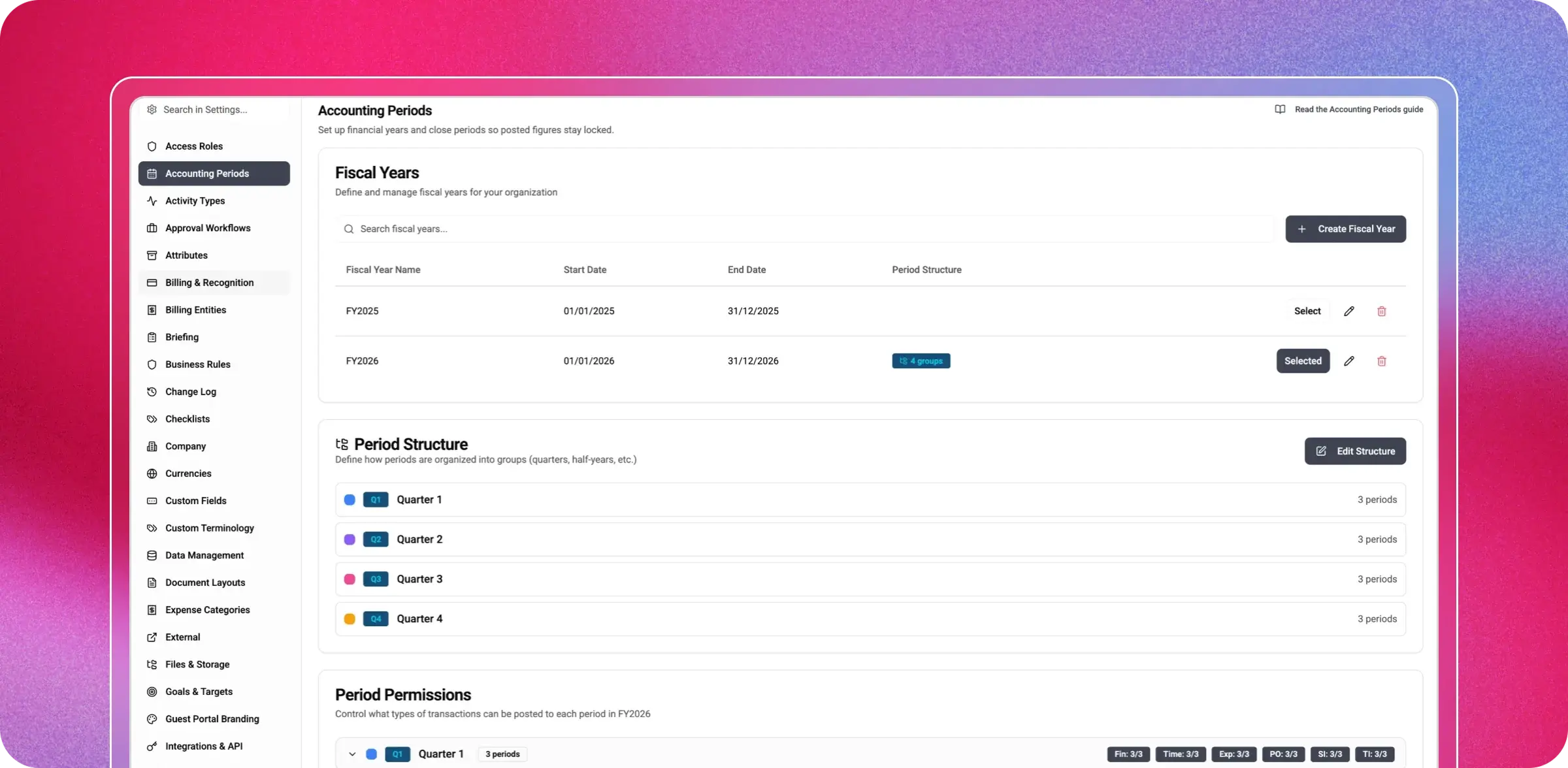
This is where the new Magnetic leaves typical project tools behind. Finance teams can value work in progress, adjust it, send it for approval and post a draft journal to the accounting system for a bookkeeper to review.
Project postings, including sales invoices, are part of Finance & Billing. Revenue recognition and work-in-progress adjustments are included in the Advanced Accounting & Revenue add-on. The general ledger stays where it belongs: in your accounting system.
One retainer agreement can fund several projects for the same Client. It records how the retainer is charged, the period, whether unused amounts carry over and how revenue is recognised. Time, expenses, purchase orders and supplier invoices on linked projects count against it.
Every agreement shows what was bought, what has been used, what remains and a forecast for the end of the period. Retainer reports are designed to share with Clients, excluding cost and margin.
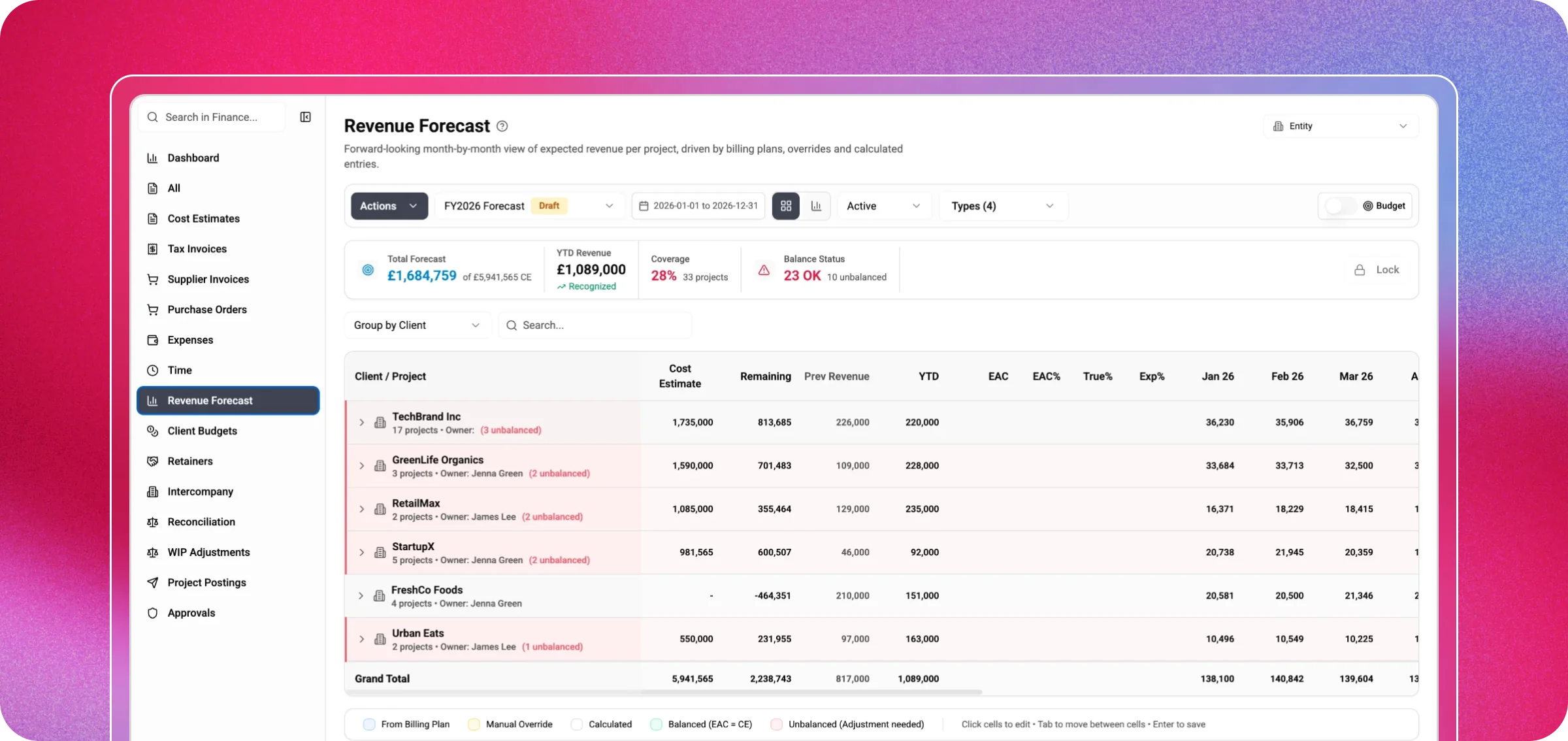
A month-by-month grid shows expected revenue for every project. Issued estimates fill and lock the months their stages are due, retainer revenue is calculated for you and issued invoices sit alongside the forecast. Lock a version for sign-off, start the next draft and compare the bottom-up forecast with annual Client budgets.
In the same 2019/20 survey, 30% of agencies listed not knowing which projects and Clients were profitable as one of their finance team's biggest challenges. The new Magnetic makes that question easy to answer.
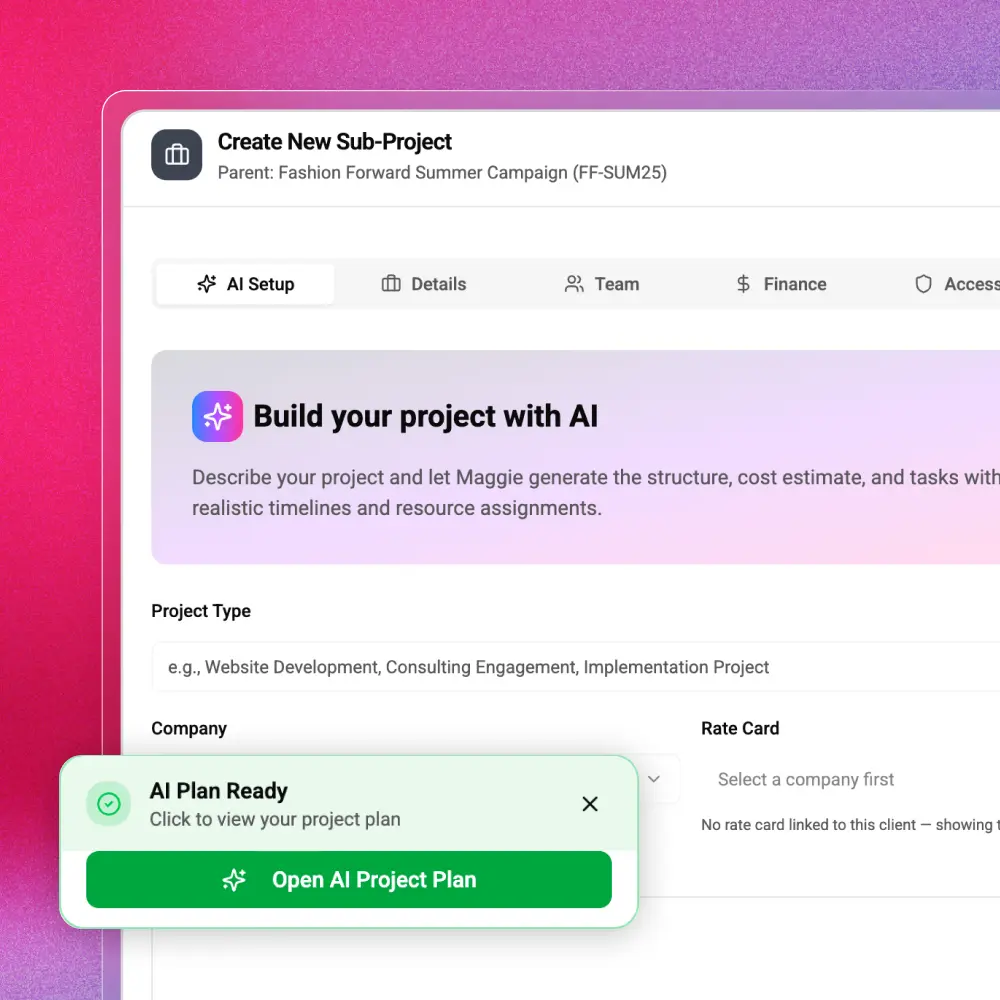
Describe the work, and Maggie drafts the project structure, cost estimate and tasks, with timelines and suggested people. But Maggie goes far beyond setup. In plain language, you can ask her to reschedule tasks, log or approve time, approve leave, edit a draft invoice, close a retainer period, lock an accounting period, propose revenue recognition, build a report or create a dashboard widget.
Ask which projects are over budget this month, and she answers using your firm's data, within your own permissions. Before saving anything, Maggie shows exactly what will change and waits for your confirmation, and the record's history marks it as 'via Maggie'. Some areas, such as business rules and people management, are deliberately off-limits to her.
Under the surface, the new Magnetic is built to the standard larger firms expect, and that smaller firms deserve.
Sales, delivery, resource management, finance, and leadership can finally work from a single source of truth. No more tracking down updates across different tools or keeping spreadsheets up to date. In the new Magnetic, each stage builds on the last: opportunities become estimates, estimates turn into plans, plans lead to timesheets,
timesheets generate invoices, and invoices wrap up the month. It’s all connected and seamless, with Maggie there to help at every step.
We’ve taken Magnetic to a whole new level. Now, it’s your turn to explore what’s possible.
Book a 60-minute demo. See the new Magnetic in action, with your own workflows in mind 👉 Book a demo

The biggest release in Magnetic's history connects winning work, planning, delivery, billing, and month-end in one platform, with an AI colleague working alongside everyone in your firm. This release rebuilds Magnetic, with a new interface and a new engine. Every area works from the same companies, projects and people, so a number means the same thing on every screen.
Describe the work, and Maggie drafts the project structure, cost estimate and tasks, with timelines and suggested people. In plain language, you can ask her to reschedule tasks, log or approve time, approve leave, edit a draft invoice, close a retainer period, lock an accounting period, propose revenue recognition, build a report or create a dashboard widget. Before anything is saved, Maggie shows exactly what will change, waits for your confirmation, and records the history as 'via Maggie'.
Maggie runs on your organisation's OpenAI or Anthropic (Claude) account, with a choice of current models. Admins choose which access roles can use her.
Link a project to a Teams or Slack channel or let Magnetic create a private channel with the project's Watchers as members. Comments, replies, emoji reactions, edits and deletions sync both ways, with replies nested in the right thread.
Xero, QuickBooks Online, Visma e-conomic, NetSuite and Microsoft Dynamics 365 Business Central, connected per billing entity, with payments flowing back.
Yes. You can keep the files you upload in your own SharePoint, OneDrive or Azure Blob Storage, with a lower-cost archive location for archived projects.
Jenna Green
Head of Growth
at Magnetic
Jenna Green leads marketing at Magnetic. She's worked across agencies, startups, and B2B SaaS, giving her first-hand experience of the operational challenges service firms face.


Magnetic is an all-in-one workflow management platform designed and built for professional services firms.